

The best page to update next is usually one that already ranks. It has lost clicks since its peak, it sits just outside the top results for a query, or it gets plenty of impressions but few clicks. Google Search Console holds all of that data. However, its reports were not built to turn that data into a ready list of pages to refresh.
Search Console tools close that gap. Some, like SEOTesting and Clearscope, flag content decay for you. Others, like Search Analytics for Sheets and Data Studio, pull more rows out of the API so a spreadsheet or dashboard can do the sorting. The eight tools in this guide all read Search Console data, and each one answers the same question in a different way: which page deserves the next content update?
Search Console tools compared for content update planning
| Tool | What it flags | Where it works | Starting price |
| Google Search Console | Trending up and down pages and queries, period comparisons | Web app | Free |
| SEOTesting | Content decay, cannibalization, CTR opportunities | Web app | $50/month |
| Clearscope | Content decay by clicks lost from peak | Web app | $129/month |
| Search Analytics for Sheets | Any query or page pattern, with scheduled backups | Google Sheets add-on | Free, with paid features |
| Data Studio | Custom page and query reports over time | Dashboard | Free |
| Screaming Frog SEO Spider | Clicks and index status next to crawl data | Desktop crawler | $279/year |
| Rank Math Analytics | Winning and losing keywords and posts | WordPress plugin | Free, PRO from $8.99/month |
| Site Kit by Google | Search performance inside WordPress | WordPress plugin | Free |
Signs a page needs a content update in Search Console data
Before choosing a tool, it helps to know which signals point to a refresh. Each tool in this list surfaces one or more of them.
- Content decay: A page earns fewer clicks than in its best month. The topic may have changed, or competitors may have published fresher pages.
- Striking-distance queries: A page ranks around positions 8 to 20 for a query. In that case, a new section or a better heading can move it onto page one.
- High impressions, low CTR: The page shows up often but rarely gets clicked. So the title and meta description are the first things to rewrite.
- Keyword cannibalization: Two pages compete for the same query. As a result, merging them or sharpening one of them often helps both.
- Index problems: A page that is not indexed cannot rank, no matter how good the update is.
Best Search Console tools for content refresh ideas
Each tool was judged on how directly it points to a page worth updating, how much setup it needs and what it costs.
Google Search Console
Google Search Console is the free Google tool that reports the clicks, impressions, CTR and average position a site earns in Google Search. Its numbers come straight from Google, so every other tool on this list builds on the same data. The Performance report keeps 16 months of history, which is enough to compare a page with the same months a year earlier. For content updates, the Insights report and the Performance filters do most of the sorting.
How it helps find content to update:
- Insights report: It lists pages and queries trending up and trending down in clicks compared with the previous period. Trends are ranked by the absolute change in clicks, so the biggest losses appear first.
- Query groups: On sites with a lot of data, similar queries are bundled into groups. That makes it easier to see which topic, not just which keyword, is losing ground.
- Date comparisons: In the Performance report, a Compare filter adds a Difference column for every query or page. Google recommends weekly or monthly views, since they remove day-of-the-week swings.
- Regex filters: A Custom (regex) filter on queries or pages narrows the report to one section of the site or one question type, such as queries that start with how or why.
Limits to know: The Insights lists stop at 20 items, and the Performance report shows at most 1,000 rows in the browser. For a full list of pages, an export tool or the API works better.
SEOTesting
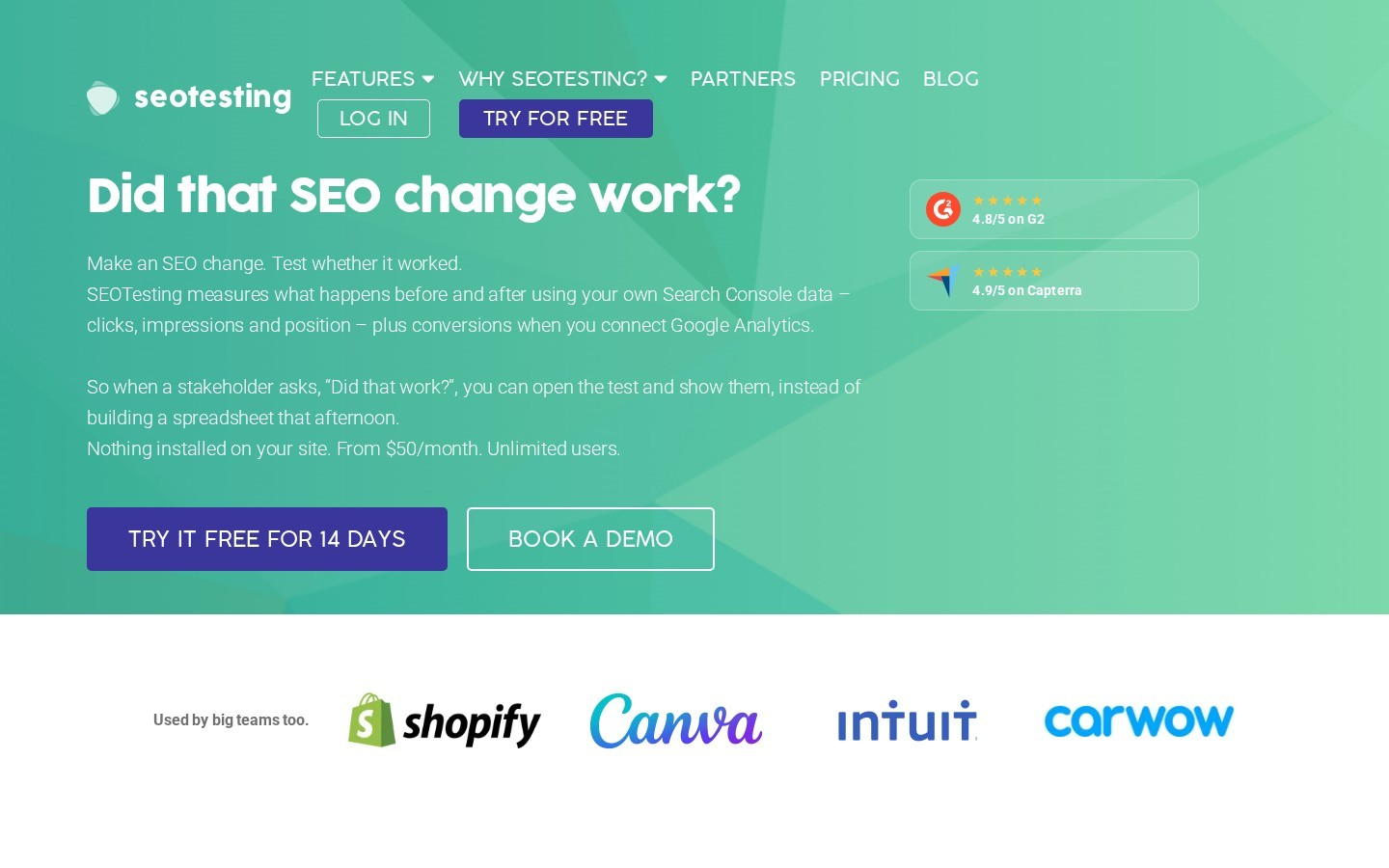
SEOTesting is a web app built on Search Console data and made for running SEO tests. It pulls data through the Search Console API, so its reports are not limited to the 1,000 rows shown in the browser. The reports are grouped by task, such as content decay, cannibalization and quick wins, instead of raw tables. For content updates, it covers both halves of the job: finding the page and proving the update worked.
How it helps find content to update:
- Content Decay report: It reviews 13 months of monthly data per page and compares the peak month of each page with the most recent month. Pages losing clicks are listed, and the peak figure links to a query comparison.
- Lost queries in one click: That link opens the Compare Queries report, so the exact queries that dropped are visible before rewriting anything.
- Other refresh reports: Keyword Cannibalization, Striking Distance Keywords and CTR Opportunities each point to a different type of update.
- Tests after the update: A before and after test then measures clicks, impressions and position, with figures that show if a lift is meaningful.
Limits to know: Plans start at $50 a month for one site, and the 14-day trial needs no card. The price makes most sense for sites that publish and update content every month.
Clearscope
Clearscope is a content optimization platform that editorial teams use to write and grade pages. Its editor scores a draft from A++ to F based on how well it covers the terms found in top-ranking pages. The Content Inventory lists the published pages of a connected site and adds a decay report built on Search Console data. As a result, a team can find a falling page and rework it in the same place.
How it helps find content to update:
- Sorted by loss: The Content Decay report lists published pages by the number of clicks lost, so the biggest drops come first.
- Three numbers per page: A 12-month sparkline of clicks, the drop from peak to the latest full month, and that drop as a percentage of the peak.
- Search and export: Pages can be filtered by title or regex and exported as a CSV for a content calendar.
- Rewrite in the same tool: After choosing a page, the same platform helps rework it around related terms and questions.
Limits to know: The decay report only works once Search Console is connected. Also, plans start at $129 a month, a price aimed at content teams rather than solo site owners.
Search Analytics for Sheets
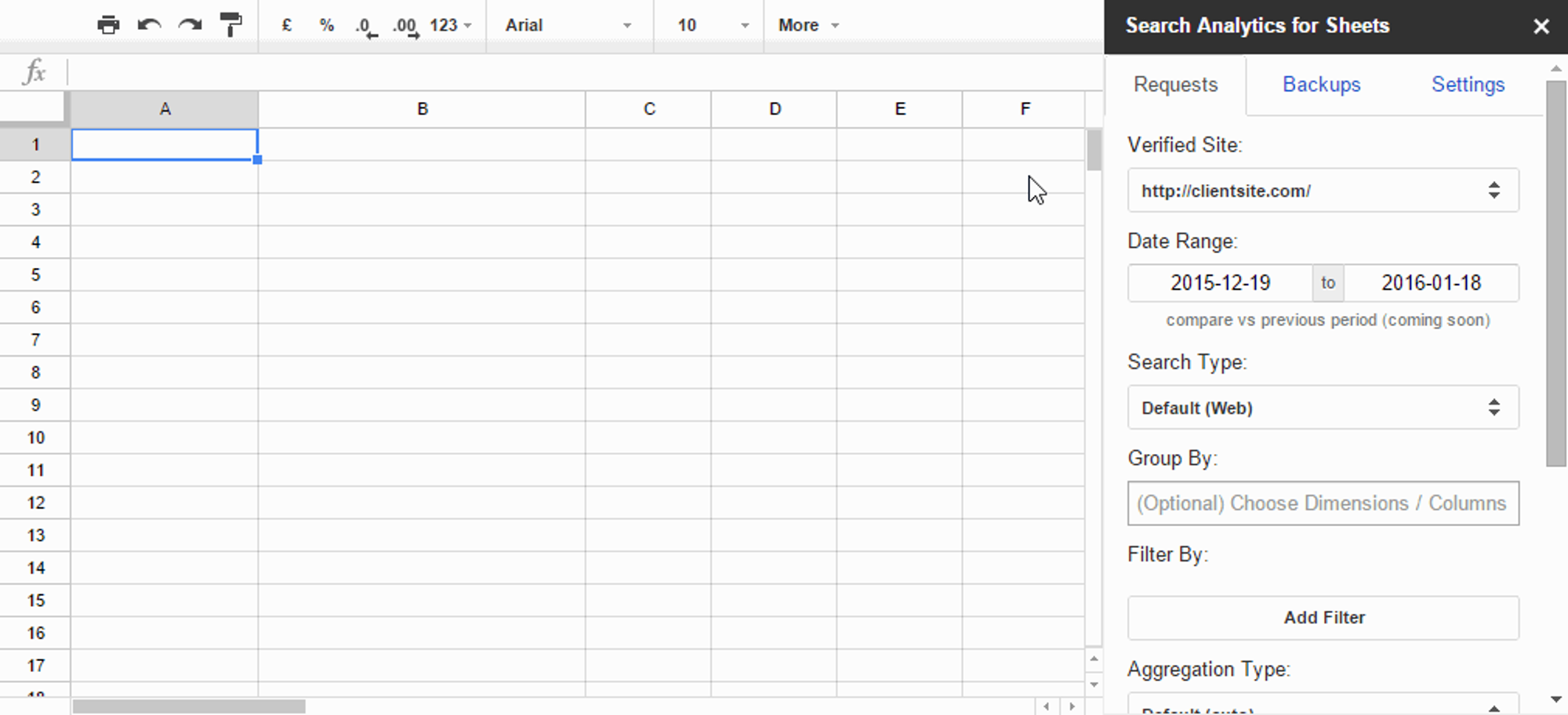
Search Analytics for Sheets is a Google Sheets add-on from Mediafy that pulls Search Console data straight into a spreadsheet. It runs from the Extensions menu, where a sidebar sets the site, date range, dimensions and filters for each request. Each pull lands in its own tab, so several views can sit side by side in one file. A free version covers manual requests, and paid plans add automated backups.
How it helps find content to update:
- More rows than the browser view: Each request can return up to 5,000 rows, the API maximum, grouped by query, page, country or device.
- Any filter you need: Once the data is in Sheets, a simple formula finds pages with high impressions and low CTR, or queries sitting at positions 8 to 20.
- Scheduled backups: Daily or monthly backups save Search Console data automatically. That way, history is kept beyond what Search Console shows.
- Index checks: Performance data can be paired with URL Inspection results to spot pages with indexing problems.
Limits to know: It gives raw data, not a ready answer, so the sorting and formulas are up to you.
Data Studio (formerly Looker Studio)
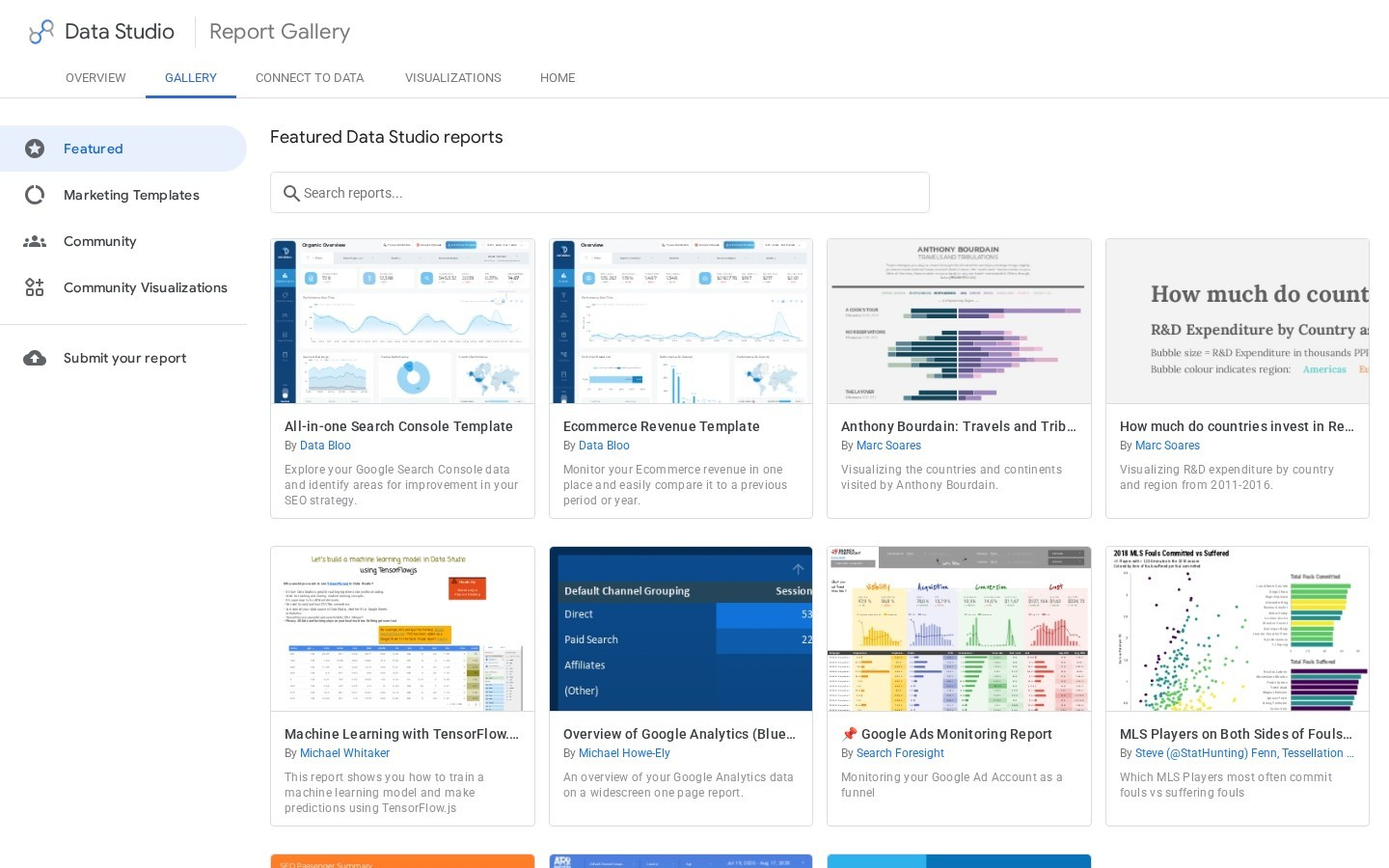
Data Studio, the free Google dashboard tool once called Looker Studio, has a built-in Search Console connector. Its report gallery also includes ready-made Search Console templates to copy. Charts, tables, filters and date controls are added by drag and drop. Reports are shared with a link, and they read live data each time they open, so a whole team sees the same numbers without exports.
How it helps find content to update:
- Page-level data: The URL Impression table reports at the page level. It covers web, image, video and news results, plus Discover and Google News.
- Saved views: A dashboard can keep a fixed table of pages losing clicks month over month, so the list updates itself.
- Mixed sources: Search Console data can sit next to other sources in the same report, such as a content calendar sheet.
Limits to know: Building a useful report takes time, and each data source uses only one table at a time. Also, Google may hide some queries for privacy, which leaves blank rows.
Screaming Frog SEO Spider
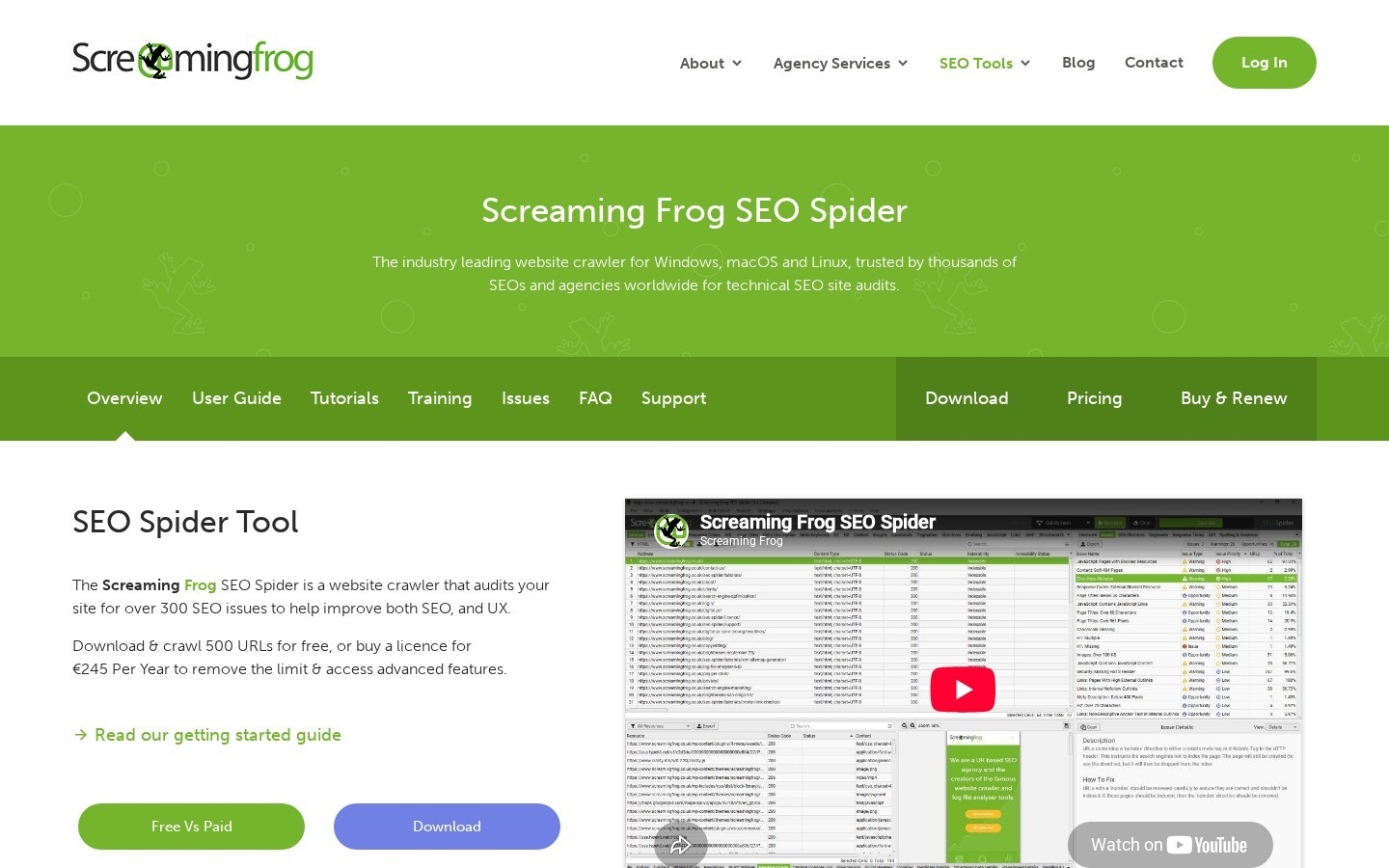
Screaming Frog is a desktop crawler for Windows, macOS and Ubuntu that collects titles, headings, status codes and links the way a search engine bot would. It can also pull Search Console data during a crawl, so traffic and technical health appear side by side for every URL. The free version crawls up to 500 URLs, but the Search Console connection needs a paid licence. It is set up under Configuration, API Access, Google Search Console. You can explore some of the best Screaming Frog alternatives to explore even more data.
How it helps find content to update:
- Clicks next to page data: Impressions and clicks land in the Search Console tab, next to titles, word counts and headings from the crawl.
- Index status: The URL Inspection API adds index status, coverage, rich results and mobile usability for each URL.
- Ready filters: Filters such as URL Is Not on Google and Indexable URL Not Indexed show pages to fix before any rewrite.
- Orphan pages: Pages with search data but no internal links can be found and linked again.
Limits to know: Google limits the URL Inspection API to 2,000 queries per day per property. A licence costs $279 a year.
Rank Math Analytics
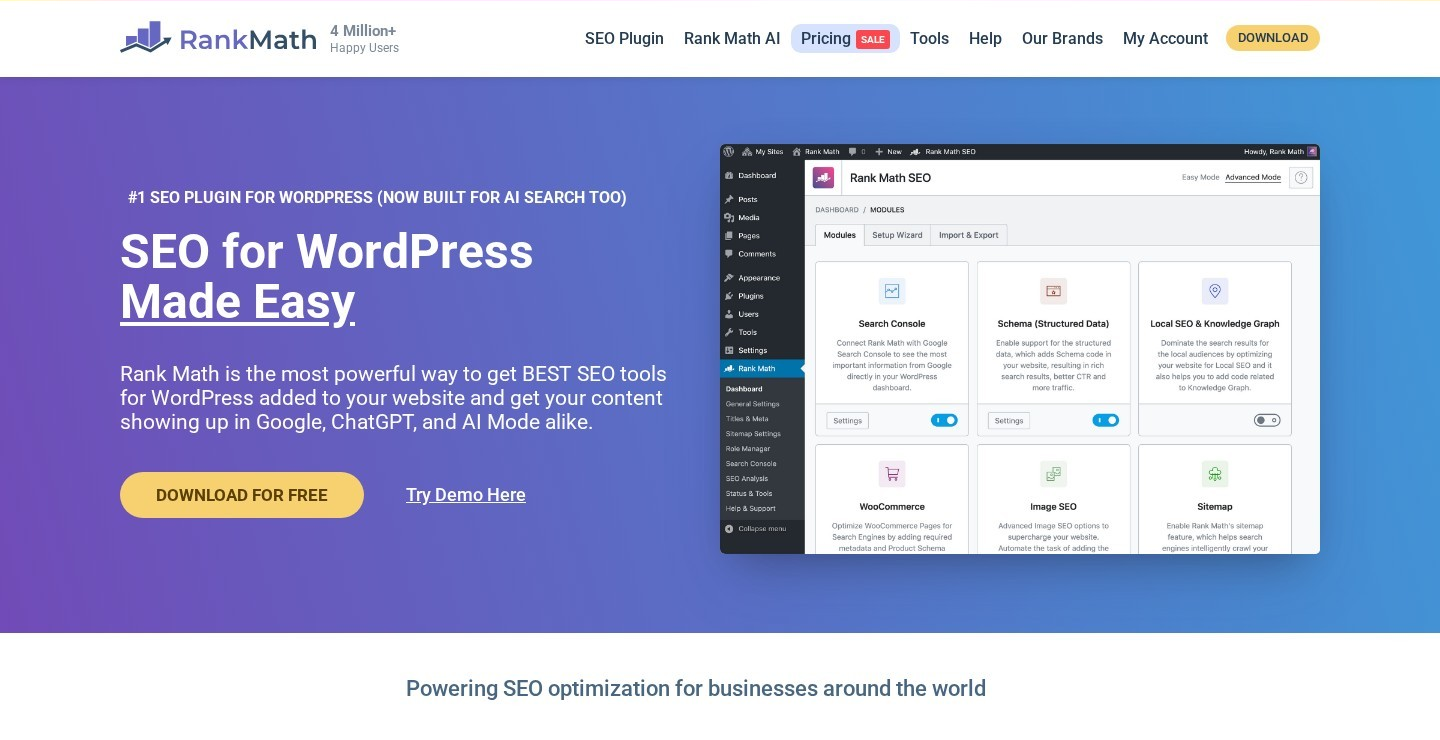
Rank Math is a WordPress SEO plugin, and its Analytics module shows Search Console data inside the WordPress dashboard. The module is connected to a Google account during setup. Once linked, it stores the data in the WordPress database and charts it by post, keyword and position. Google Analytics can be connected in the same step, so traffic and rankings sit on one screen.
How it helps find content to update:
- Winning and losing keywords: The Keywords tab shows the queries that gained or lost the most positions over the past 30 days.
- Position slabs: Rankings are grouped into top 3, 4 to 10, 10 to 50 and 51 to 100. The 4 to 10 and 10 to 50 groups are where most quick wins sit.
- Winning and losing posts: On PRO, the dashboard lists the top five posts that gained or lost the most ground.
- Index Status tab: It uses the URL Inspection API to show if each page is indexed and why.
Limits to know: Winning and losing posts and per-post data need PRO, which renews at $8.99 a month billed yearly. In addition, free accounts refresh data every 3 days instead of daily.
Site Kit by Google
Site Kit is a free WordPress plugin made by Google that brings Search Console and other Google services into the WordPress admin. One Google sign-in connects Search Console, Analytics, AdSense, PageSpeed Insights and Tag Manager. During setup, it can verify site ownership in Search Console without any code edits. Its dashboard then shows clicks, impressions and top search queries for the whole site.
How it helps find content to update:
- Search data where you write: Search performance appears on the WordPress dashboard, so editors see it without opening another tool.
- Per-page view: While viewing a page, administrators can open data for that page from the WordPress admin toolbar.
- Free and official: It is made by Google and connects to Search Console without extra cost.
Limits to know: It shows the main numbers but does not rank pages by decay or flag quick wins. So it works best alongside one of the tools above.
Monthly content update workflow with Search Console data
A simple monthly routine turns these tools into a steady list of updates.
- Pull the decay list. Open the Insights report or a decay report, and note the five pages with the biggest click losses.
- Check the lost queries. Compare the peak month with the latest month to see which queries dropped.
- Find striking-distance terms. Filter for queries at positions 8 to 20 on the same pages, and add sections that answer them.
- Fix low CTR. Rewrite titles and meta descriptions on pages with high impressions and low CTR.
- Confirm indexing. Make sure each page is indexed before and after the update.
- Measure the result. Compare clicks four to six weeks later, or run a before and after test.
Search Console content update tools: common questions
What is the best free Search Console tool for content updates?
Search Console itself, through the Insights report and date comparisons. For more rows and custom filters, Search Analytics for Sheets and Data Studio are also free.
How do I find content decay in Search Console?
Compare the last three months with the same three months a year earlier in the Performance report, then sort pages by the drop in clicks. Tools like SEOTesting and Clearscope do this comparison automatically.
What are striking-distance keywords?
They are queries where a page ranks just outside the top results, usually around positions 8 to 20. Small updates often move these pages onto the first page.
How often should content be updated?
Most sites review decaying pages every month and update the biggest losers first. The data in Search Console decides the order, not the publish date.
Start the conversation by posting the first comment