


A dentist with a six-page website opens Google Analytics to answer one question: did the mailer sent last month bring in more visits? Twenty minutes later, after Explorations, Engagement and a report that refuses to load, the question is still open. Meanwhile, a share of visitors clicked “reject” on the cookie banner, so the numbers in GA4 were never complete in the first place.
That is the usual reason small sites leave. GA4 was built for companies with analysts, ad budgets and many data sources. A small site needs to know where visitors come from, which pages they read and how many of them call or fill in a form.
Lighter GA alternatives answer those questions on one screen. Most load a script of a few kilobytes, many set no cookies at all, and several are free. The ten best Google Analytics alternatives compared in this article are most useful for small business websites because they are simple and cheap. Most cost little or nothing for a small site. They also track without cookies, so visitors who reject the banner still count. In addition, one line of code tracks a click or form send, with no Tag Manager.
What each Google Analytics alternative tracks and how to set it up
GA4 tracks pageviews and a few automatic events. However, a form send or a button click usually needs Tag Manager or custom code. The table shows what each tool tracks as soon as its script is on the site, and how a click or form send is added.
| Tool | Tracked with no extra setup | How a click or form send is tracked | Goals and funnels |
| Plausible | Visitors, pageviews, sources, UTM campaigns, pages, countries, devices | Add a class name to the button, or one line of JavaScript | Goals, funnels, revenue |
| Fathom | Visitors, pageviews, referrers, UTM campaigns, pages, countries, devices | One line of JavaScript on the button or link | Events with a money value |
| Simple Analytics | Visitors, pageviews, referrers, UTM campaigns, pages, countries, devices | Add an attribute to the link, or one line of JavaScript; an extra script tracks downloads, outbound, email and phone clicks | Events used as goals |
| Matomo | Visits, pageviews, referrers, campaigns, downloads, outlinks, site search | One line of JavaScript, or an event tag in Matomo Tag Manager | Goals, ecommerce, funnels |
| Umami | Visitors, pageviews, referrers, UTM campaigns, pages, countries, devices | Add an attribute to the button, or one line of JavaScript | Goals, funnels, retention |
| Cloudflare Web Analytics | Visits, pageviews, page load time, Core Web Vitals | Not supported yet | No goals |
| Microsoft Clarity | Session recordings, heatmaps, rage clicks, dead clicks, scroll depth | One line of JavaScript marks a session | No goals; recordings can be filtered by event |
| Pirsch | Visitors, pageviews, sources, UTM campaigns, pages, countries, devices | Add an attribute or class name, or one line of JavaScript | Conversion goals, funnels |
| GoatCounter | Pageviews, unique visits, referrers, pages, countries, browsers | Add an attribute to the link, or one line of JavaScript | Not offered |
| Clicky | Live visitors, pageviews, referrers, searches, pages | One line of JavaScript | Goals with revenue on Pro |
Google Analytics alternatives pricing comparison
| Tool | Free plan | Entry paid price | Cookieless | Self-host |
| Plausible | 30-day trial | $9/month, 10k pageviews | Yes | Yes, free CE |
| Fathom | No | $15/month, 100k pageviews | Yes | No |
| Simple Analytics | Yes, 5 sites, 1 month history | $20/month | Yes | No |
| Matomo | Free self-hosted | Cloud Business, 50,000 hits | Optional setting | Yes, free |
| Umami | Yes, 100K events | $20/month, 1M events | Yes | Yes, free |
| Cloudflare Web Analytics | Yes | Free only, no paid plan | Yes | No |
| Microsoft Clarity | Yes | Free only, no paid plan | No | No |
| Pirsch | 30-day trial | $6/month, 10,000 pageviews | Yes | Enterprise plan |
| GoatCounter | Yes, reasonable use | Donations | Yes | Yes |
| Clicky | Yes, 3,000 daily pageviews | $9.99/month, 30,000 daily | Yes, by default | No |
List of the best Google Analytics alternatives for small websites
Each tool was judged on what a small site owner deals with every day: what it can track, how easy setup is, cost, cookie banners and how fast the dashboard answers a question.
Plausible
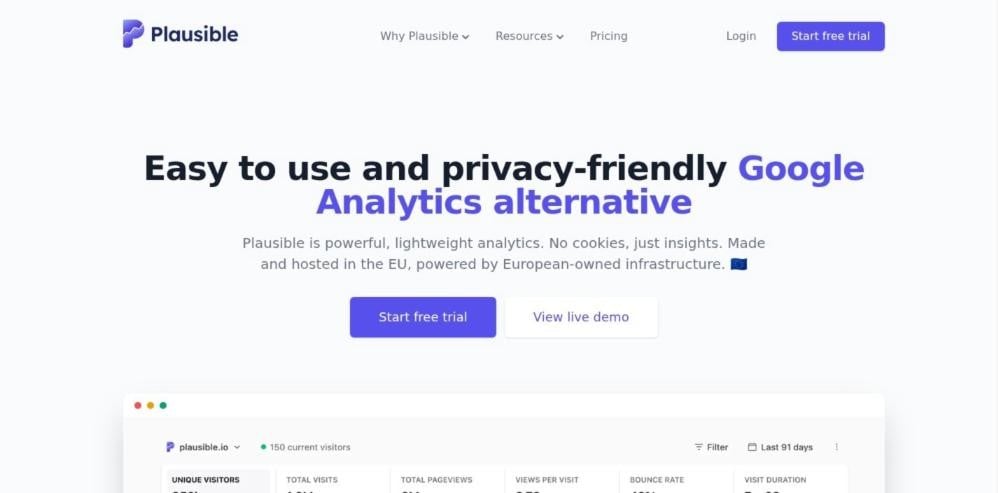
Plausible shows the whole report on one page. Visitors, sources, UTM campaigns, top pages, countries and devices all sit on a single screen, so there are no menus to dig through. The company is based in the EU, and cloud data stays on servers in Germany.
Why it is a good Google Analytics alternative:
- Simple setup for clicks: To track a signup button, add the class name plausible-event-name=Signup to it. After that, every click shows up as a Signup event. In GA4, the same job usually takes a Tag Manager trigger and tag.
- Switches instead of code: Outbound link clicks, file downloads and form sends are turned on in the site settings. As a result, the most common goals need no tagging at all.
- Extra detail when needed: A short JavaScript call, such as plausible(“Download”), can also send details like the file type. That way, one event can be split by page or button.
- Goals and sales in one place: Any event can become a goal. Goals then feed funnels, and a revenue option adds the order value to purchases.
- Light and private: The script weighs only 2.5KB and sets no cookies, so pages stay fast and no consent is needed for analytics.
Limits to know: The free Community Edition can be self-hosted, but it leaves out funnels, revenue goals and SSO. Also, there is no free cloud plan, only a 30-day trial with no card.
Fathom
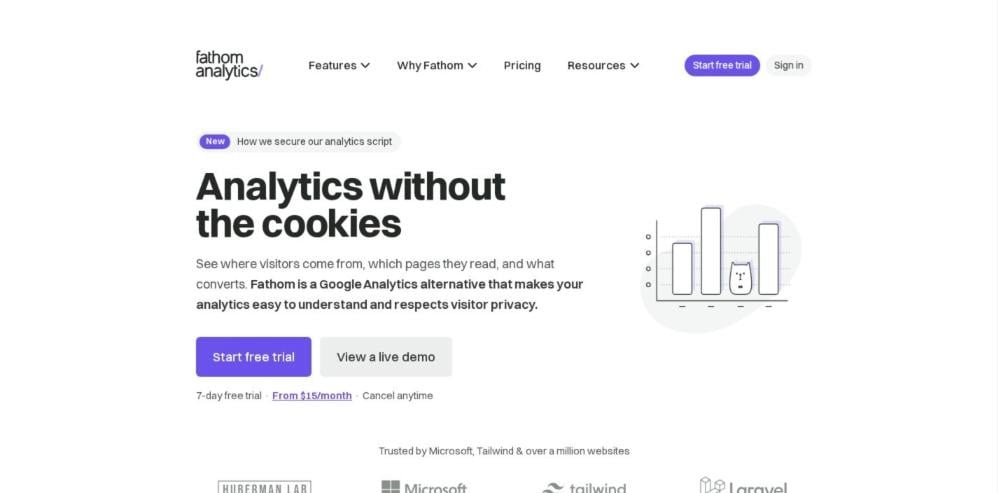
Fathom is made for people who look after many small sites. Its dashboard shows visitors, pageviews, referrers, UTM campaigns, top pages, countries and devices on one screen.
Why it is a good Google Analytics alternative:
- One bill for many sites: The entry plan covers 50 sites. For a freelancer with a full client list, the cost per site drops to well under a dollar.
- Events with no setup step: Adding fathom.trackEvent(“button click”) to a link records the click. Then the event name appears on the dashboard by itself, with no goal to create first.
- Many links at once: A short script can tag every link with the same class, such as all PDF downloads. In addition, it can name each event after the file.
- Sales tracking: An event can carry a money value in cents, so 1000 means $10.00. The currency is set for the whole site or for each event in the dashboard.
- No cookies: Like Plausible, it tracks without cookies, so it does not need a consent banner for analytics.
Limits to know: The trial lasts only 7 days and asks for a card up front. That is short for a tool that needs a few weeks of data to judge. Fathom is a Canadian company, although EU visits are routed through servers owned in Europe.
Simple Analytics
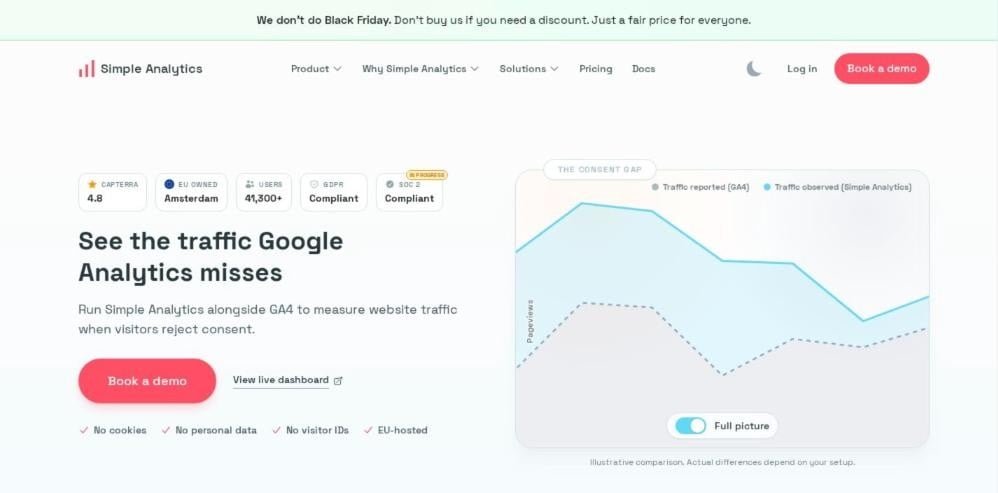
Simple Analytics keeps the dashboard short: visitors, pageviews, referrers, UTM campaigns, pages, countries and devices. Data is stored in the EU, with the main servers in the Netherlands.
Why it is a good Google Analytics alternative:
- Generous free plan: The free plan covers one user, five websites and unlimited pageviews under a fair use policy.
- Phone and email clicks with one script: An extra script records file downloads, outbound links and clicks on email and phone links. For a local business, phone clicks are often the main sign of a new lead.
- Tracking without JavaScript: Adding a data-simple-event attribute to a link or button is enough to count its clicks.
- Events as goals: Any event can be used as a goal and shown as a chart. Also, the Events Explorer breaks events down further.
Limits to know: The free plan keeps only one month of history. So a hobby owner cannot compare this spring with last spring without upgrading.
Matomo
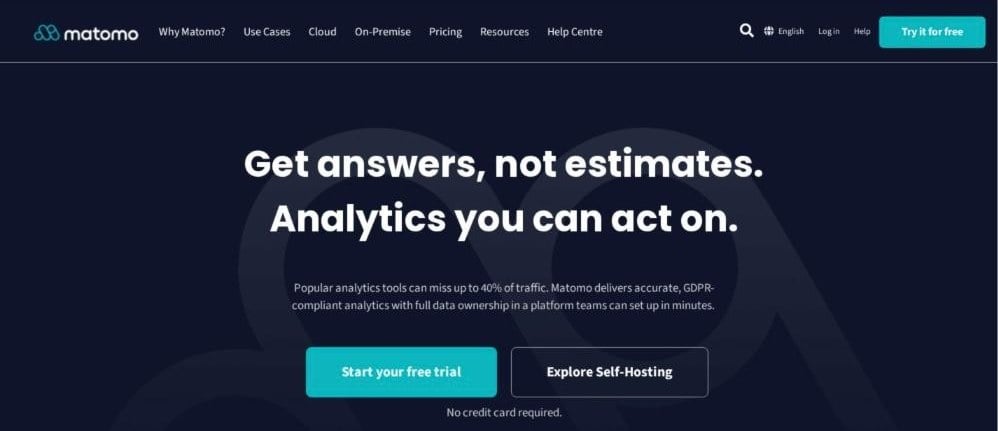
Matomo is the closest match to the old Universal Analytics reports. It has goals, ecommerce, segments and custom dimensions. On top of that, it tracks downloads, outlinks and site searches with no extra setup. Marketers can analyse website traffic sources, visitor behaviour, conversions, events, funnels, and user journeys through detailed reports. Matomo also includes advanced features such as heatmaps, session recordings, A/B testing, personalisation, and visitor segmentation.
Why it is a good Google Analytics alternative:
- Full reports, owned data: The On-Premise edition is free with unlimited users and hits. As a result, the site owner keeps every record on their own server.
- Events in code or with no code: A developer can add one JavaScript line to a button. Alternatively, Matomo Tag Manager has an event tag. For example, a link click trigger set to email links records every email click.
- Quick checks: A test click shows up in the Visits Log within seconds, inside the visit that made it.
- Familiar reports: Goals, ecommerce orders and segments work much like the reports GA users already know.
Limits to know: Cloud plans count hits, not pageviews. Since every event, download and outlink is a hit, the 50,000 limit on the Business tier fills faster than it looks. Also, cookieless tracking is a setting, so it has to be turned on before launch on any EU-facing site.
Umami
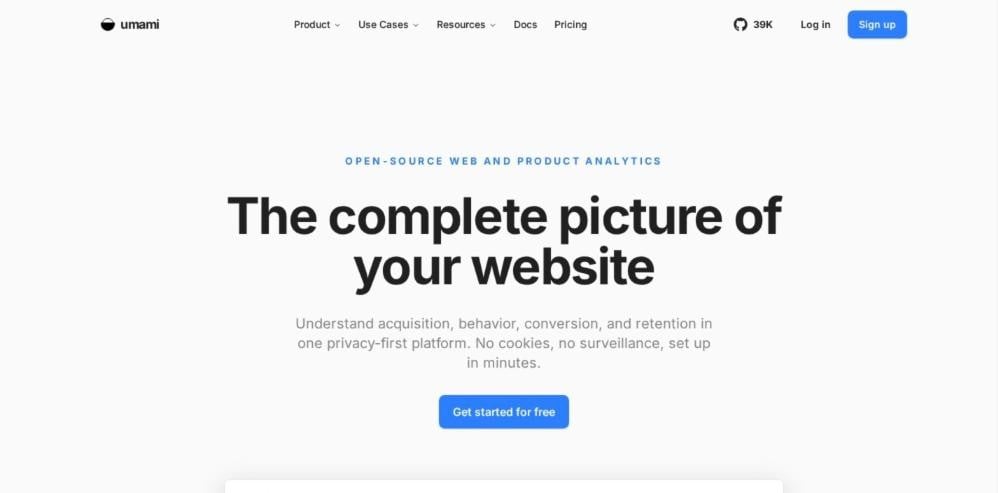
Umami is open source and treats events as a core feature. Its dashboard covers visitors, pageviews, referrers, UTM campaigns, pages, countries and devices. Advanced features include event tracking, user journeys, conversion funnels, session replays, heatmaps, and cohort analysis. Umami also supports revenue tracking through integrations with payment platforms such as Stripe, Paddle, WooCommerce, and Lemon Squeezy.
Why it is a good Google Analytics alternative:
- One attribute per button: Adding data-umami-event=”Signup button” to a button records every click under that name.
- Details with each event: Extra attributes, such as the plan a visitor picked, are saved with the event. Then the Properties tab breaks them down by value.
- Numbers and dates from code: The umami.track() call can save numbers, dates or yes and no values, while attributes save only text.
- Product reports: Goals, funnels and retention reports sit next to events in the same app.
- Free self-hosting: Self-hosting is always free, so the data can stay on the owner server at no cost.
Limits to know: The free Hobby cloud plan covers one website with six months of data. The next step is Pro at $20 a month for 20 websites, with nothing in between.
Cloudflare Web Analytics
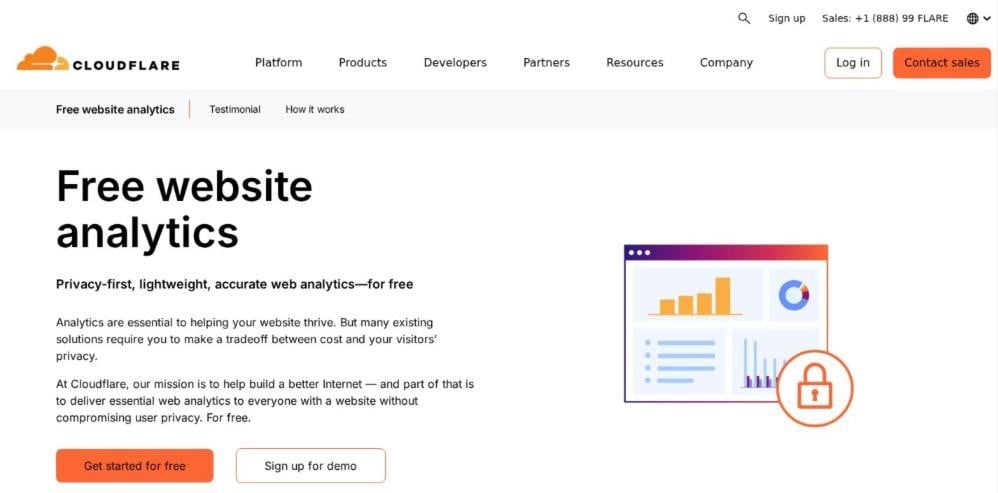
Cloudflare Web Analytics is free and uses no cookies, local storage or fingerprinting. A small script can be added to any site, even one that does not use Cloudflare for DNS.
Why it is a good Google Analytics alternative:
- Zero cost: Basic traffic numbers, visits and pageviews, come at no charge.
- Real page speed: It measures page load time and Core Web Vitals from real visitors. GA4, by contrast, does not report these without extra setup.
- No banner needed: Since it stores nothing on the device, it needs no consent for analytics.
Limits to know: It does not support custom events yet, so a form send or a phone click cannot be tracked. Also, raw data is kept for seven days before it is grouped, and sites not run through Cloudflare have a soft limit of ten per account.
Microsoft Clarity
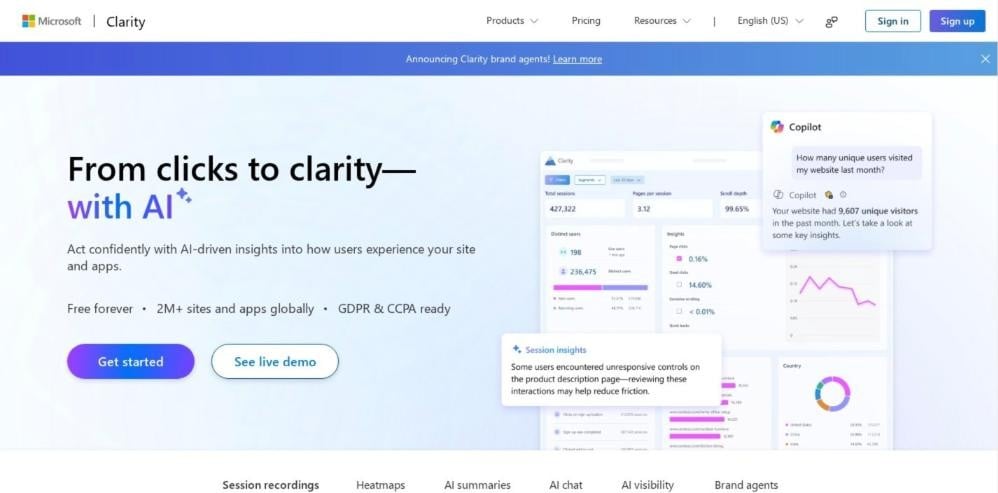
Microsoft Clarity is a free website and app analytics platform that helps businesses understand visitor behaviour through session recordings, heatmaps, and AI-powered insights. It allows marketers to watch real user sessions, identify navigation problems, analyse clicks, scroll patterns, and drop-off points, and discover areas that need improvement. Clarity also offers AI summaries and an AI chat feature to generate actionable insights from user behaviour data.
Why it is a good Google Analytics alternative:
- Session recordings: Each recorded visit can be replayed, so it is easy to see where people get stuck.
- Heatmaps: Click and scroll maps show which parts of a page get attention and which get skipped.
- Filter by action: One line of code, window.clarity(“event”, “newsletterSignup”), marks sessions with that action. Then those recordings can be filtered and watched.
- Keep the important sessions: When daily limits apply, an upgrade call makes sure sessions with a chosen action are saved first.
- Free at scale: There is no paid tier. It records up to 100,000 sessions per project per day and keeps recordings for 30 days.
Limits to know: Clarity uses first-party cookies, so visitors in the EEA, UK and Switzerland must give consent first. For that reason, it works best as an add-on to a cookieless counter.
Pirsch
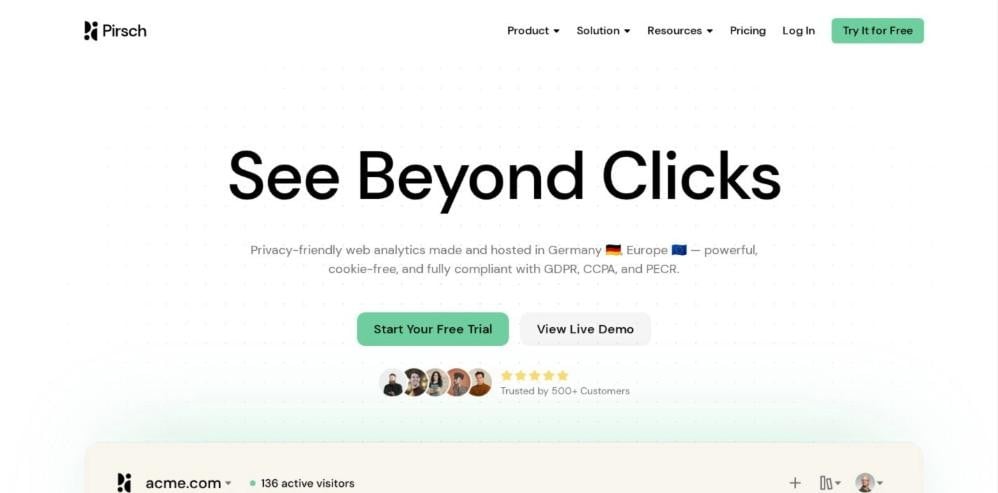
Pirsch is the cheapest paid Google Analytics alternative on this list. Its dashboard covers visitors, pageviews, sources, UTM campaigns, pages, countries and devices, and data stays on servers in Germany.
Why it is a good Google Analytics alternative:
- Low price for many sites: The entry plan covers 50 websites.
- Events without JavaScript: Adding the data-pirsch-event attribute or the class name pirsch-event=Signup to a button tracks its clicks.
- Rich event details: A pirsch() call can send up to 20 details and a number, such as seconds spent reading. Pirsch then shows the average.
- Goals and funnels: Conversion goals and multi-step funnels turn events into a path to a sale or signup.
Limits to know: The free trial lasts 30 days with no card, but there is no free plan after that. In addition, on-premise installs come only with the Enterprise plan.
GoatCounter
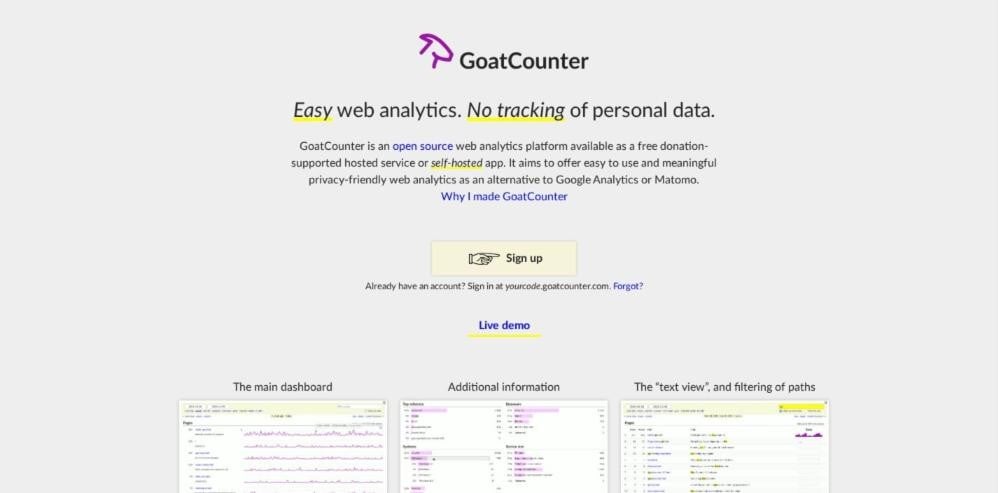
GoatCounter is an open-source, privacy-friendly web analytics platform that offers a simple alternative to Google Analytics. It provides a free, donation-supported hosted service and a self-hosted option. GoatCounter tracks website visits without cookies or persistent personal identifiers, while reporting useful metrics such as browser information, visitor locations, screen sizes, referral sources, and marketing campaigns.
Why it is a good Google Analytics alternative:
- Free hosted plan: The hosted version is free for personal sites and small to medium businesses.
- Simple click counts: Adding data-goatcounter-click to a link records its clicks under a chosen name. Also, a JavaScript call can count events from a form.
- Light and cookie-free: The script adds about 3.5KB to a page, and visits are counted without cookies or stored personal data.
Limits to know: “Reasonable use” has no written number, so a growing site cannot tell when it would need to self-host. Also, its docs do not mention goals or funnels.
Clicky
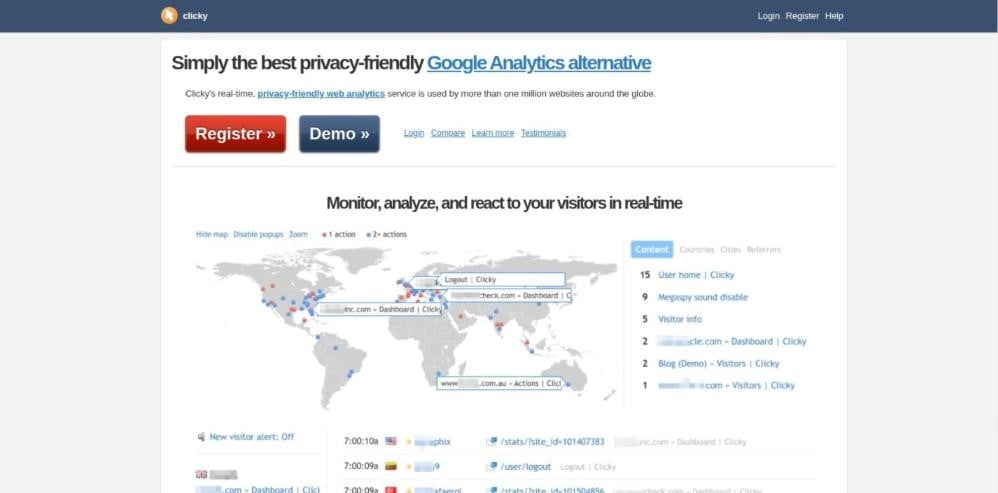
Clicky is a privacy-friendly web analytics platform that provides real-time visitor tracking and website performance insights as an alternative to Google Analytics. It offers visitor logs, pageview tracking, JavaScript event monitoring, heatmaps, trend analysis, and advanced visitor segmentation. Clicky includes bot detection, referrer spam filtering, uptime alerts, and reverse proxy tracking to capture visits from users with ad blockers. Its AI analytics feature categorizes traffic from AI chatbots and domains separately.
Why it is a good Google Analytics alternative:
- Visitor by visitor: Every visit can be followed one by one in real time, which GA4 does not show in that detail.
- Custom actions: A clicky.log() call logs any action, such as a button click or a download, against the visitor.
- Goals with revenue: A clicky.goal() call marks a goal and can pass the sale amount, for example from a checkout page.
- Easy free plan: The free plan covers one site up to 3,000 pageviews a day. In addition, new accounts get a 21-day Pro trial with no card.
Limits to know: Goals need a Pro plan. Heatmaps need Pro Plus or higher, at $14.99 a month.
Which Google Analytics alternative to choose for your site
A blog wants readers and a shop wants orders, so the right pick among these GA4 alternatives changes with what the site is for.
Personal blogs and niche content sites
GoatCounter or the free Umami plan covers a blog at no cost. Once the blog earns money and referral sources start to matter, Plausible shows which sites and newsletters send readers on one screen.
Local business websites
A plumber or a dental office does well with Plausible on the whole site and Clarity on the contact or booking page only. The first counts calls and form sends. The second shows the exact field where people abandon the booking form.
Small online stores
Revenue tracking decides this one. Plausible Cloud on a plan with revenue goals or self-hosted Matomo with its ecommerce reports both show which pages and sources lead to orders. Matomo makes more sense for owners who already run their own server.
SaaS landing pages
Umami handles the signup click, the pricing-page view and the trial start as events, and its Pro plan can hold the marketing site, the docs and the blog under one account.
Client sites run by freelancers and agencies
Fathom and Pirsch keep a whole roster of client sites on a single invoice. Fathom has the more polished client-facing dashboard. Pirsch costs less for clients with light traffic.
Use Google Search Console with any Google Analytics alternative
None of these tools replace Google Search Console. It shows the search queries, impressions and clicks that happen before a visit, which no on-site tracker can see.
A short weekly routine pairs the two. Open the analytics tool for visits, top pages and referrers. Then check Search Console for queries with high impressions but low clicks, and rewrite titles to lift CTR on those pages.
Search Console has limits of its own. It cannot show a position inside AI Overviews, and its reports can show logging errors that look like traffic drops. Before reacting to a sudden fall, compare it with the analytics tool.
What to track each month in a Google Analytics alternative
- Visits and unique visitors, to see the trend.
- Top landing pages, to find what brings people in.
- Referrers and UTM campaigns, to see which channels work.
- One or two goals, such as a form send or a phone click.
- Search Console clicks, to separate organic growth from other traffic.
Campaign links still need UTM parameters, and tagged links also show which links send real visits.
How to switch from Google Analytics to an alternative
Following the same order on every migration means nothing breaks and no month of data goes missing, whichever of the alternatives of GA is chosen.
- Export GA4 history first. Download the reports in use to CSV or Sheets. Keep at least the last 12 months of landing pages and channels.
- List what is actually used. Write down every goal, event and report someone opens. Most small sites need fewer than five.
- Pick the new tool. Use the comparison table and the site-type picks.
- Run both scripts together. Keep GA4 and the new tracker on the site for at least 30 days, so the overlap covers a full month of weekdays, weekends and paydays. Then compare visits and top pages.
- Recreate goals. Rebuild form sends, calls and purchases as goals or custom events.
- Test UTM tags. Click one tagged link, then confirm the campaign appears in the new dashboard.
- Update the consent banner. If the new tool sets no cookies, take it off the analytics list in the banner.
- Update the privacy policy. Name the new tool and where it stores data.
- Remove GA4. Delete the tag from the theme, plugin or tag manager. Then check the page source.
- Share the new dashboard. Give the owner a login or a shared link, and book a monthly review.
Before rewriting the privacy policy, read up on why GDPR regulators questioned Google Analytics, a common reason EU site owners switch. The wider shift away from tracking cookies is covered in what is left when the cookie goes away.
Google Analytics alternatives: common questions
What is lost by leaving Google Analytics?
Mainly features tied to the Google ad ecosystem: remarketing audiences for Google Ads, demographic and interest reports and direct data sharing with Ads and BigQuery. A site that does not run Google Ads rarely misses any of them.
Do cookieless tools count more visits than GA4?
Often, yes. GA4 misses visitors who reject the consent banner, and cookieless tools do not need that consent. Ad blockers still stop some lightweight trackers, so no tool sees every visit, but the gap is usually smaller.
Is a consent banner still needed after switching?
It depends on everything else on the page. A cookieless tracker does not need one for analytics, but embedded videos, ad scripts, chat widgets and behavior tools that set cookies may still require consent. This is general information, not legal advice.
Does removing Google Analytics hurt search rankings?
No. Google has said it does not use Google Analytics data as a ranking signal, so a site ranks the same with or without the tag.
Can old GA4 data move into the new tool?
Some tools can import it. Plausible offers a Google Analytics import, and Matomo has an importer for historical GA data. Others start from zero, which is why exporting reports before removing GA4 matters.
Start the conversation by posting the first comment