

Google “Find related products and services” section is now loading with a new animation, similar to the “thinking” animation used in AI Overviews. I spotted this yesterday while the section was loading.
When I first saw this animation, I assumed clicking the result would redirect me into AI Mode, since the loading style closely resembles how AI Mode and AI Overview content typically loads. However, clicking it still redirected me to regular Google Search results instead.
Here is a screenshot of this.

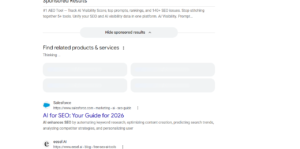
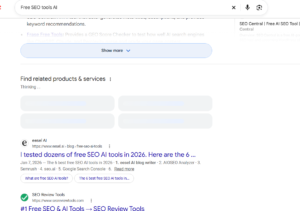
Google appears to be testing this on both mobile and desktop, so this seems to simply be a new loading animation for this section, without any actual change to where the results redirect.
Start the conversation by posting the first comment