


Google is testing a Shopping tab without the usual tab menu. Normally, the Shopping tab shows useful filters such as “Nearby” and “Deals for you,” Google is now showing the main Search navigation tabs, including “All,” “Shopping,” “Images,” and others.
Here is a screenshot of how it looks.
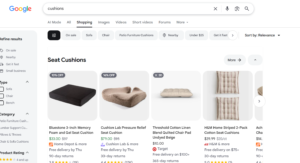
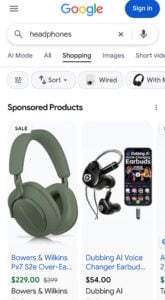
I remember Google testing something like this before, but it never went live. With the tabs gone, a user who opens Shopping has to press the back button or click the Google logo to get to the other tabs. That makes it harder to switch tabs, and I’m not sure what Google is aiming for here. It looks like Google is just testing.
Start the conversation by posting the first comment