

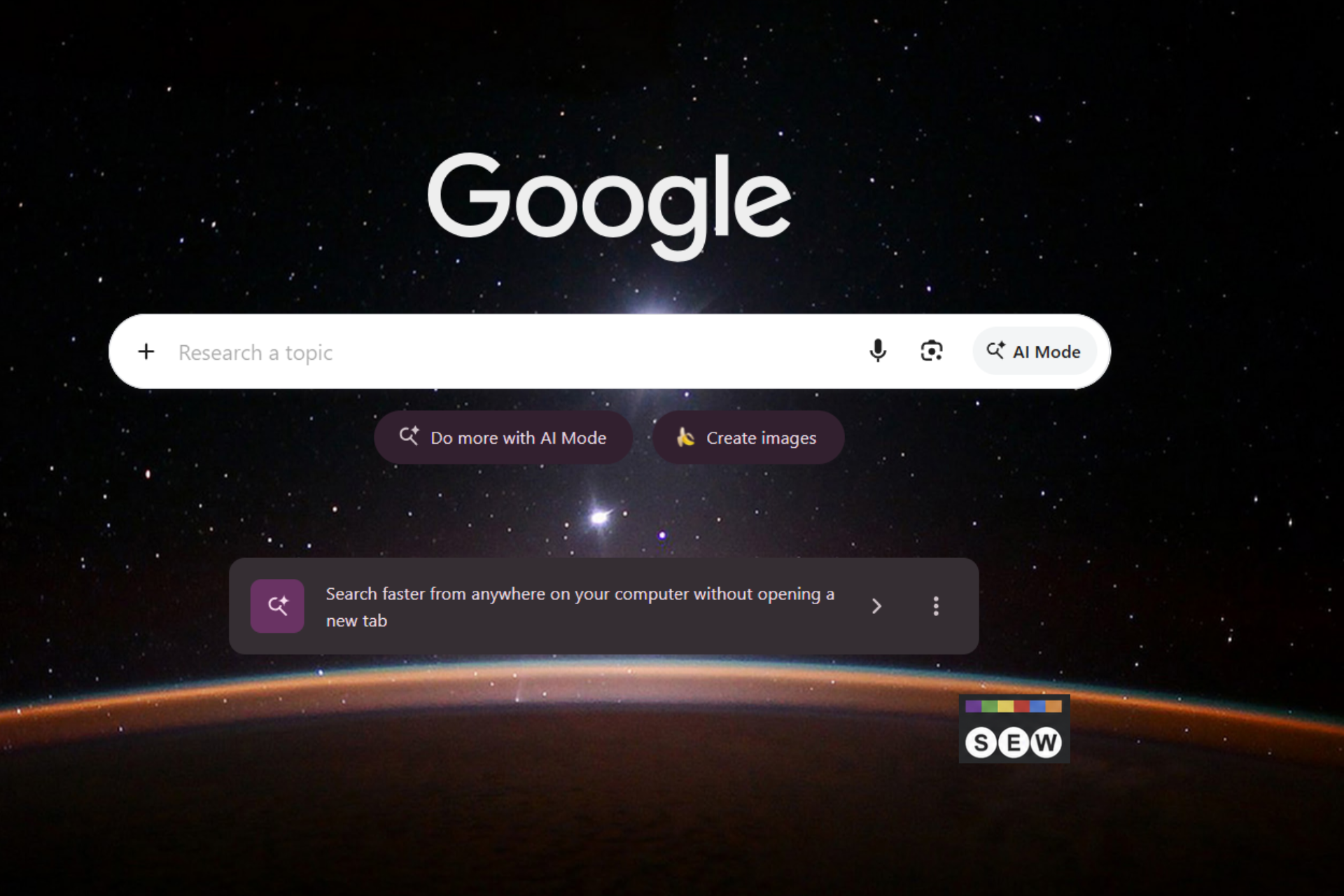
Google is giving Chrome users a new way to access Search and AI Mode from their desktops. Chrome Canary for Windows now shows a promotional card for its floating search bar directly on the New Tab page.
Known internally as “Everywhere Omnibox,” the feature brings Google Search and AI Mode to a floating desktop interface instead of relying only on Chrome’s address bar.
The card reads, “Search faster from anywhere on your computer without opening a new tab.”
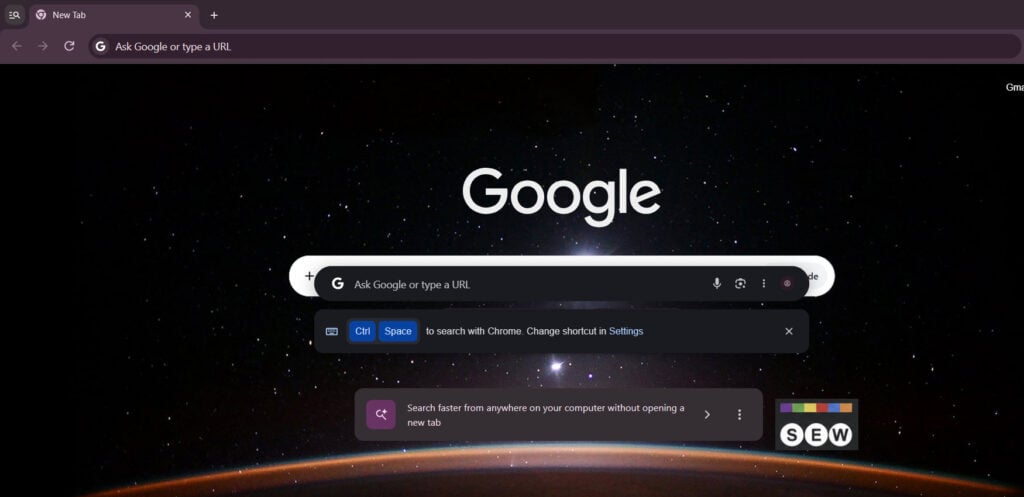
Clicking its arrow opens Chrome’s floating search bar in dark mode. It includes a Google Search box, an AI Mode button, a microphone, and a Google Lens shortcut. Users can also revisit recent searches and check trending queries without visiting Google’s homepage.
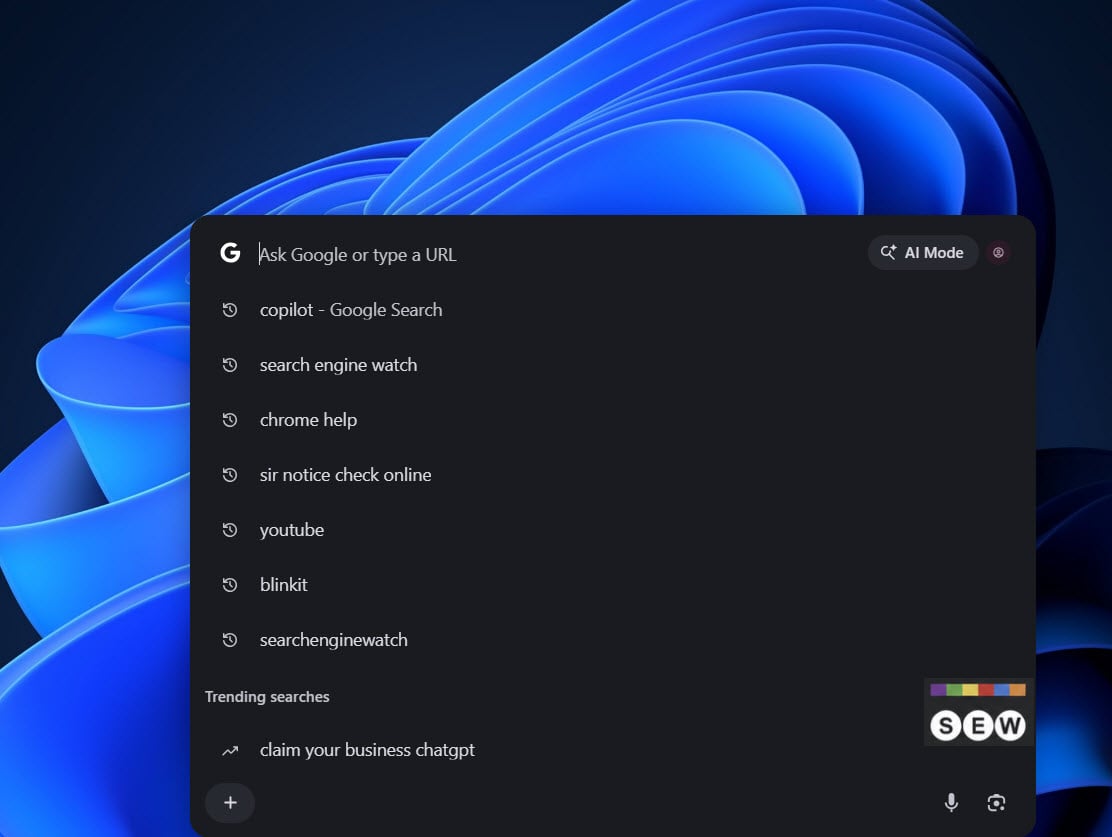
Chrome shows Ctrl + Space below the bar as the default shortcut. Users can change it through the Settings link. The search bar’s context menu also lets users always show AI Mode, display Chrome site shortcuts, change the keyboard shortcut, minimize or close the bar, and open Settings.
Google also lets users dismiss the promotion. The promo card’s three-dot menu includes a “Don’t show this promo” option.
We previously covered Google’s Chrome desktop search feature and its AI Mode integration with the Windows taskbar. Google is now promoting the desktop search experience directly on Chrome’s New Tab page.
Google hasn’t announced when Chrome desktop search will become available in stable Chrome.
Start the conversation by posting the first comment