


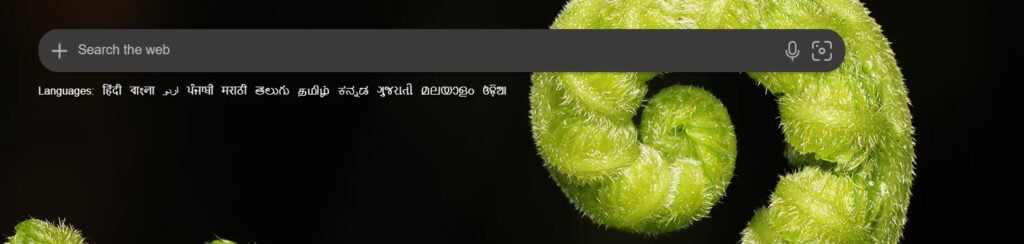
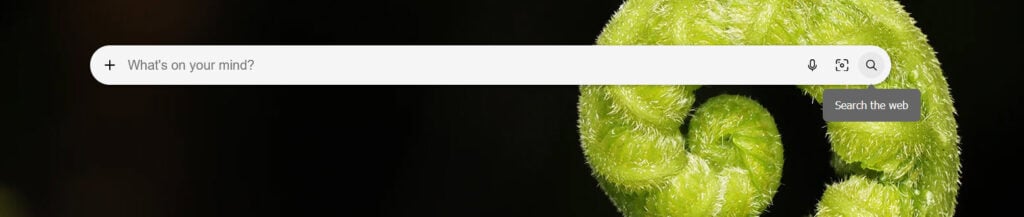
Bing seems to be testing a homepage search bar redesign with a more conversational “What’s on your mind?” prompt replacing the usual “Search the web” placeholder. A dedicated search icon now appears at the far right, with a “Search the web” tooltip on hover.
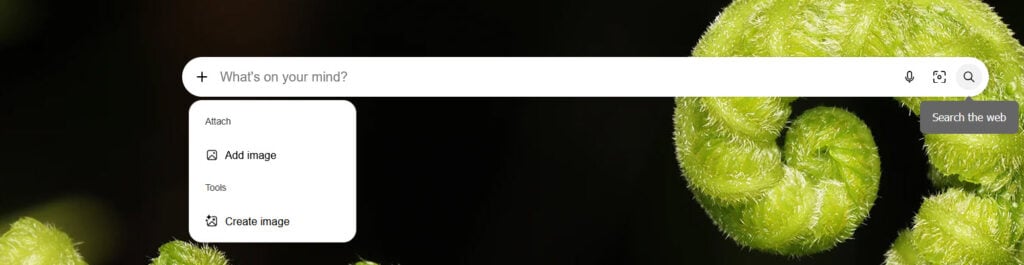
The plus-button menu has also changed. The current “Create Images” and “Create Text” options have been replaced by separate “Attach” and “Tools” sections. “Attach” includes an “Add image” option, while “Tools” offers “Create image.” The “Create Text” option is no longer visible in the new menu.

Overall, the changes give Bing’s homepage a more conversational feel while preserving access to traditional web search. The new wording also echoes Microsoft’s “Ask what’s on your mind” messaging for Bing AI Mode.
It is not yet clear whether this is a limited test, a regional experiment, or a broader rollout.
Start the conversation by posting the first comment