


We spotted a “Web Mode” tab in Bing’s search navigation. It appears alongside “AI Mode,” with All, Images, Videos, Maps, News, Shopping and More completing the navigation bar.
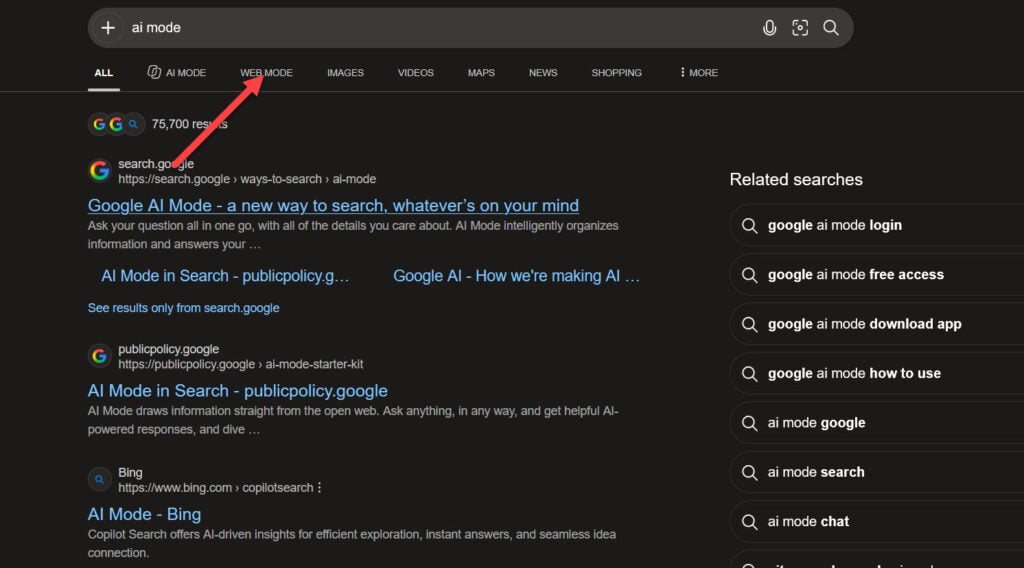
Selecting “Web Mode” displays Bing’s traditional search results, with regular blue links, URLs and snippets. We tested it with a search for Google and got conventional web listings. The destination URL includes `scope=web`.
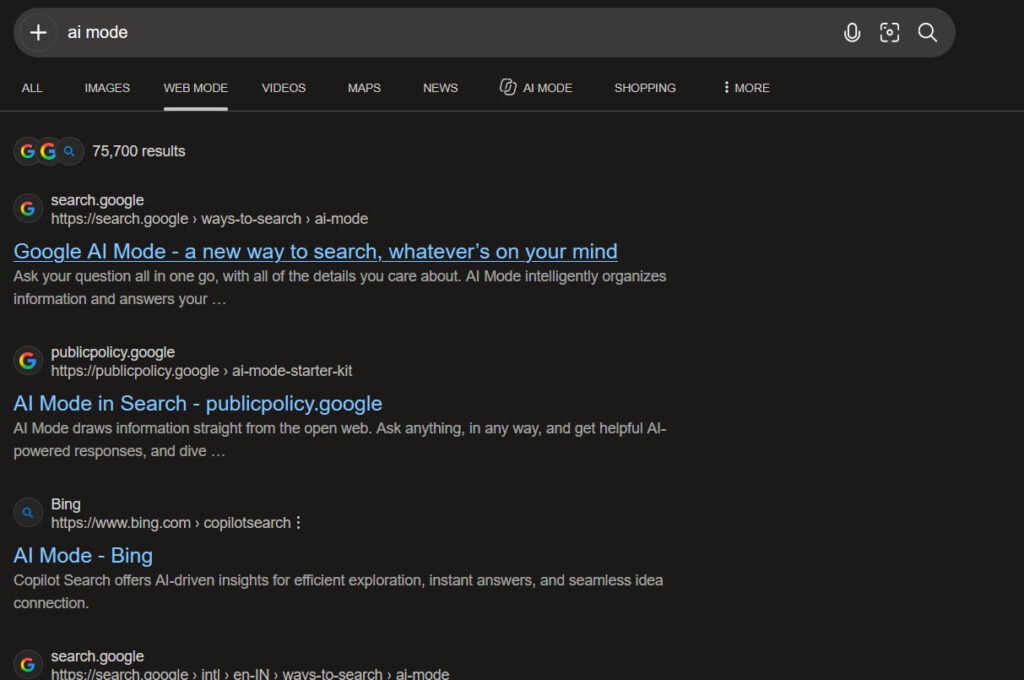
Bing hasn’t replaced “All” with “Web Mode.” Both appear in the same navigation bar. Web search gets its own “Mode” label next to AI Mode.
We also spotted the Web Mode tab on Bing’s AI Mode homepage, where selecting it takes users back to the regular Bing homepage. Microsoft hasn’t confirmed when it added the tab or whether it’s available to other accounts and regions.
Start the conversation by posting the first comment