


Microsoft is testing another way to display sources in Bing AI Mode. We recently reported on a different AI Mode layout where Bing showed source links in a separate References panel. This latest test takes a different approach, opening a right-side panel when users click “View all” next to the inline source cards.
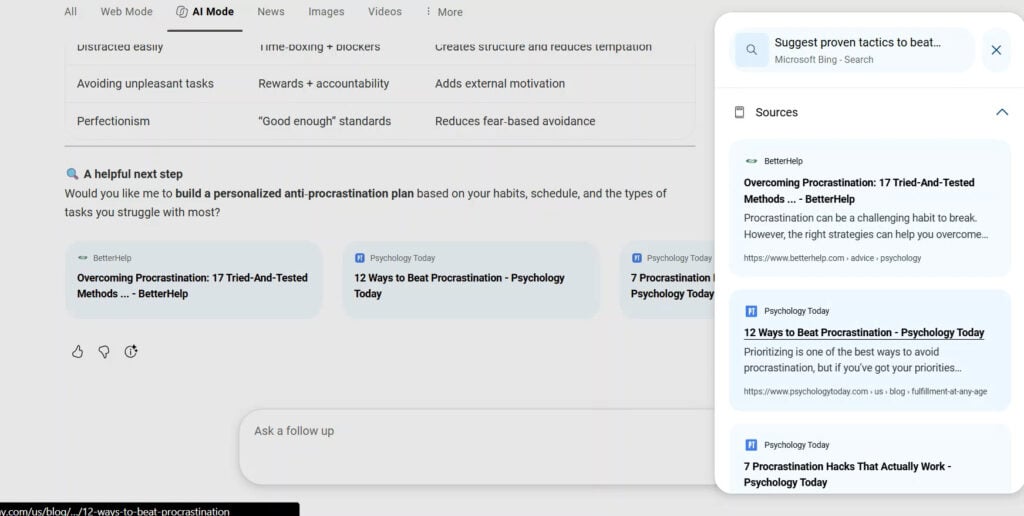
The panel displays the search query at the top and includes two expandable sections, “Sources” and “All links”. By default, the Sources section is expanded, displaying source cards with titles, snippets, and URLs, while All links remains collapsed below it.
Users can collapse the sections to return to a compact view. The panel also slides in from the right and moves out when closed, while the AI Mode response remains visible in the background.
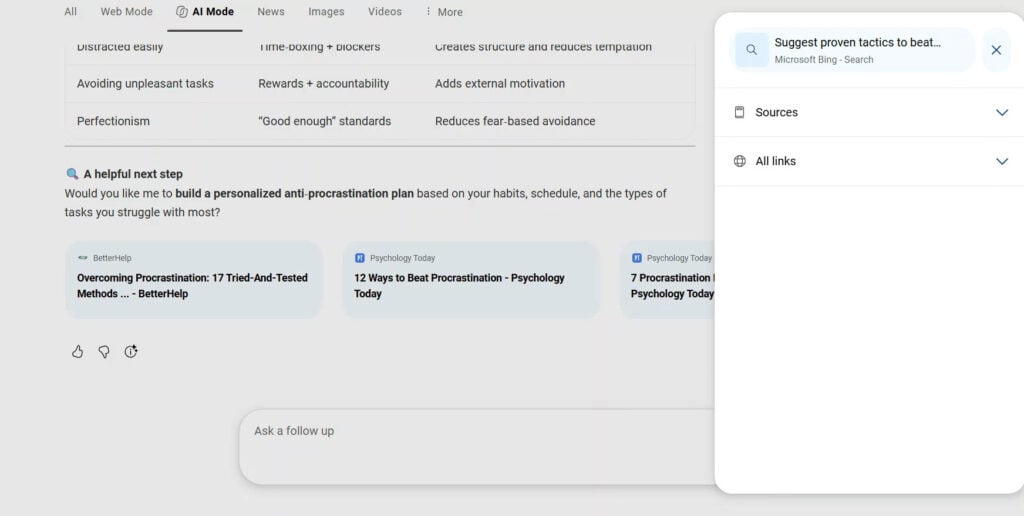
This could be another experiment in how Bing presents sources and links in AI Mode, although it’s unclear whether it is related to the References panel test we reported earlier.
Start the conversation by posting the first comment