

Amazon SEO is the process of improving product listings so shoppers can find them in relevant Amazon searches. It involves describing the product accurately, using the language customers search with and giving them enough information to decide whether it meets their needs.
For an existing listing, start by identifying where it is struggling. A product that rarely appears in relevant searches needs a different investigation from one that attracts visitors but few purchases. Adding keywords won’t resolve an unavailable offer, an unclear size or a delivery date that doesn’t suit the buyer.
This guide follows those differences through keyword research, listing changes and measurement. It uses Amazon’s US documentation as its starting point; marketplace, category and account requirements can differ.
1. How Amazon search works
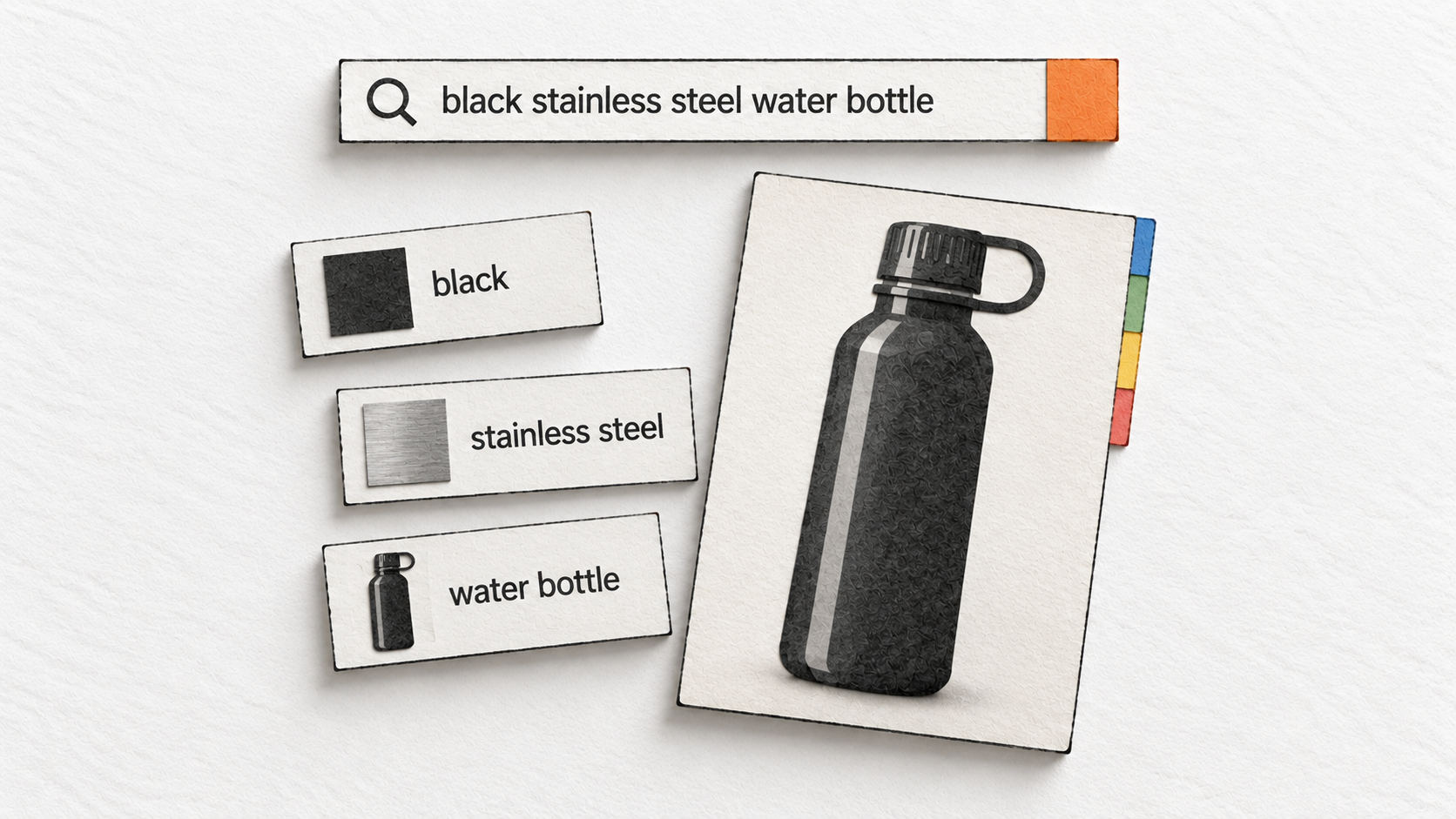
Imagine someone searching for a black stainless steel water bottle. They might care about capacity, whether it keeps water cold, whether the lid leaks and whether it will arrive before a trip. Some of those requirements appear in the query. Others emerge when they compare products.
Amazon has to connect that request with products in its catalog. The seller’s job is to provide an accurate description of what the product is and what it does, so the right shopper can recognize it. Getting that match right is the starting point for Amazon SEO.
A product, its listing and a seller’s offer
An Amazon Standard Identification Number, or ASIN, identifies a product in Amazon’s catalog. A product detail page holds information about it, such as its title, images and specifications. A seller’s offer supplies the terms on which that seller will provide it, including price and delivery.
Several sellers can offer the same product through one detail page. Amazon’s Featured Offer guidance describes how the page presents buying options. This distinction becomes important when you measure results: people may be visiting the product page while purchasing from another seller.
If you own a brand, you may be responsible for both the product information and your offer. If you resell an existing product, your practical work may center on correcting inaccurate catalog information and improving the offer you control. Begin with the fields and decisions you can actually change.
Relevance helps Amazon connect the query with the product
Amazon’s search optimization guidance emphasizes accurate product information and classification. It also says Amazon may choose not to use every supplied description or bullet-point term when retrieving results. A word appearing somewhere in a listing therefore doesn’t guarantee that the product will appear for that search.
For the bottle, “stainless steel water bottle” describes the product. “Insulated water bottle” describes a feature that may or may not exist. The second phrase could attract interested shoppers, but it is inappropriate if the bottle has no insulation. A popular query doesn’t change the product’s construction.
Classification matters for the same practical reason. A shopper using filters should be able to find products that match the selected material or capacity. Descriptive copy and structured product information need to tell the same story.
Search ranking and Best Sellers Rank measure different things
A product can sell well within its category without appearing prominently for every related phrase. Amazon’s Best Sellers Rank explanation says BSR uses recent and historical sales, with more weight on recent sales. It distinguishes that category ranking from the ordering of results for a search.
| What you see | What it tells you | What to check next |
|---|---|---|
| Position in search results | Where the product appeared for that query and shopping context | The query, filters, delivery location and sponsored labels |
| Sponsored placement | The product is receiving paid exposure | Advertising performance and the separate organic appearances |
| Best Sellers Rank | Relative sales performance in a category | Which category and marketplace the rank describes |
BSR is useful context, but it cannot tell you which wording brought a customer to the page. Amazon also says page views and reviews do not directly determine BSR. Treat a better category sales rank as something to investigate alongside sales and search data, rather than as proof that a particular keyword edit worked.
Be careful with A9 and A10 explanations
Many Amazon SEO discussions use “A9” or “A10” as shorthand for the ranking system. Those labels often come attached to confident lists of factors and weights. The current Amazon documentation used for this guide does not establish A10 as the official name of a complete ranking algorithm or provide a numerical ranking formula.
You can make useful decisions without one. Accurate product facts, relevant wording, a usable offer and evidence about shopper behavior give you specific things to examine. A claimed algorithm name gives you little help deciding whether a bottle needs a clearer title or a more informative image.
2. Why your Amazon listing isn’t performing
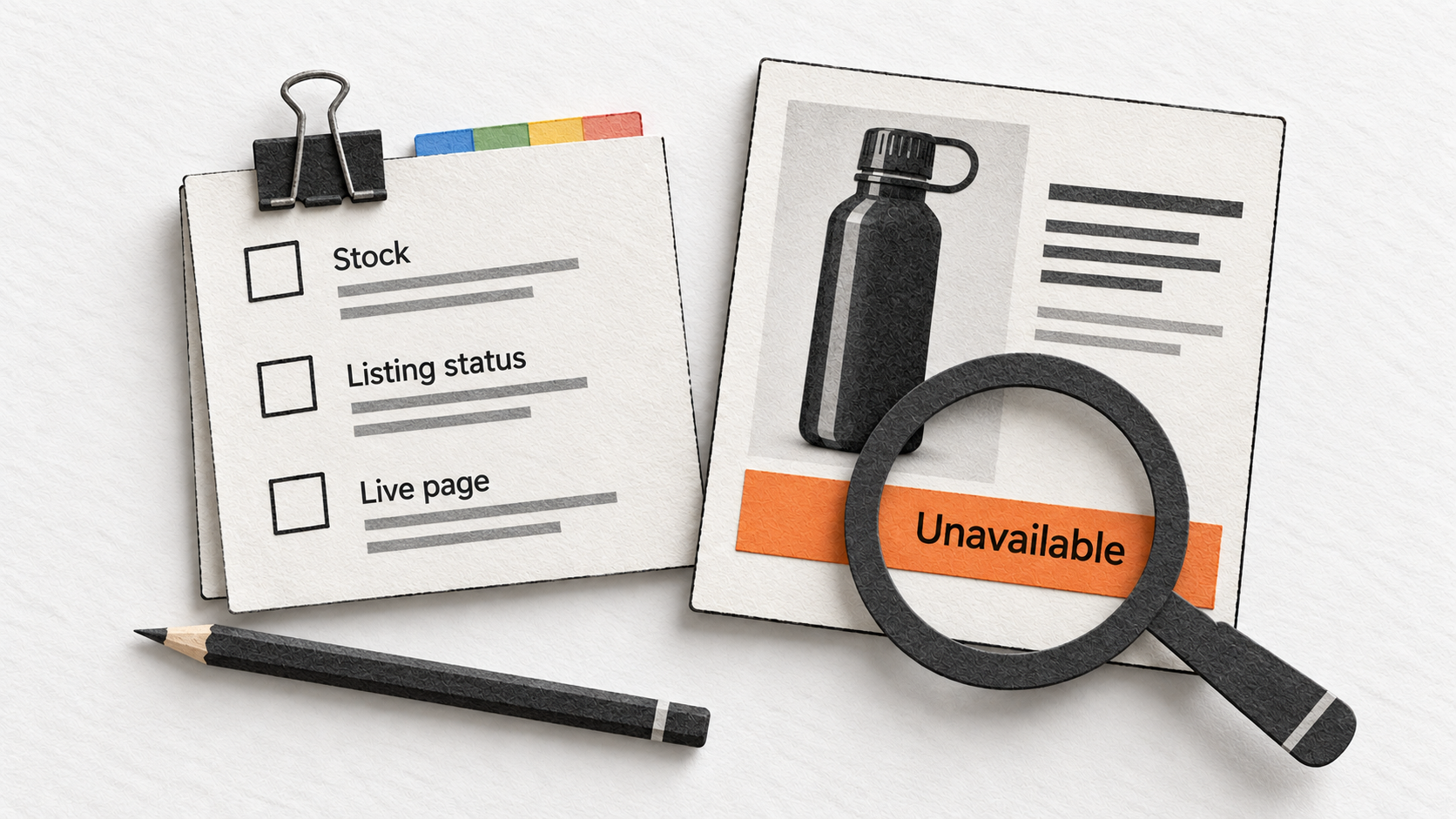
Before editing the listing, write down what has changed. “Sales are down” is a starting observation. “The same product received similar search clicks, but my offer was unavailable for part of the week” gives you a much more useful explanation to investigate.
Use the table below to choose a first check. These are possible explanations, not diagnoses you can make from a single number.
| Observed problem | Check first | A useful response |
|---|---|---|
| The product is unavailable or suppressed | The listing status, buyable offer and Amazon’s stated reason | Resolve the reported availability or listing issue |
| Little relevant search exposure | Product/query fit, classification and the scope of the report | Correct missing information and examine relevant demand |
| Exposure but few clicks | The visible title, main image and offer | Clarify what shoppers can evaluate in the results |
| Clicks but few purchases | Product fit, unanswered questions, price and delivery | Address the specific source of uncertainty or mismatch |
| Product engagement holds up, but your orders fall | Your seller offer and competing offers | Investigate availability and Featured Offer status |
Check whether the product can be found and bought
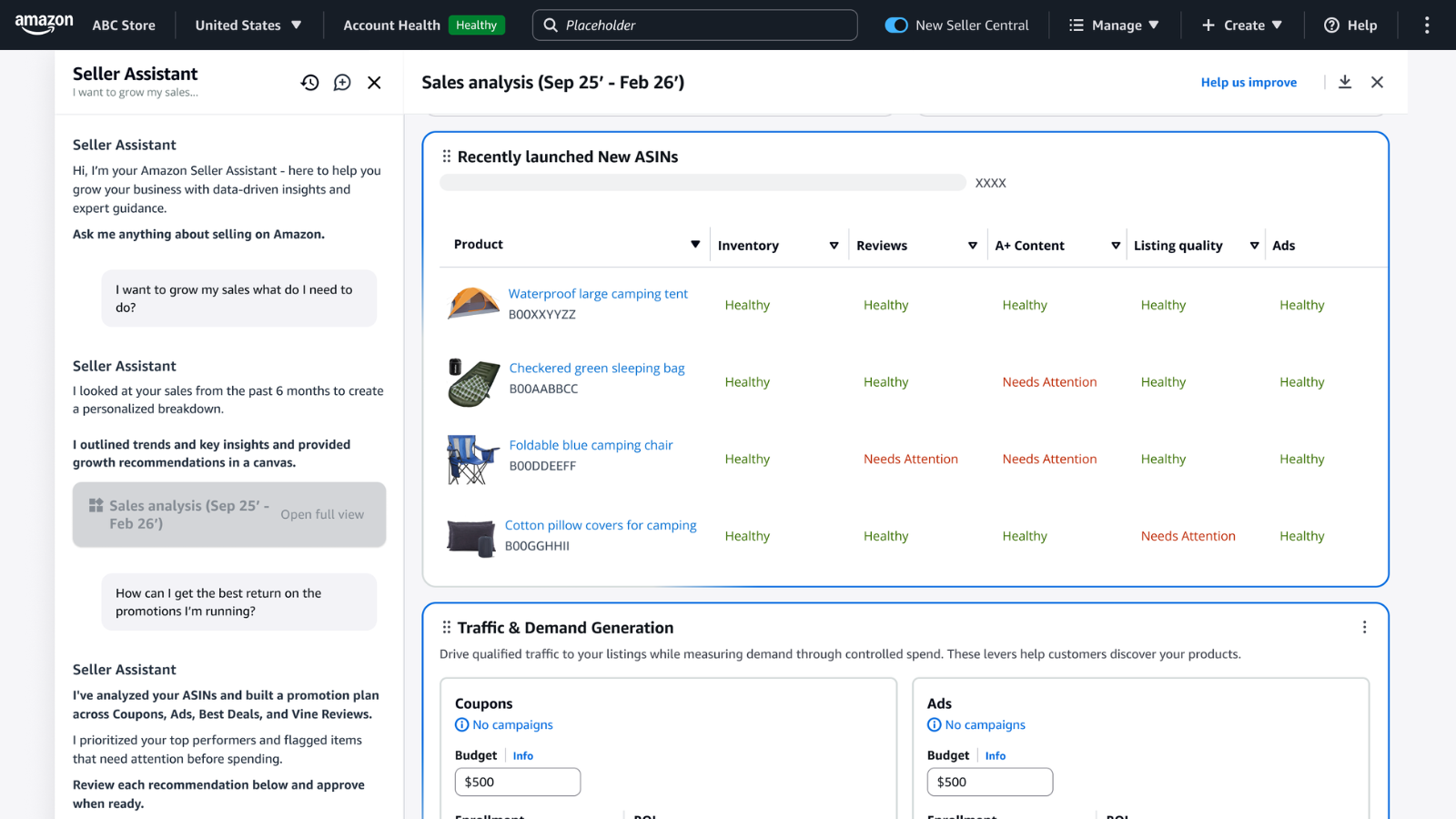
Amazon documents several reasons a product may be unsearchable, including the absence of a buyable offer, missing category assignment, a future launch date and listing-quality problems. Check the reason shown in Seller Central before assuming the problem is keyword coverage. Its search troubleshooting guidance also points sellers to a tool that accepts a search URL and a child or non-parent ASIN.
Suppose the bottle’s main image has been rejected. Rewriting its description leaves the reported image problem unresolved. Similarly, when stock is unavailable, a more persuasive bullet cannot make the offer buyable. Fix the condition Amazon identifies, then check the live product and offer again.
Check what the shopper can actually see
A saved edit and a live change are different events. Open the detail page and inspect the relevant variation, title, images and offer. The question is whether the information presented to the shopper matches the change you intended.
View it in the context of the search that matters. A title that seems clear when you know the product may be ambiguous among several similar bottles. An image may show the finish well but fail to distinguish a single bottle from a multipack. Those are specific problems you can address without rewriting every field.
A manual search still has limits. Amazon says positions can vary by location, account context and device, and that the number of results available through pagination is limited. Not seeing your product in one search isn’t sufficient evidence that it has been removed from the index. Record the context and use account diagnostics where available.
Separate a content problem from a product problem
If shoppers keep asking whether the bottle is insulated, the listing may be unclear about its construction. Clarifying that information can help people decide. If customers instead report that the cap breaks, the problem may require a product change.
Read feedback for the underlying uncertainty. “Smaller than expected” may point to missing dimensions, confusing capacity information or an image without a useful sense of scale. Each explanation suggests a different correction. Avoid turning every complaint into another keyword or a stronger adjective.
3. How to find and choose Amazon keywords
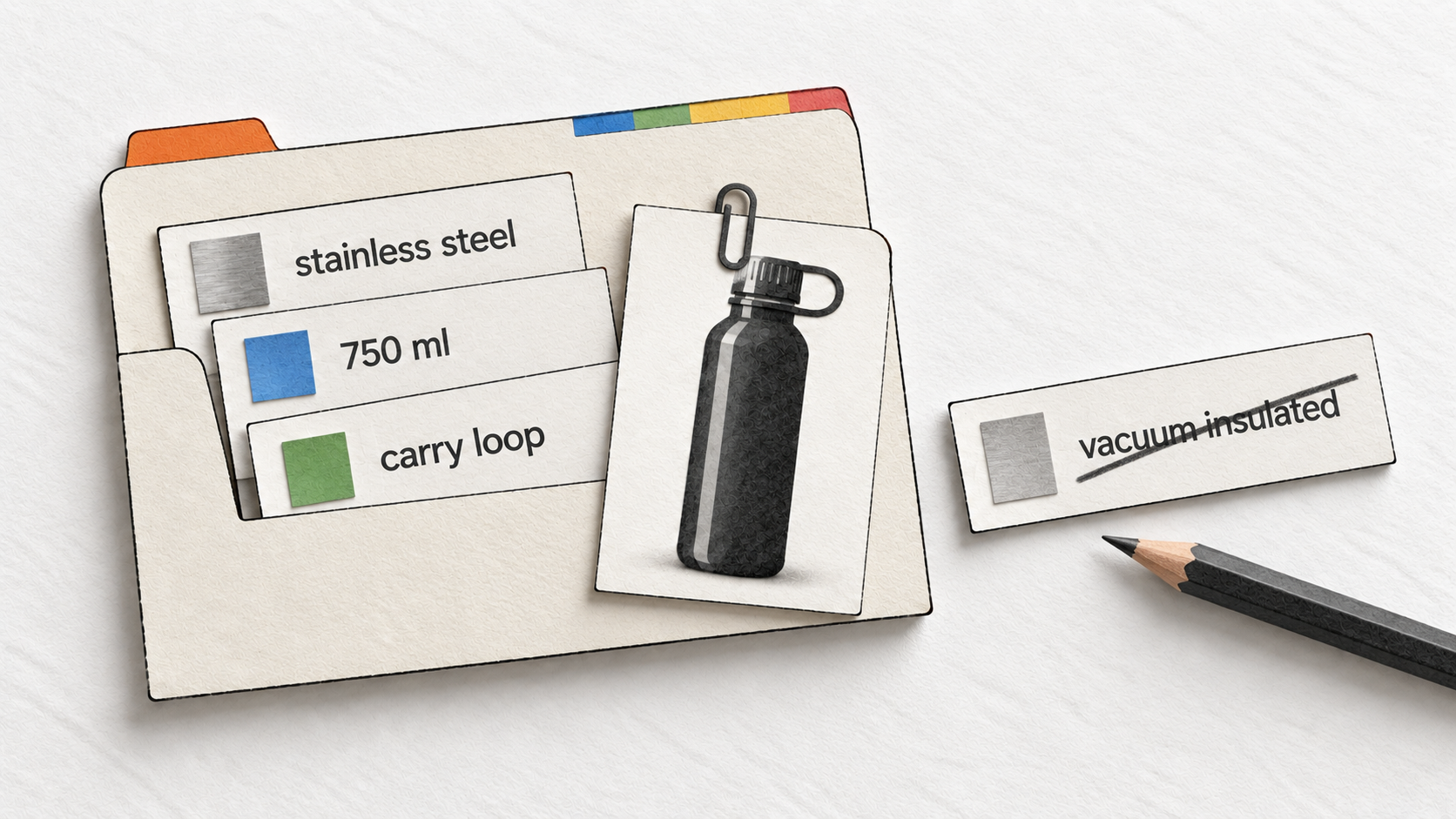
Useful keyword research starts with the product, because every phrase you choose makes a claim about what a shopper will find. Prepare a short specification before opening a keyword report. Include the product type, material, size, quantity, compatible products and any features you can substantiate.
For the examples that follow, we’ll use a fictional product sold under the placeholder name Example Brand: a black, 750 ml stainless steel water bottle with a single-wall body, a screw cap and a carry loop. Its opening measures 44 mm, its height is 250 mm and its base diameter is 72 mm. These are teaching specifications, not measurements of a real product.
That description immediately gives us candidate phrases such as “stainless steel water bottle” and “750 ml water bottle.” It doesn’t support “vacuum insulated,” “leakproof” or a claim about keeping drinks cold for a particular duration. Those terms require evidence about the product, however attractive their search demand might be.
Collect the words shoppers use
Amazon’s SEO guide suggests using search suggestions, competing listings and native research resources to develop keyword ideas. Each input serves a different purpose.
Search suggestions can reveal useful wording to investigate. Type a straightforward product phrase in the marketplace where you sell and note relevant suggestions. Then inspect the results for a candidate phrase. If the results describe a materially different product, the wording may be a poor fit even when the words sound related.
“Flask,” for example, could describe different kinds of containers. Our bottle might fit some uses of that word and fail to match others. Look at the actual products and buying expectations associated with a phrase before putting it on the list. Suggestions are ideas, not a reliable search-volume report.
Competing listings help you see which distinctions shoppers encounter. Record the information they make visible: capacity, lid type, material, dimensions or quantity. You are looking for missing questions and familiar terminology. Copying a competitor’s unsupported claim merely transfers the problem to your listing.
Reviews and product questions add another kind of evidence. A shopper may ask whether the opening accommodates their cleaning brush, even if no keyword tool assigns a useful volume to that question. The question can still deserve an answer on the page. SEW’s discussion of qualitative keyword research explains why customer language adds information that a volume column misses.
Use Amazon’s native reports where you have access
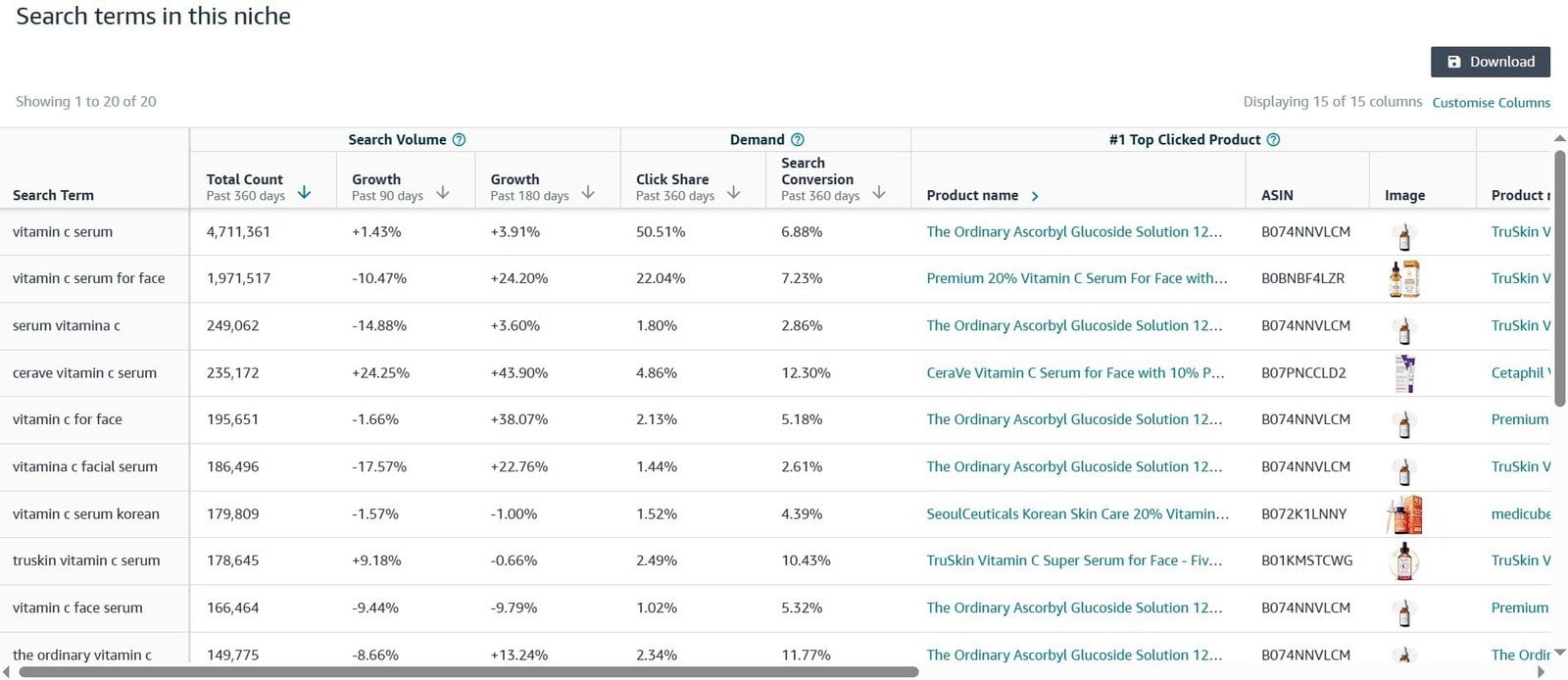
Product Opportunity Explorer organizes related search terms and products into niches using shopping behavior. It can help you explore search patterns, demand and the features customers discuss within a group of products. Use it to understand the surrounding market, while remembering that a niche is a grouping rather than an exhaustive inventory of every query.
For an existing brand, Search Query Performance helps you investigate queries associated with the brand or a particular ASIN. You can examine reported impressions, clicks, cart additions and purchases. The useful question is whether the queries match the product and where engagement is weak.
Brand Analytics requires a Professional selling account and a Brand Representative role for a brand enrolled in Brand Registry. These account requirements matter: native reports are not available to every seller simply because they have a listing.
| Input | Use it to investigate | Avoid assuming |
|---|---|---|
| Search suggestions and results | Shopper wording and the products associated with it | A suggestion reveals exact search volume |
| Product Opportunity Explorer | Related needs and patterns within a niche | The grouping includes every possible search |
| Search Query Performance | Reported query engagement for a brand or ASIN | All exposure in the report is organic |
| Amazon Search Terms report | Relative query popularity and leading clicked products | Search frequency rank is a count of searches |
| Existing advertising reports | Shopping terms associated with paid activity | A paid conversion proves organic ranking potential |
The Amazon Search Terms report shows a term’s search frequency rank and the three most-clicked products, with click and conversion shares. Search frequency rank tells you how a term’s popularity compares with other terms during that period. It doesn’t tell you that the term received a particular number of monthly searches.
When a report is unavailable, continue with the evidence you have. Product specifications, relevant search results and recurring buyer questions are enough to identify unclear copy or missing information. They do not support precise claims about market demand, and you should leave those estimates unfilled until you have an appropriate source.
Choose phrases by fit, then use performance evidence
A broad phrase such as “water bottle” leaves many preferences unresolved. A phrase such as “750 ml stainless steel water bottle” narrows the request. That makes it easier to judge whether our example belongs in the results, but it doesn’t automatically make the longer phrase more valuable.
Consider both relevance and observed opportunity. If a well-matched query already brings clicks, examine what shoppers encounter next. If a potentially useful query has little exposure, check whether the product information actually communicates the relevant feature. If the phrase describes a feature you don’t offer, remove it from consideration.
| Candidate phrase | Does the example support it? | Treatment |
|---|---|---|
| Stainless steel water bottle | Yes: product type and body material | Use naturally in the title and applicable attributes |
| 750 ml water bottle | Yes: specified capacity | Make capacity easy to find and compare |
| Water bottle with carry loop | Yes: the loop is part of the cap | Explain the feature in supporting content |
| Vacuum insulated bottle | No: this example has a single-wall body | Exclude it |
| Bottle for a particular cup holder | Compatibility hasn’t been established | Provide dimensions without promising a fit |
Keep a simple record of the candidate, where you found it, why it fits and which field should carry the information. A phrase belongs in the title when it helps identify the product. A measurement belongs in the relevant attribute. A question about the cap may need a bullet or an additional image. Assigning those jobs prevents the keyword list from becoming repetitive copy.
4. How to optimize an Amazon product listing
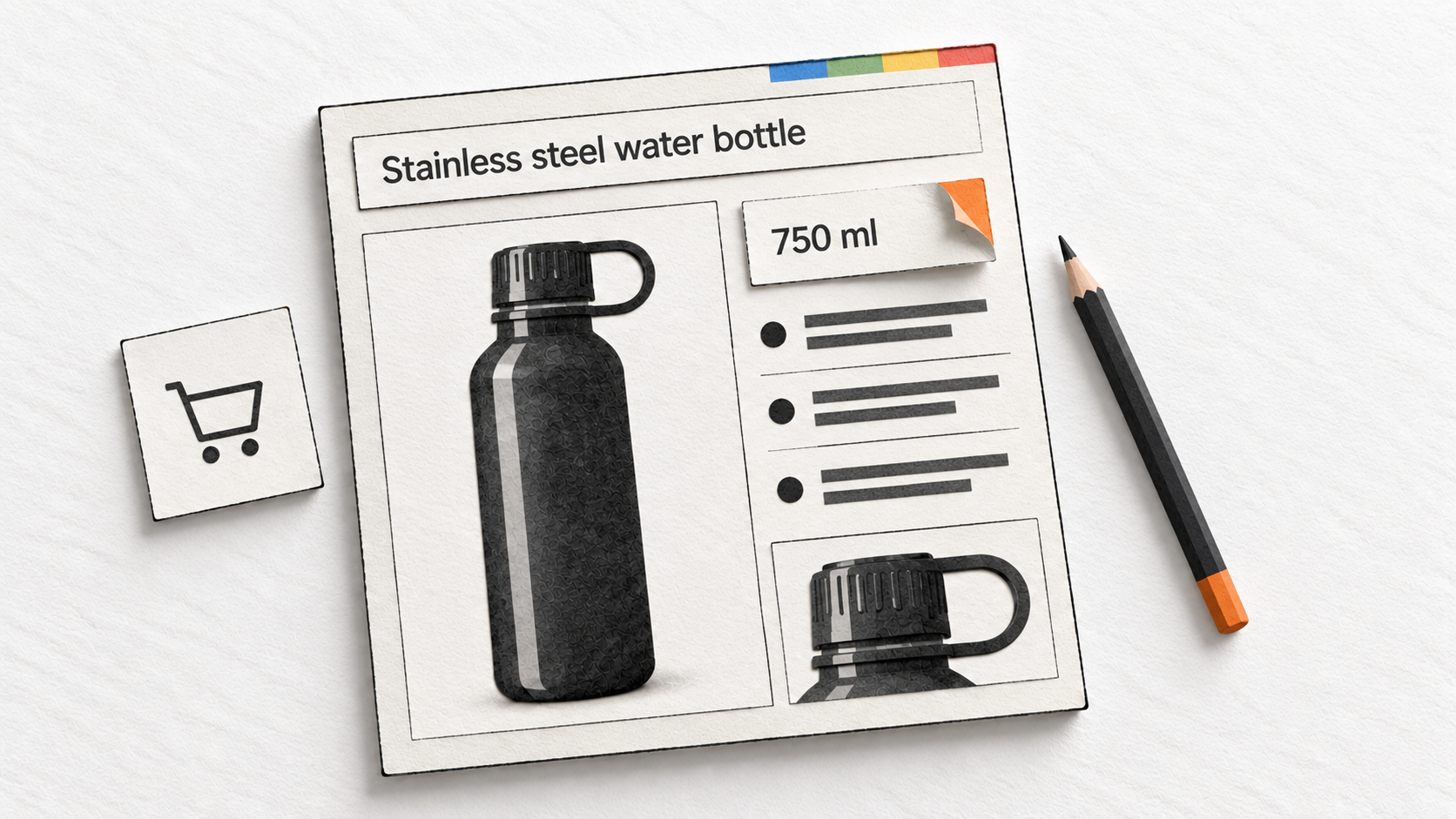
Listing optimization is the work of making each field useful to the shopper and consistent with the product. A clear title identifies it, supporting copy explains the details and structured attributes make specifications available in the places Amazon expects them.
Start with a copy of the existing content and a list of the changes you intend to make. That gives you a record to compare with the live page and, later, with performance. You can correct several obvious factual errors together; when testing a particular copy decision, keep track of exactly what changed.
Write a title that identifies the product quickly
Amazon’s current product title policy specifies a maximum of 75 characters, including spaces, and a separate 125-character Item highlights field. Its stated scope excludes media product types and the Saudi Arabia, Egypt, Türkiye and UAE stores. Check the applicable marketplace and category guidance.
Our bottle could begin with this unhelpful title:
Example Brand Outdoor Bottle, Black
It identifies a brand and color, but leaves the material and capacity unresolved. A clearer version is:
Example Brand Stainless Steel Water Bottle, 750 ml, Black
The second title is 57 characters, including spaces. It supplies information that helps a shopper distinguish the bottle from a plastic model or a larger container. That is the reason for the wording. We haven’t run an experiment showing that this version earns more clicks.
Choose the details that distinguish the product in its category. Capacity may matter for a bottle; a model number or compatibility requirement may be essential elsewhere. Read the result as someone comparing several similar items, without assuming they already know your brand.
Amazon also restricts promotional language, specified special characters and repeated words in titles. The same word generally cannot appear more than twice, with exceptions for grammatical words such as articles and prepositions. Avoid adding repeated product phrases simply to fill the available space.
Use Item highlights for useful supporting detail
Item highlights provide a separate place for concise descriptive phrases below the title. For the bottle, a possible entry is:
Single-wall body, screw cap with carry loop, 44 mm opening
This is 58 characters including spaces. The title identifies the product; the highlights explain its construction and cap. Amazon’s title guidance calls for comma-separated phrases in this field, with up to 125 characters.
Use the extra space to resolve a real distinction. Someone seeking an insulated bottle can see that this product has a single-wall body. Someone inspecting the cap can learn that it includes a carry loop. Repeating the complete title would use the space without answering either question.
Make bullet points answer buying questions
A bullet point should let a shopper learn something specific without hunting through a paragraph. Start with the question people are trying to answer, then choose the product fact that answers it.
For example, “Premium design for your active lifestyle” leaves the reader to supply nearly all the meaning. It doesn’t describe how the cap works, how much the bottle holds or what is included. A few concrete details can do considerably more work.
Our example could use these bullets:
- Screw cap: Opens by twisting; the cap includes a carry loop
- Bottle opening: 44 mm opening for filling and access inside the bottle
- Single-wall body: Stainless steel construction without vacuum insulation
- Included items: One 750 ml bottle and one screw cap
These bullets address different questions. They also leave unsupported promises out. A screw cap alone doesn’t establish that a bottle is leakproof under every condition. Stainless steel alone doesn’t establish a particular temperature-retention performance.
Amazon’s bullet-point guidance says character limits vary by product type. It recommends at least three bullets, distinct information, descriptive headers and sentence fragments. Check the limit in the applicable product type rather than following a universal character target from an old guide.
The same guidance restricts unsupported claims, emojis, all-capital headings and promotional or external contact information. Some information belongs in dedicated fields. Use those fields where required, then make the bullets explain the remaining questions rather than reproducing the entire specification sheet.
The order should reflect the product’s buying decision. Put the detail that most often causes confusion near the beginning. If a replacement component works only with specified models, that compatibility question may deserve priority over its color or finish. The copy should help a customer avoid ordering the wrong item.
Complete the relevant product attributes
Attributes hold structured facts such as capacity, material, dimensions, quantity and compatible models. Amazon’s attributes guide explains that the available fields vary by product type and can help customers filter, evaluate and compare products.
For our bottle, a title containing “750 ml” should agree with the capacity attribute. A photograph of one bottle should agree with the pack quantity. If the title, image and attributes disagree, the shopper has to guess which version is correct.
Work through the Required, Recommended and All attribute views where available. Required fields allow a listing to be created; recommended and other applicable fields can supply information that a buyer needs to compare it. Complete facts you can verify. Guessing a measurement to make the form look finished creates a different problem.
Use allowed values when a field provides a list, and check both the number and unit for measurements. “750” without the intended unit is incomplete. Likewise, a unit count and a pack quantity can describe different aspects of an offer; confirm what the field is asking before entering the value.
For bulk work, use a current category template and read its definitions. A template retained from an earlier catalog update may no longer match the fields Amazon expects. If a value is rejected, inspect the error and the allowed values rather than repeatedly submitting the same entry.
Keep product variations consistent
A color or size selection should lead to information about that selected product. Review the title, image, capacity and other relevant facts for each variation, especially after copying content from another item.
If the same bottle also came in a different capacity, copying the 750 ml description without changing its measurements would create misleading content. Treat reused copy as a draft that needs checking. The convenience of a shared template doesn’t make the products identical.
Use variation relationships only where they accurately describe the products and Amazon permits the relationship. Review sharing is a separate consideration, covered below; putting products together does not automatically make their reviews interchangeable.
Use backend search terms for relevant additional wording
Backend search terms are words entered in the Generic keyword field that shoppers do not see on the product page. Amazon’s search-term guidance describes their role in matching an ASIN with queries.
Use the field for relevant alternative wording that adds something to the product information. Amazon recommends lowercase words separated by spaces, useful synonyms and abbreviations, and either singular or plural forms rather than both. It advises against repetition and common misspellings.
Do not include your brand, another brand, an ASIN, temporary promotional language or subjective claims such as “best.” A competing brand’s popularity doesn’t make its name an appropriate backend term for your product.
For the bottle, “reusable drinking container” is a possible additional phrase to assess. “Flask” and “canteen” would need closer inspection of shopper expectations in the relevant market. There is no reason to add them merely because a keyword export places them in the same group.
Open the product’s editing form and look for Generic keyword under Product details. Navigation labels can vary. After changing the field, check whether Amazon accepted the entry. Acceptance tells you the edit was processed; it doesn’t prove that every supplied term is being used for retrieval.
Check the byte limit shown for your listing. Amazon’s keyword attributes reference specifies fewer than 250 bytes for Generic keywords and warns that an over-limit attribute is ignored. Its error 97779 guidance instead describes 200 bytes and directs sellers to the limit in the feed processing report. Follow the limit validated for your current field or feed rather than assuming one published number applies everywhere.
Bytes also differ from characters. Some characters require more than one byte, and Amazon’s search-term guidance says its calculation excludes spaces and punctuation. A basic character count is therefore not an exact substitute for the platform’s validator. Keep the entry short enough to pass and remove redundant or poorly matched words first.
You may also encounter legacy keyword fields. Amazon’s attributes reference says Platinum keywords are redundant and identifies other fields being phased out. Filling every old field in a spreadsheet is unnecessary; use the current requirements for the product type.
Choose images that resolve uncertainty
The main image has an immediate job: show shoppers what is being offered. Amazon’s product image guide explains that it appears in search and on the detail page. Its general requirements include accurate representation, a white background and the product occupying 85% of the image, with category-specific exceptions.
For a single bottle, show the bottle and its included cap clearly. Props can create uncertainty about what comes with the purchase. If an image seems to show multiple bottles, a carrying pouch or another accessory, check whether a shopper could reasonably expect those items in the package.
Additional images can answer questions the main image leaves open. For our example, useful subjects would include the screw cap and carry loop, the opening, and the overall dimensions. Each image should explain a different point. Several nearly identical angles may leave the same important question unanswered.
A dimension image would let a shopper compare the bottle’s 72 mm base and 250 mm height with the space where they intend to carry it. That is more dependable than claiming universal cup-holder compatibility. A close view of the opening can explain its shape and access without promising that every brush or ice cube will fit.
Amazon specifies a longest-side image range of 500–10,000 pixels and says 1,000 or more enables zoom. It also says an uploaded image is not guaranteed to be selected for the shared detail page. Check the live result after processing instead of assuming that the submitted file became the displayed image.
When you assess an image change, identify what you expect it to improve. A clearer main image may help shoppers distinguish the offer in search. A supporting image may answer a question after the click. Those are different jobs and call for different evidence when you evaluate the result.
Write a description that connects the details
The description can explain the product in connected prose. Use it to show how the parts and specifications relate, especially when a shopper needs more context than a title or bullet provides.
A short description for our example could read:
The Example Brand water bottle holds 750 ml and has a black stainless steel body with single-wall construction. Its screw cap includes a carry loop, and the opening measures 44 mm. The bottle is 250 mm high with a 72 mm base diameter. Use those dimensions to check the space in your bag or holder before ordering.
A real description should also include the product’s verified care and use information where appropriate. Our fictional specification doesn’t establish dishwasher suitability, performance with hot liquids or a leakproof rating, so the example makes none of those claims.
The task is to make the product understandable, not to produce the longest possible paragraph. If you sell a component, explain the compatibility information a buyer must check. If the package contains several parts, make the contents clear. If there are important differences between models, identify them accurately.
Keep terminology consistent with the other fields. Calling the same component a screw cap in one place and a flip lid elsewhere introduces a contradiction. Repeating a necessary product name is less of a problem than making the shopper wonder whether the page describes two different items.
Use A+ Content where it adds an explanation
A+ Content provides richer product-page modules, including text and images, comparisons and other formats. Amazon’s tool page describes access for Professional sellers with an eligible brand role or generic products in their catalog. Check the eligibility for the product you intend to improve.
The useful reason to add A+ Content is that a buying question needs a better explanation. For a product with several components, an annotated image can show how they connect. For related products from the same brand, a comparison can make differences in dimensions or included parts easier to understand.
Our bottle does not need an elaborate brand story to communicate its opening measurement. If the gallery and ordinary fields already answer the relevant questions, identify a remaining gap before adding more content. Repeating the same facts in a more elaborate layout doesn’t necessarily make the decision easier.
Amazon’s A+ Content guide calls for clear image alt text, readable content and answers to common questions. It prohibits elements such as promotional pricing and external redirects. It also states that Basic and Premium features have no additional charge and that there is no additional Premium eligibility criterion; older guides may describe different requirements.
Describe what an image shows in its alt text. For a close-up of the example cap, useful wording would identify the screw cap and carry loop. A collection of unrelated keywords would make the description less useful. The documentation does not provide a precise internal-ranking benefit for adding keywords to A+ alt text.
Preview the content at a narrow screen width as well as on desktop. Check whether the text remains readable, the product labels still make sense and a comparison can be followed without relying on tiny text inside an image. Once approved content appears, inspect it on the actual product page.
5. How price, delivery and reviews shape the offer
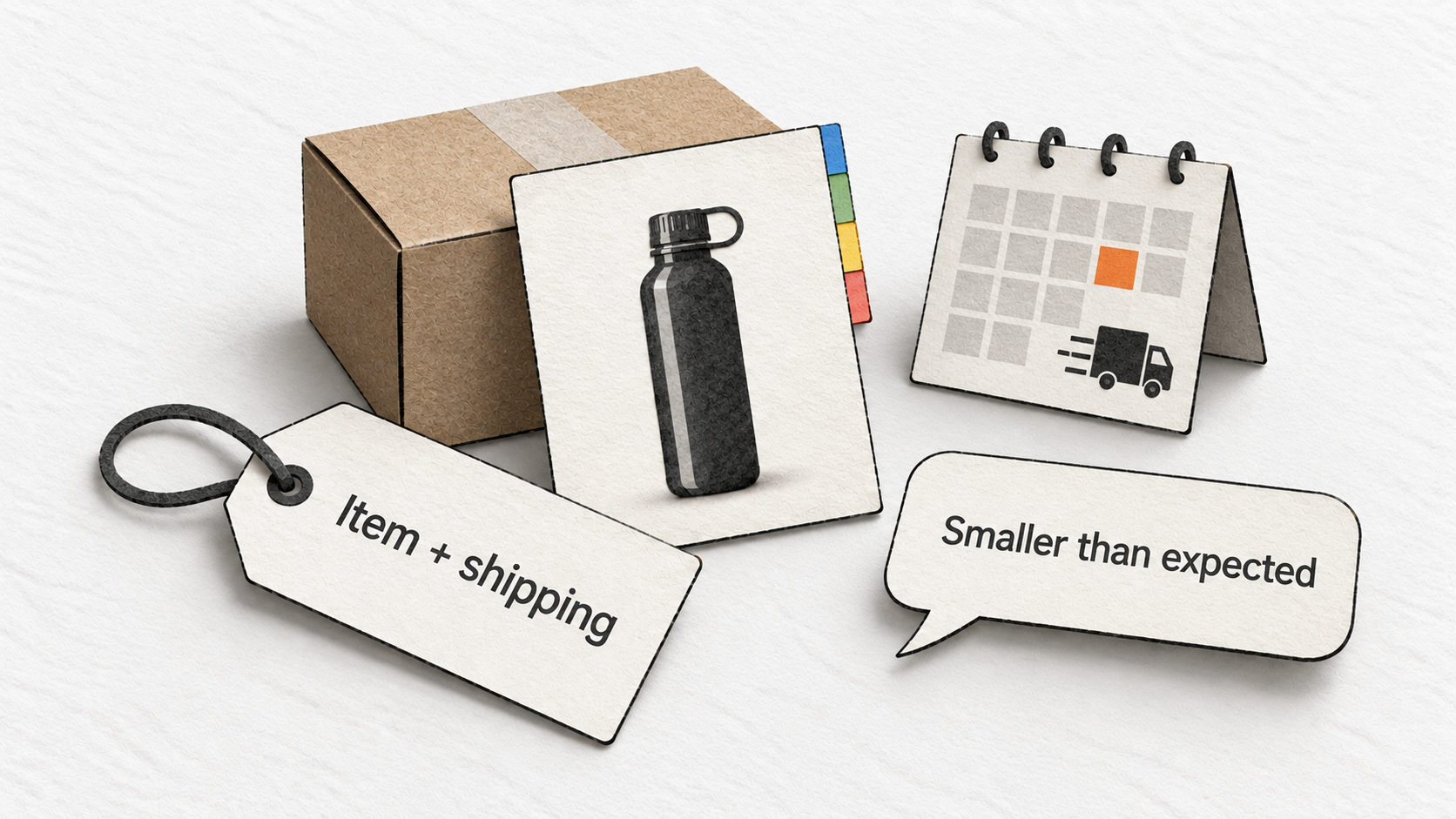
A shopper can understand a product perfectly and still choose another offer. The total cost may be higher, the delivery date may be too late or the product may be unavailable in the quantity they need. Those decisions help explain why a well-written listing can struggle to produce orders.
Assess the offer in the same context as the shopper. Compare the delivered price, condition and expected arrival, not just the number shown beside the product name. A lower item price with an additional shipping charge may be a different proposition from what the headline price suggests.
Check the Featured Offer before blaming the copy
Amazon’s Offer Display, sometimes called the Buy Box, can show one or more Featured Offers with buying buttons. Its guidance discusses total price, shipping speed and certainty, customer experience and stock. It also says merchant fulfillment can compete effectively with fulfillment through Amazon.
For a reseller, this creates an important diagnostic distinction. The product’s search impressions and clicks can remain steady while another seller receives more orders. You need to inspect your offer’s availability and status before treating the decline as a failure of the shared product description.
Compare like with like. A used item, a different pack size or an offer with a later delivery date may explain a price difference. Write down the competing terms rather than responding to the lowest visible number without understanding what it includes.
If your offer becomes unavailable, investigate the cause and the affected period. If the product remains available through other sellers, page-level engagement can continue. That is why a product performance report and your order history may tell different stories.
Read reviews for information you can act on
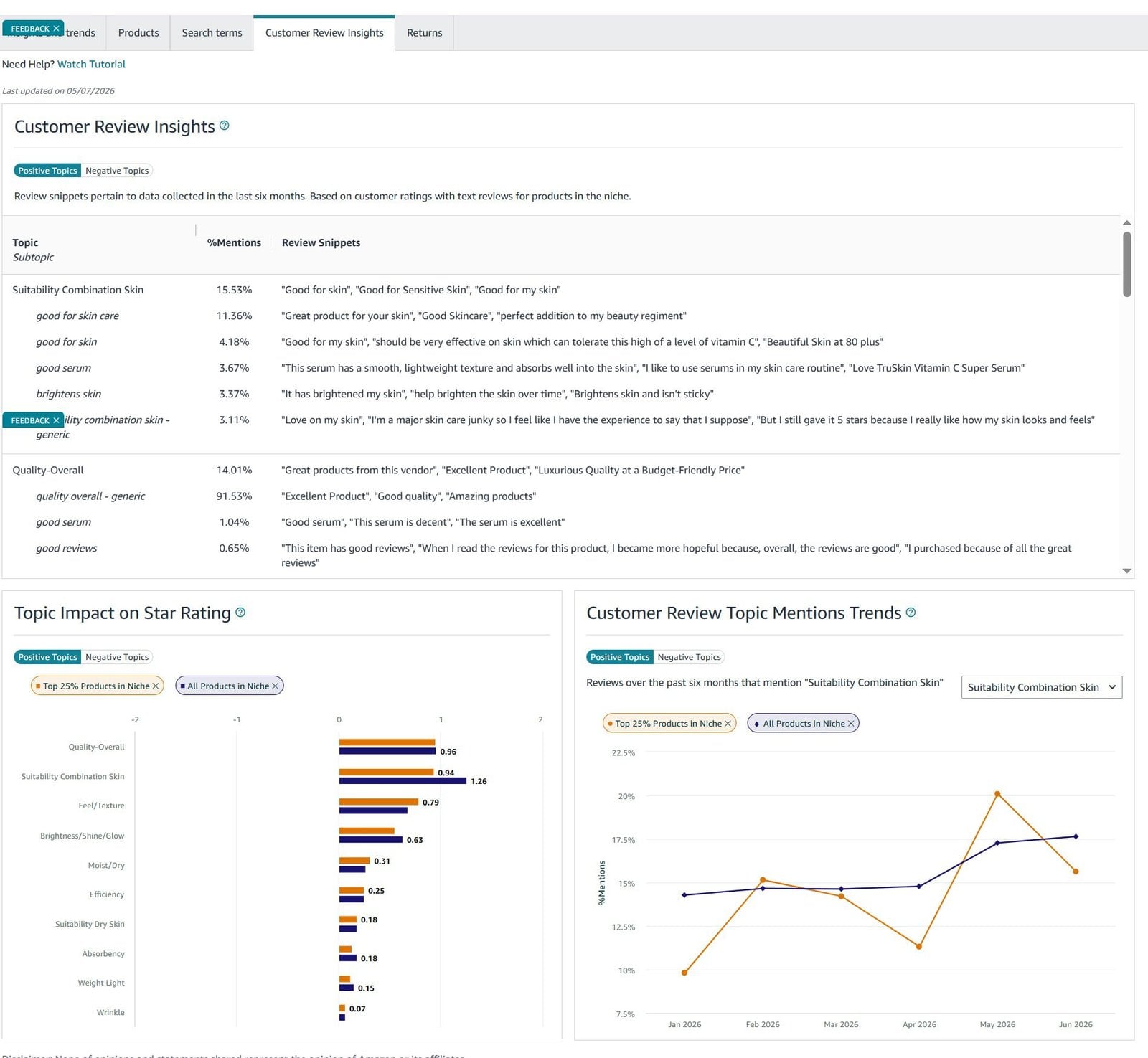
Reviews can reveal whether the page sets an accurate expectation. Group recurring comments by the problem they describe: unclear dimensions, missing compatibility information, difficulty using a part, damage or a mismatch between the photograph and the received item.
For the bottle, comments about its size would send you back to the measurements and images. Comments about the cap coming apart would require investigation of the product itself. Responding to both with more persuasive copy would miss that distinction.
Product reviews concern the item; seller feedback concerns the experience with a seller. Amazon’s review guidance permits neutral review requests but prohibits incentives, positive-only requests and requests to change or remove reviews. A customer-service solution should address the problem without making a review change part of the bargain.
Use the available reporting route for a review you believe violates Amazon’s rules. A critical review is not automatically removable because you disagree with it. The useful editorial response is to check whether the criticism exposes something the product page should have explained.
Don’t assume reviews belong to every variation
Amazon’s review-sharing guidance limits sharing to minor variations that preserve core functionality. It distinguishes visual or quantity differences from differences in functional specifications, materials, bundles and other aspects of the product experience. The page describes implementation by category, so check the notice that applies to your products.
Before drawing a conclusion from a changed rating count, inspect the variation relationship and any relevant policy notice. A change in which reviews are displayed is a different event from customers suddenly becoming less satisfied. Check that the feedback you rely on actually describes the product you are evaluating.
6. How Amazon advertising fits with SEO
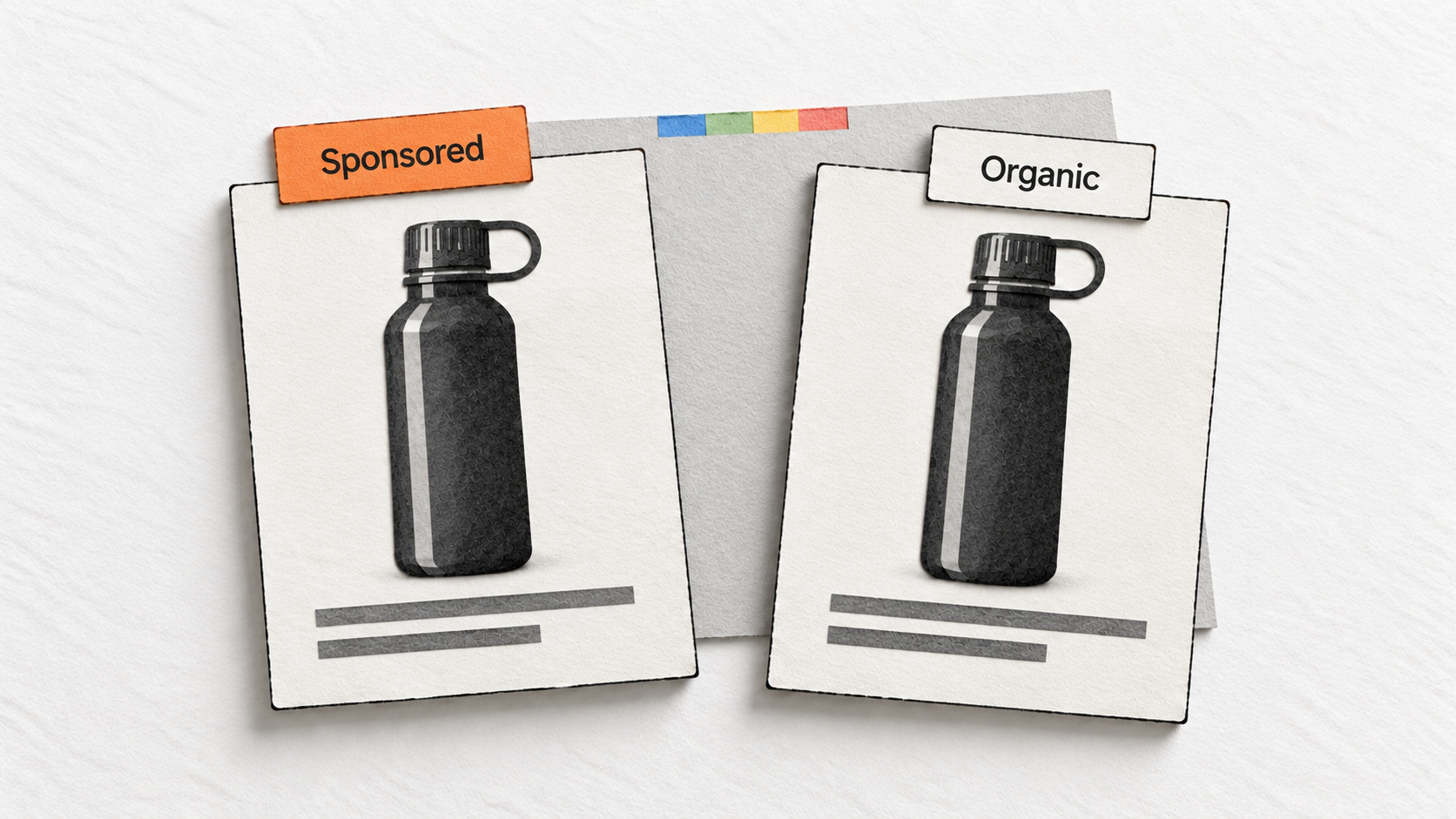
Sponsored Products are cost-per-click ads. They can put a product in front of shoppers through paid placements, including placements in search results. The sponsored label matters when you inspect visibility: an advertising appearance does not establish the product’s organic position.
A product may receive paid and organic exposure during the same period. When you change advertising activity, record that alongside listing changes. Otherwise, an increase in total search engagement may look like a result of the new copy even when the mix of exposure changed.
Learn from existing campaign search terms
Amazon’s targeting guide distinguishes the keywords an advertiser selects from the shopping queries customers use. Existing campaign reports can help you find wording associated with clicks and purchases.
Suppose a campaign brings visits from a phrase describing a bottle with a carry loop. Our example actually has that feature. Check whether the visible copy and images make it clear. The report has supplied a concrete question about the listing.
If a paid query describes an insulated bottle, the appropriate response is different. Examine the advertising targeting and the source of the mismatch. Adding an unsupported insulation claim to the product page would make the listing less accurate.
You can use advertising evidence you already have without treating a new campaign as a prerequisite for keyword research. Its coverage reflects the campaign’s targeting, exposure and attribution. It is one source of information about shopper behavior.
Keep sales effects separate from ranking claims
Advertising can generate visits and purchases, and Amazon’s BSR explanation connects sales with ranking broadly. That doesn’t establish a fixed organic-ranking benefit from a particular advertising spend.
If paid activity and organic position both rise, several explanations remain possible. The campaign may have reached more relevant shoppers; the offer may have improved; demand may have changed; or multiple changes may have occurred together. Record those conditions before attributing the result to an advertising-to-ranking effect.
The reporting distinction is particularly important because Amazon’s search performance dashboards include some paid activity. The measurement section below explains how to use them without treating every search impression as organic.
7. How Alexa for Shopping changes product discovery
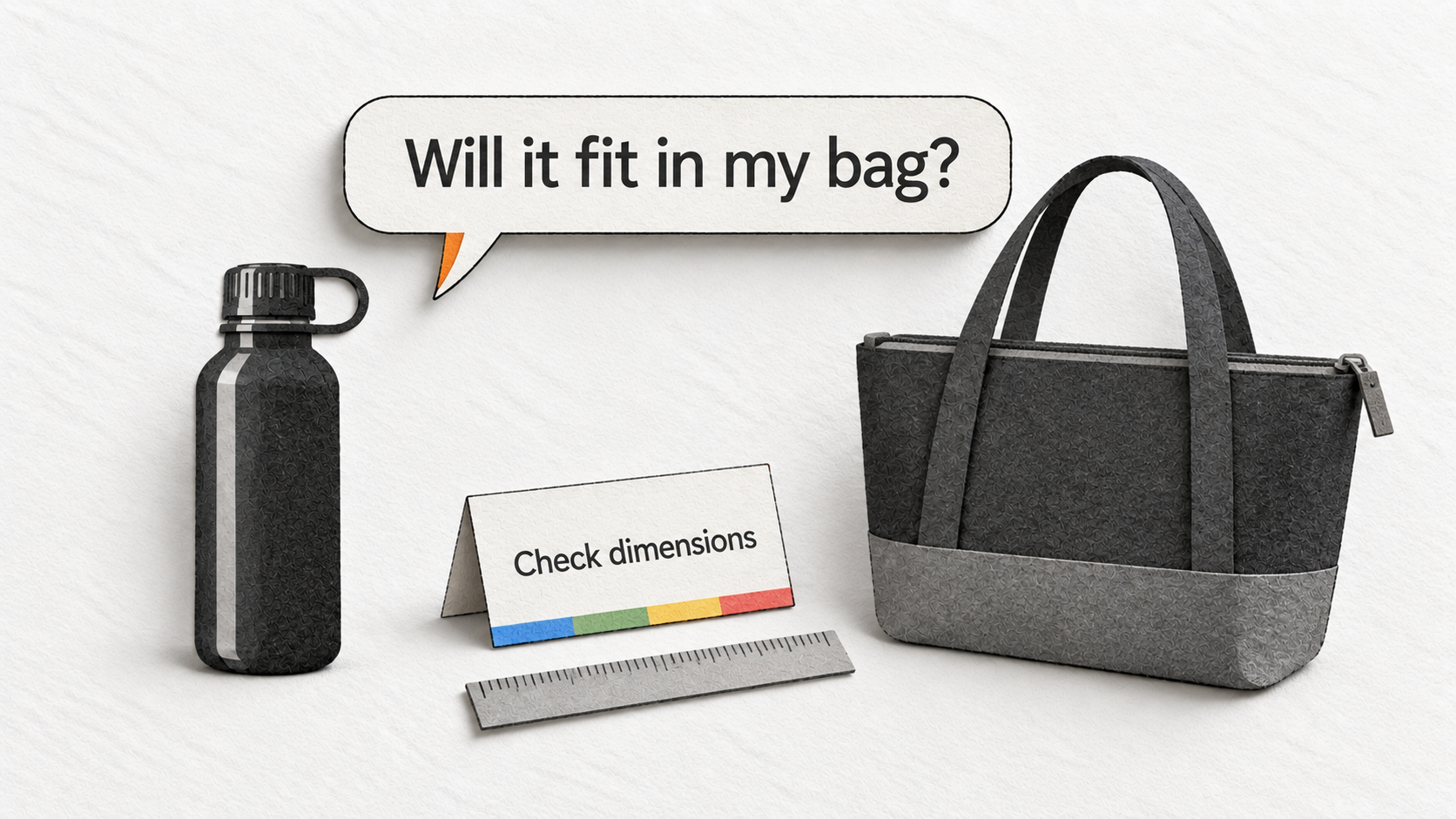
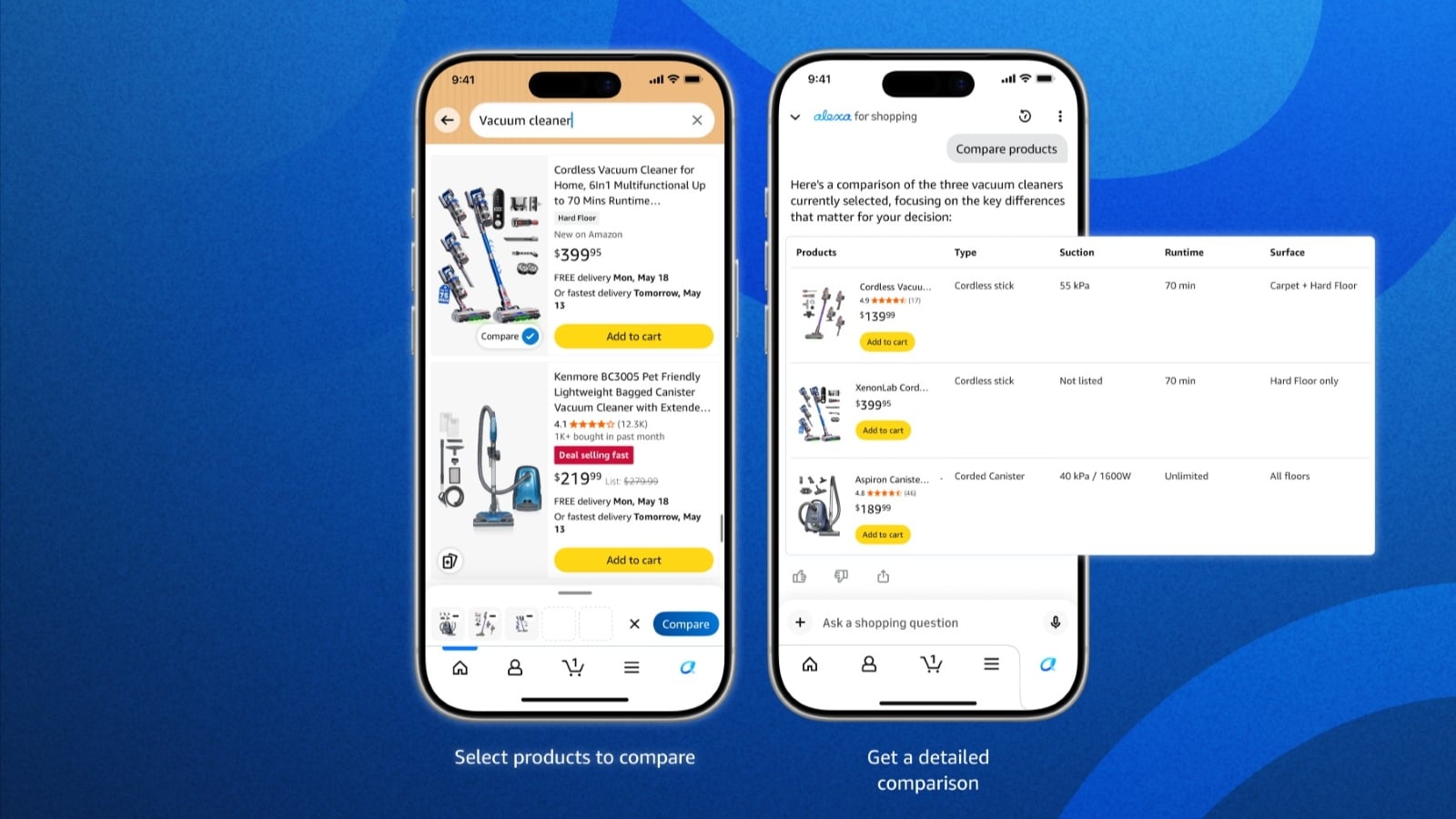
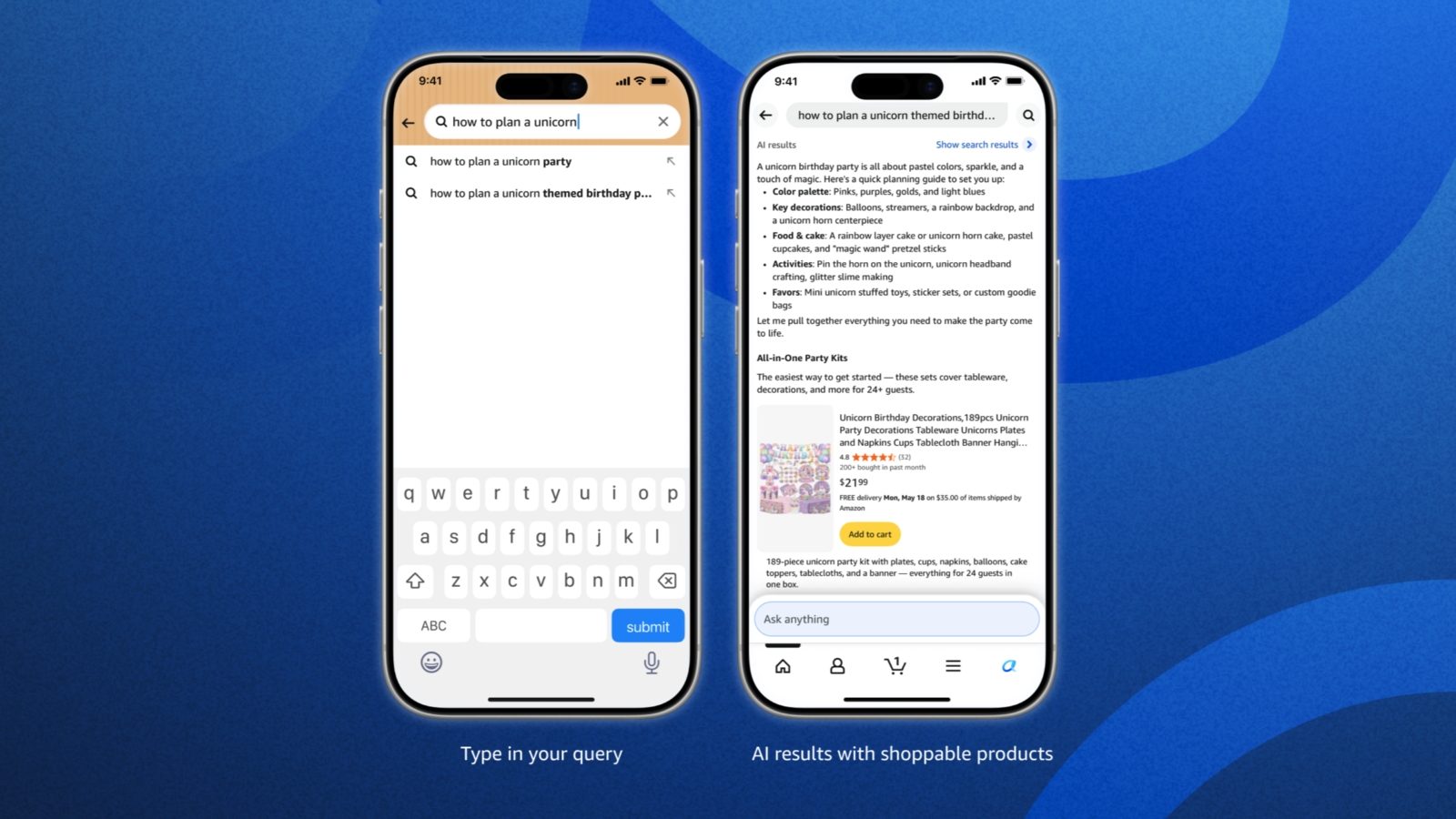
Amazon search now includes more ways for shoppers to describe what they need. Amazon’s Alexa for Shopping announcement brings together Rufus and Alexa+ and describes conversational questions in the main search bar, product comparisons and AI-generated summaries, with a US rollout.
A short query may name a product category. A conversation can add a use, constraint or comparison: the shopper may want to know how two caps differ or whether a bottle’s dimensions suit the space in a bag. The product information needs to support those more detailed decisions.
Answer the product question with a supported fact
For our example, the useful facts are straightforward. The capacity is 750 ml. The base measures 72 mm. The cap screws on and has a carry loop. Those details give a reader something concrete to evaluate.
“Designed for any adventure” supplies much less information. It doesn’t establish whether the product is insulated, whether the lid suits a particular activity or whether the bottle fits a particular holder. Broad claims leave important parts of the question unanswered.
Our recommendation is to keep structured specifications, visible copy and images consistent, and to address genuine questions with verified details. This is a practical application of the documented shopping experience, not a disclosed formula for getting recommended by the assistant.
If you inspect an assistant’s answer about your product, record the question and the specific factual issue you find. An incorrect capacity suggests a different investigation from an answer that recommends a competing item. First check whether the product page itself supplies clear and consistent capacity information.
One answer also describes one interaction. Avoid turning an isolated response into a universal claim about where a product appears for every customer or every question. The same discipline applies when inspecting conventional search results.
Understand what COSMO does and doesn’t establish
Amazon’s COSMO research concerns generating and serving knowledge about shopping intentions. The paper’s deployment qualification specifically identifies search navigation. It does not establish that COSMO replaced all Amazon ranking systems or publish a seller’s formula for higher rankings.
The research helps explain why relationships between products and intended uses are interesting to Amazon. Sellers still need to describe those uses truthfully. A bottle’s measurements can help a shopper judge fit; inserting a list of activities doesn’t establish suitability for all of them.
Keep the distinction between a research system, a customer-facing assistant and a ranking claim. Each describes a different part of discovery. None gives a reason to abandon accurate product information in favor of an unverified optimization checklist.
8. How to measure whether your Amazon SEO changes helped
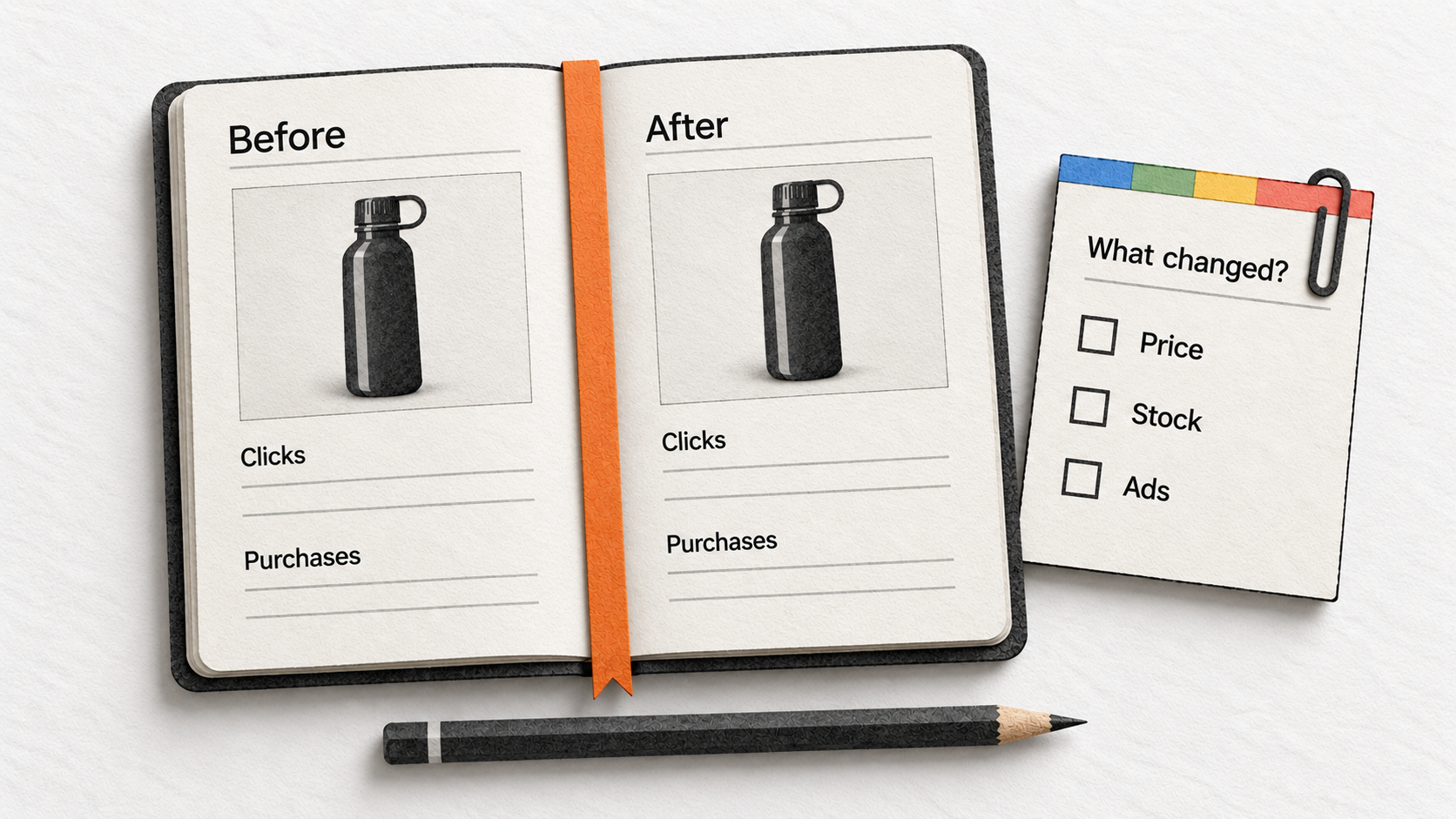
Choose the question you want the data to answer before choosing a metric. If you revised the main image because shoppers couldn’t distinguish the product, you want to understand exposure and clicks. If you clarified dimensions because buyers were uncertain about fit, engagement after the click may be more relevant.
Keep the product and reporting period consistent. Record the marketplace, ASIN or variation, date of the change, previous content and revised content. Alongside those details, note any stock interruption, offer change, price change, promotion or change in advertising.
This record gives later numbers a context. A week containing an unavailable offer is not directly comparable with a fully available week simply because both contain seven days. Equally, a period with different query demand may produce different totals even when the listing is unchanged.
Start with the right report
Search Query Performance organizes reported performance around queries associated with a brand or ASIN. Use it when the question concerns the wording that brought search engagement. The Brand view includes selected queries, with a maximum of 1,000 rows, so it isn’t a complete log of every possible search.
Search Catalog Performance organizes performance around ASINs across queries. Use it when you want to examine a product’s search engagement as a whole. The broader Sales and Traffic Business Report covers seller sales and traffic metrics; it answers a different question from a query-level search report.
Both search performance dashboards include organic results and Sponsored Products originating from the search results page, while excluding specified widgets. Their totals should not be labeled “organic SEO traffic.” Amazon also warns that similarly named metrics in different reports can have different definitions and attribution.
Subtracting an advertising-console number from a Brand Analytics total therefore does not automatically produce a valid organic figure. First establish that coverage, attribution, period and units match. Without that agreement, the arithmetic produces a number with an uncertain meaning.
A dash in the search dashboards means data is unavailable. Preserve that distinction in your notes rather than replacing it with zero. Missing data and an observed absence of activity require different conclusions.
Distinguish a rate from a share
A rate describes a relationship between two kinds of activity. A share describes how much of a total belongs to a product or brand. The names can look similar, so the denominator matters.
| Measure | Calculation | What it describes |
|---|---|---|
| Search Catalog click rate | ASIN clicks ÷ ASIN impressions | Clicks relative to displayed search appearances |
| Search Catalog conversion rate | ASIN purchases ÷ ASIN clicks | Purchases relative to search clicks |
| Search Query total click rate | Clicks across ASINs ÷ query volume | Click activity relative to searches for that query |
| Search Query total purchase rate | Purchases across ASINs ÷ query volume | Purchase activity relative to searches for that query |
| ASIN click share for a query | ASIN clicks ÷ all-ASIN clicks | The product’s portion of clicks for that query |
| ASIN purchase share for a query | ASIN purchases ÷ all-ASIN purchases | The product’s portion of purchases for that query |
These definitions come from Amazon’s Search Catalog report schema and Search Query report schema. Multiply each ratio by 100 to express it as a percentage.
Notice that the query report’s total click rate uses query volume as its denominator, while the catalog report’s click rate uses impressions. You cannot compare them as though the names refer to the same calculation.
Worked example: more clicks, little purchase growth
The following figures are illustrative, not results from a test we ran. Imagine the bottle has these Search Catalog figures across all queries in two comparable periods:
| Measure | Period A | Period B |
|---|---|---|
| Search impressions | 20,000 | 20,000 |
| Search clicks | 400 | 600 |
| Search-attributed purchases | 40 | 42 |
| Click rate | 2% | 3% |
| Purchases per click | 10% | 7% |
Clicks increased 50%, from 400 to 600. Purchases increased only 5%, from 40 to 42. The higher click rate is encouraging for the question of attracting visits, but the lower purchases-per-click figure raises a second question about the traffic and the buying experience.
Perhaps the new image made the bottle more appealing while leaving its single-wall construction unclear. Perhaps a campaign reached a broader audience. Perhaps the delivery offer changed. The table doesn’t identify the cause; it tells you which comparison needs investigation.
Check whether the query mix, sponsored exposure and offer conditions changed between periods. Then inspect the information visitors saw. Avoid calling the edit a complete success based only on clicks, or a failure based only on the lower percentage after the click.
These counts describe reported actions. They should not be treated as a perfectly tracked sequence of unique people moving through every step. Keep the report’s definitions intact when you explain the result to someone else.
Worked example: purchase share is not conversion rate
Consider a separate illustrative query with 5,000 searches, 1,000 total product clicks and 100 total purchases. The bottle receives 60 of those clicks and eight of those purchases.
- Click share: 60 ÷ 1,000 × 100 = 6%
- Purchase share: 8 ÷ 100 × 100 = 8%
- Total query click rate: 1,000 ÷ 5,000 × 100 = 20%
- Total query purchase rate: 100 ÷ 5,000 × 100 = 2%
The bottle’s 8% purchase share means it received eight of the query’s 100 reported purchases. It doesn’t mean 8% of its visitors bought it. The query’s 2% total purchase rate uses searches as its denominator and describes activity across products.
When sharing a result, include the counts or the calculation beside the percentage. “Eight of 100 purchases for this query” is harder to misinterpret than an unexplained “8% conversion.” These sample values illustrate arithmetic; they are not benchmarks for a healthy listing.
Allow for processing, then evaluate performance
Amazon’s title guidance describes a 24–48-hour window for title or Item highlights updates to appear. Its search troubleshooting guidance allows up to 72 hours for specified offer, category or launch-date changes to appear in shopping results. These are processing windows, not promises of ranking improvement.
First confirm that the intended change appears. Then examine a suitable completed reporting period. If the product receives little activity, a few extra clicks or purchases can move a percentage substantially. Keep the underlying counts visible rather than interpreting a large percentage change on its own.
For example, one purchase becoming two is a 100% increase, but it leaves considerable uncertainty about what will happen next. A longer observation may help, provided the product, offer and surrounding conditions remain comparable. There is no universal number of days after which a listing edit proves itself.
Use an experiment when the product is eligible
Manage Your Experiments lets eligible sellers compare versions of listing content. Amazon specifies a Professional account, a Brand Representative role for an enrolled brand and enough recent product traffic to support a valid experiment. Some experiment types also require the relevant content to exist.
Choose a question the experiment can answer. For the bottle, you might compare two main images that show the same included product differently. If you change the title, image and bullets together, you are evaluating that combination. You cannot reliably assign the result to the cap wording alone.
Amazon supports tests of multiple attributes as well as individual content types. Its guidance recommends completing the experiment rather than acting on promising early results. For a manually selected duration, it recommends eight to ten weeks; a separate “to significance” option runs according to the tool’s evidence threshold. Those settings should not become a blanket waiting period for all SEO work.
If the product is ineligible, maintain a clear change log and make a before-and-after comparison using the same report scope. Note the competing explanations alongside the result. You can learn from the pattern without describing it as a controlled experiment.
Choose the next change from the evidence
Return to the problem you identified at the start. If the listing is now available, confirm that the reported issue is resolved before pursuing keyword changes. If relevant exposure remains low, revisit classification, product facts and query fit. If clicks increased but purchases barely moved, inspect the questions and offer conditions encountered after the click.
For our bottle, the next useful action might be as small as showing the opening measurement clearly or correcting a capacity mismatch. Record the change, verify that it appears and compare the relevant activity. That gives the next decision a firmer basis than another round of keyword additions.
Start the conversation by posting the first comment