

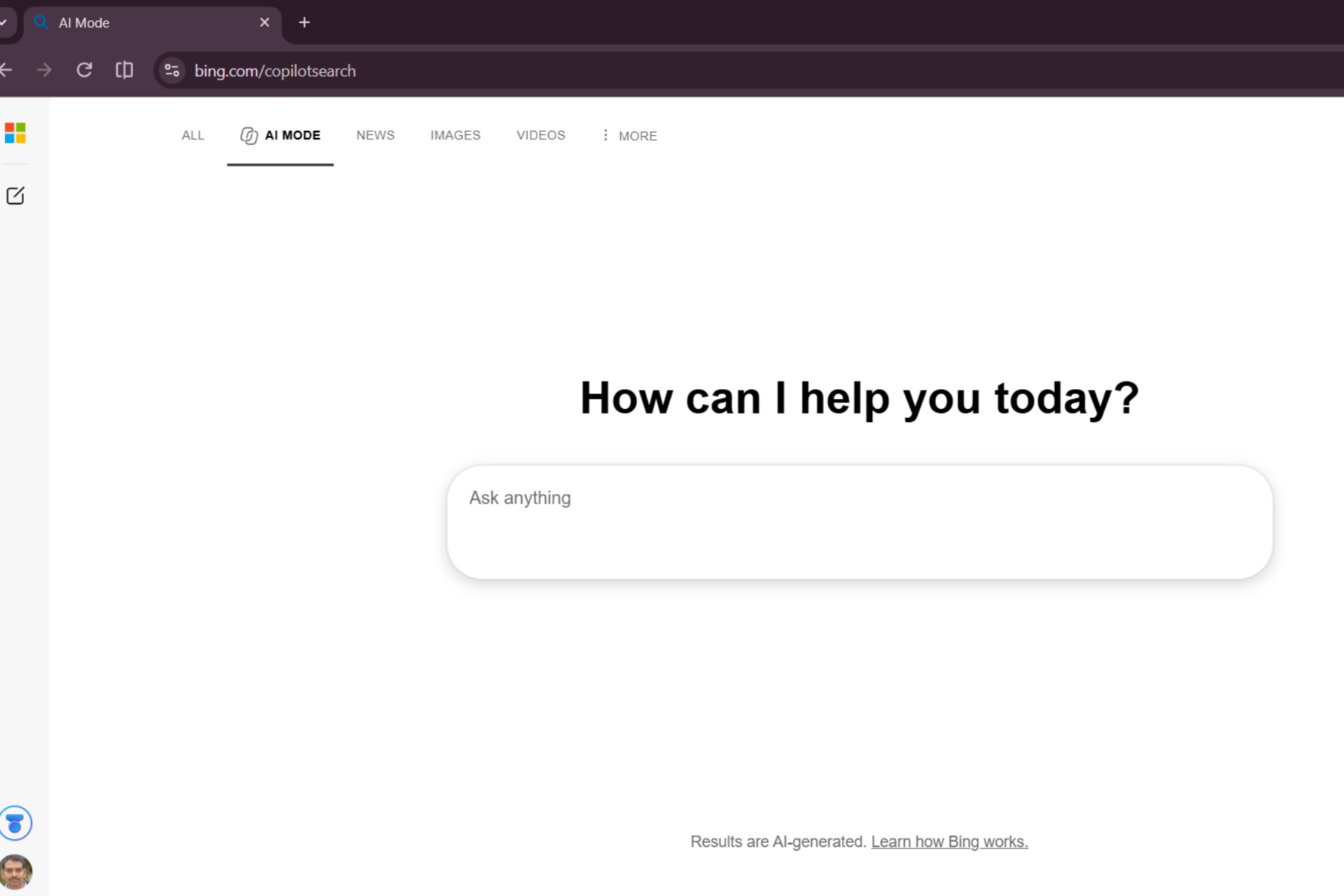
Microsoft is giving Bing AI Mode a more conversational homepage, replacing the earlier Copilot Search landing page with a cleaner design that puts a large prompt box and suggested queries front and centre.
We spotted the updated interface at bing.com/copilotsearch. The page now opens with a prominent “How can I help you today?” message above a large “Ask anything” box, giving users a more conversational starting point for their searches.
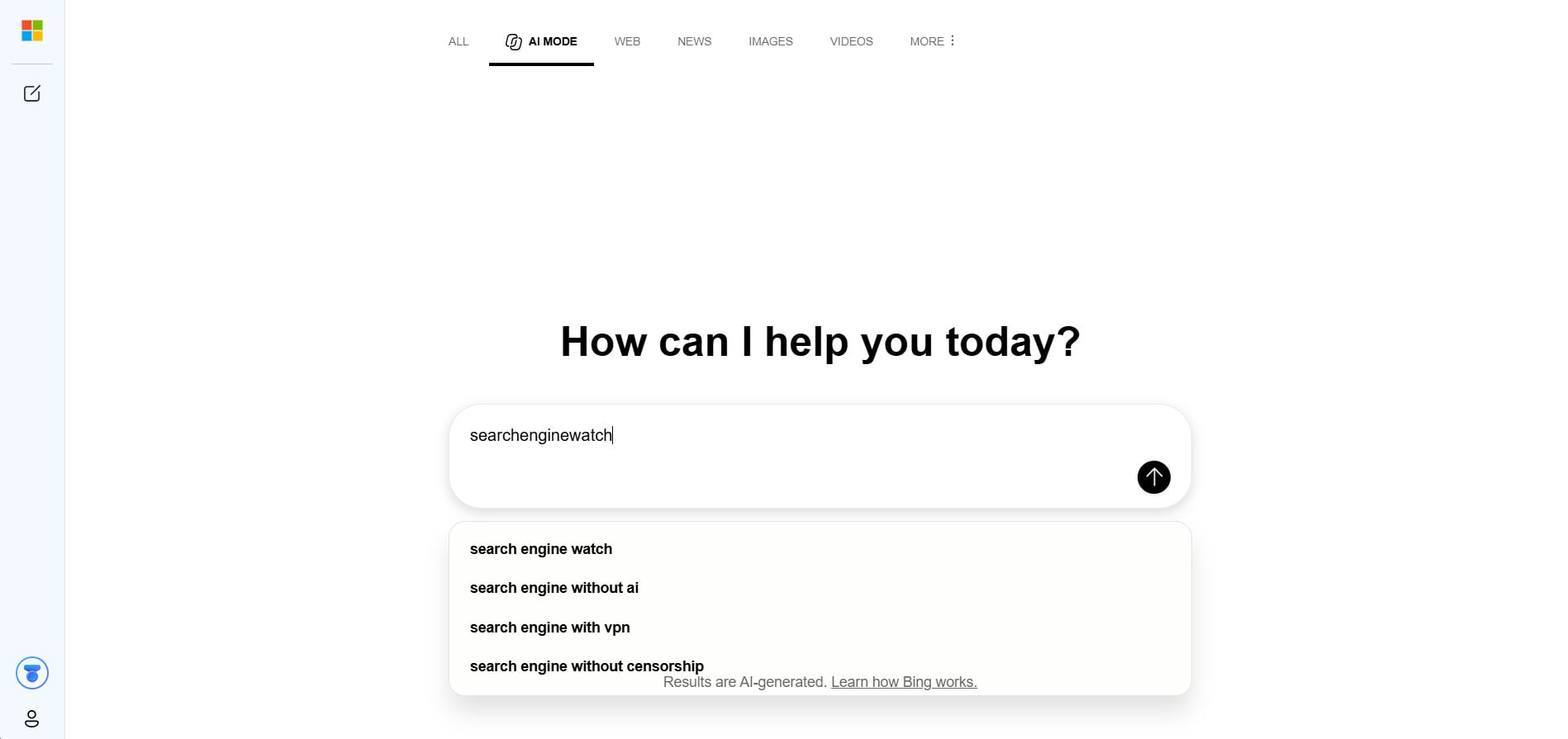
The prompt box also displays suggested queries as users type. For example, entering “searchenginewatch” brought up suggestions such as “search engine watch”, “search engine without AI”, “search engine with VPN”, and “search engine without censorship”. These suggestions bring familiar search autocomplete to Bing’s conversational interface.
The change becomes more interesting when compared with Bing’s earlier design. A September 6 capture from the Internet Archive shows the same `bing.com/copilotsearch` address displaying a dedicated Copilot Search homepage. That version had Copilot Search branding in the centre, a suggested topic and a smaller “Ask anything” prompt near the bottom.
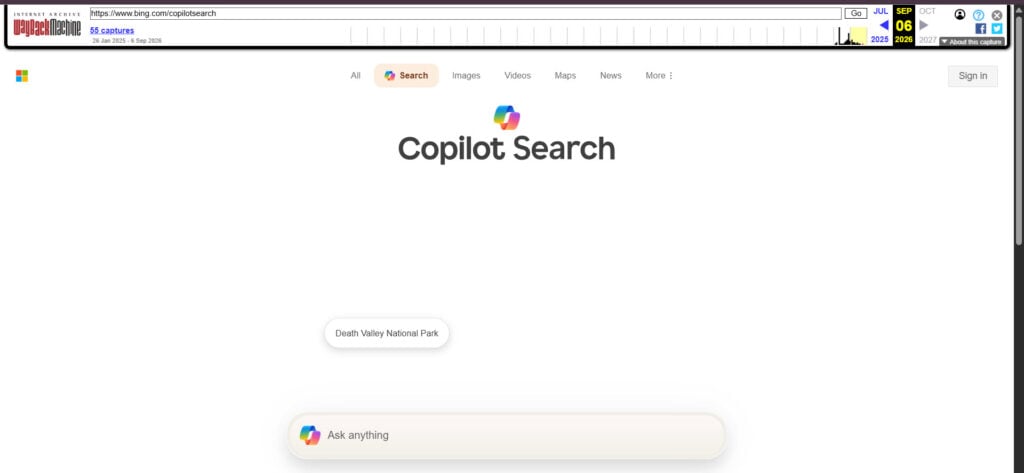
In the updated interface, Microsoft has replaced the Copilot Search branding with AI Mode and made the prompt box much more prominent. The old `/copilotsearch` URL remains, but the page now presents itself as Bing AI Mode rather than Copilot Search.
Start the conversation by posting the first comment