


Microsoft has confirmed that Bing’s Copilot Search now has two distinct experiences: AI Mode for conversational research and AI Overview for quick summaries in regular search results. Both are powered by Copilot.
We’ve been spotting AI Mode branding in Bing and Edge for a while. Microsoft has now clarified the distinction between the two in the FAQ on its Search with AI page, spotted by Search Engine Watch.
The FAQ describes them as “two distinct AI experiences on Bing: AI Mode and AI Overview.”
The page also includes a seven-step interactive walkthrough showing users how to use the two experiences. It covers opening AI Mode from Bing search results, viewing full and media results, asking follow-up questions, and checking the sources behind AI-generated answers.
Microsoft describes AI Overview as a feature that provides AI-generated summaries alongside regular search results. AI Mode, meanwhile, offers a conversational experience for researching topics in depth and comparing options through a back-and-forth conversation.
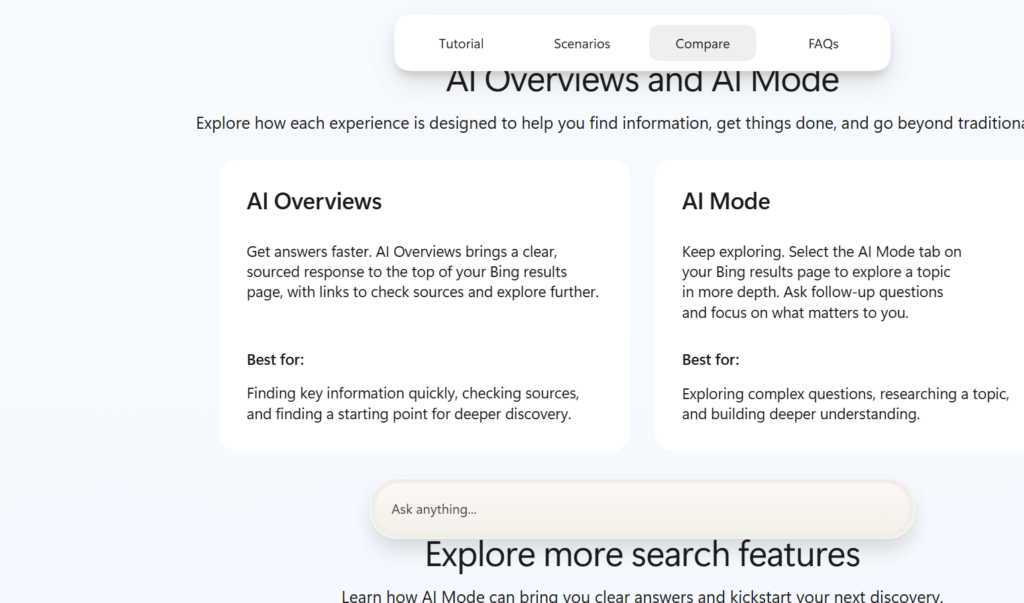
The company says it introduced the new names to help users understand the two experiences. The underlying Copilot technology remains unchanged. Microsoft also says AI Mode responses draw on information from the web and include source links so users can check the information themselves.
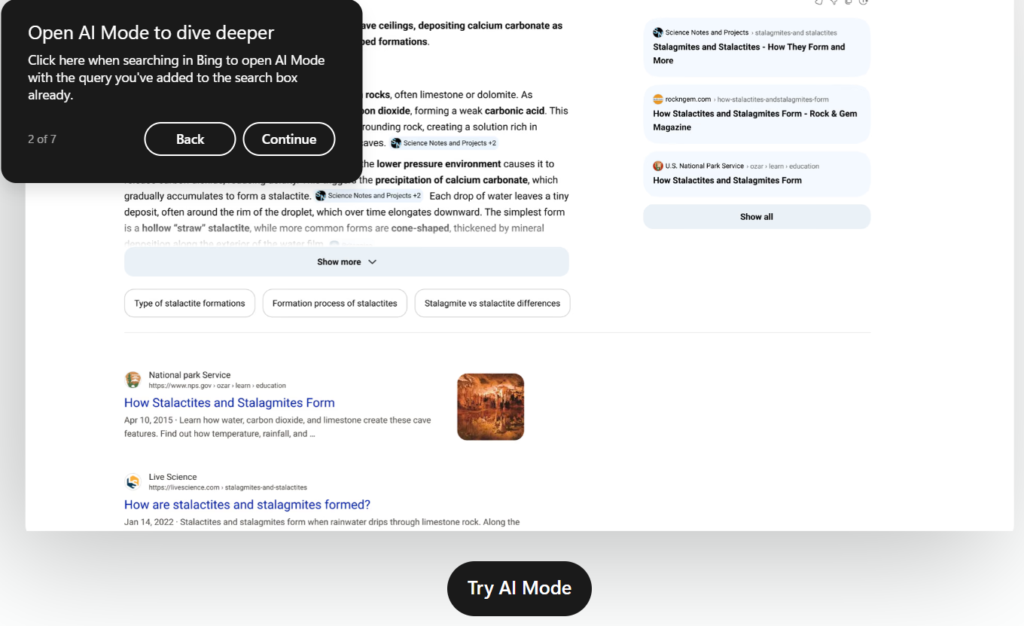
The new AI Mode branding has also reached the Bing Android app. Tapping the Copilot icon opens a screen displaying the message, “You’re now in Bing AI Mode.”

Users can start conversations directly in Bing, but Microsoft directs them to the Copilot app to access their chat history.
The naming also brings Bing closer to Google Search, which already uses AI Overviews for quick answers and AI Mode for conversational searches.
Start the conversation by posting the first comment