


Google has revised its Search sharing guide to include the existing Search generative AI control and more ways to restrict search previews. The October 21 update brings those options alongside indexing and removal controls for site owners.
Google’s documentation changelog describes a refresh of available choices, rather than a feature launch. It names robots meta tags, data-nosnippet and X-Robots-Tag among the additions to the guide.
The AI control preserves eligibility elsewhere in Search
The Search generative AI control sits under Settings in Search Console. Google says it reached all websites worldwide on August 31, so the new documentation does not change who can use it.
Choosing exclusion removes a property’s content and links from the covered AI features, including AI Overviews, AI Mode and generative features in Discover. Google says that choice is not a ranking or inclusion signal for other parts of Search.
Publishers give up impressions and traffic from those AI features when they opt out. The control also leaves AI training unchanged; Google directs publishers to Google-Extended for training restrictions.
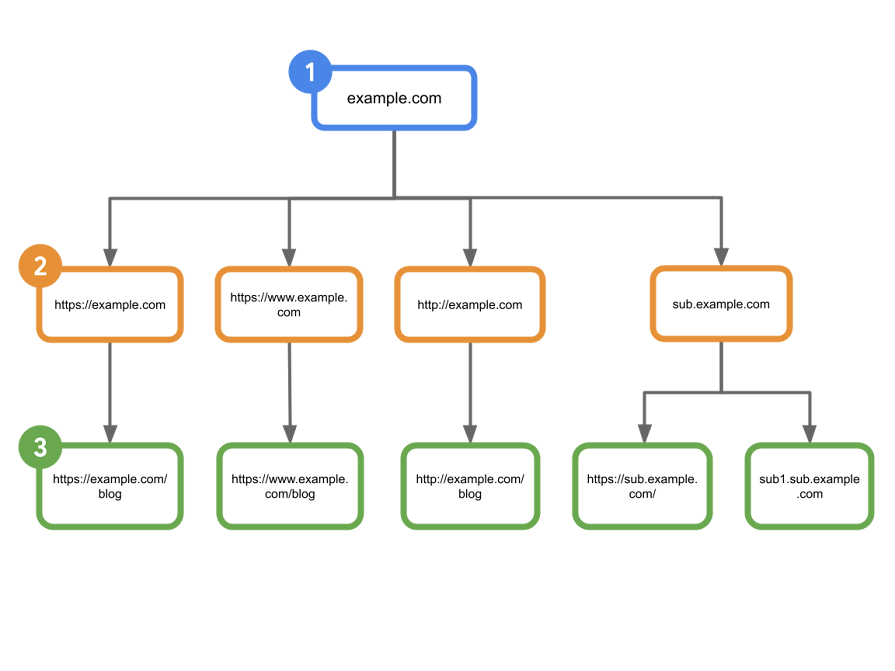
Check the property’s inherited setting before changing it. A narrower property can follow a parent property’s choice unless an owner overrides it.
Page-level restrictions solve different publishing problems
For a publisher that wants to restrict AI use while retaining ordinary search visibility, applying noindex would also remove the page from conventional results. That is a broader consequence than selecting the AI control.
A page’s preview can be restricted more precisely through robots settings and snippet rules. Google’s specifications allow data-nosnippet on supported HTML elements to keep selected passages out of snippets.
The broader nosnippet rule suppresses a page’s text snippet and prevents its content from being used as direct input for AI Overviews and AI Mode. Non-HTML resources can receive supported rules through the X-Robots-Tag HTTP header.
Google must be able to crawl a page to read its indexing instructions. Its noindex guidance warns that blocking the crawl with robots.txt could leave a URL in results.
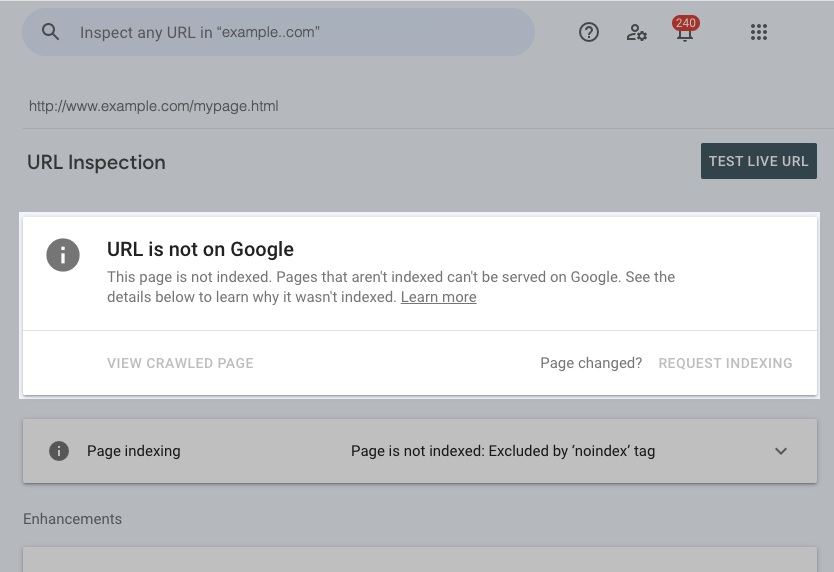
After changing an indexing rule, use URL Inspection to check Google’s stored status and compare it with a live test. The two views can differ while Google processes a recent change.
Source: Google Search Central
Start the conversation by posting the first comment