

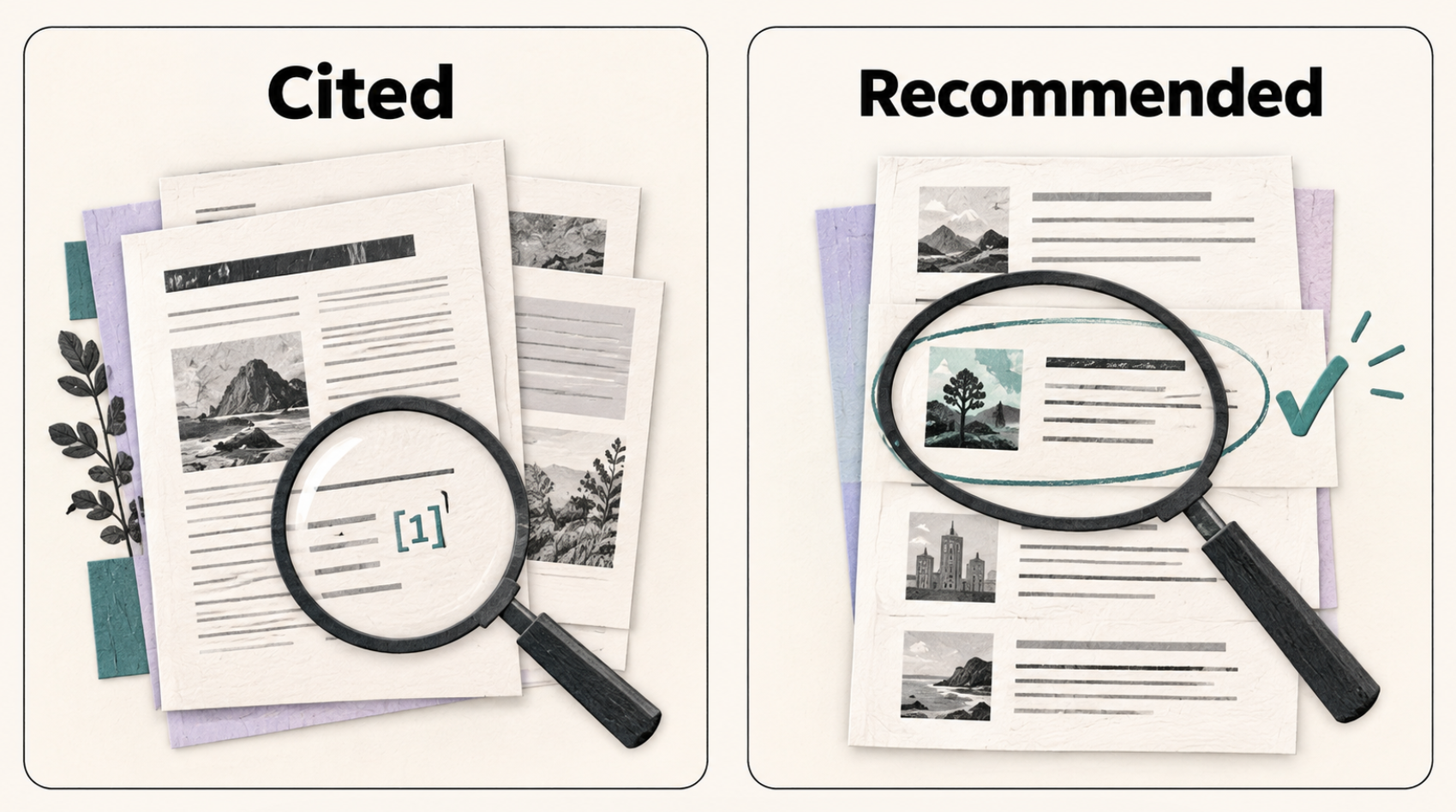
For a small agency reporting where a client’s pages appear in Google and Microsoft AI answers, I’d start with Google Search Console and Bing Webmaster Tools. Their free reports let you identify the pages appearing in the AI experiences each provider covers.
To follow what ChatGPT, Gemini and Perplexity say about a client and its rivals, consider HubSpot AEO. Its $50-per-brand monthly plan checks questions you choose each day. You can read the answers it collects to see whether the business is merely mentioned or actually recommended.
| Tool | Monthly software cost | What it helps you answer | The main limit |
|---|---|---|---|
| Google Search Console | $0 | Which pages appeared in Google’s AI Overviews and AI Mode? | The dedicated report measures impressions, with no query breakdown. |
| Bing Webmaster Tools | $0 | Which pages were cited, and what retrieval phrases appear in the report? | Covers Microsoft Copilot, Bing AI summaries and selected partners. Citation share does not name rivals. |
| HubSpot AEO | $50 per brand | How do answers to 25 chosen prompts describe the business and its competitors across three engines? | Each brand needs a separate subscription. Agency exports and client permissions remain unverified. |
Based on published features and terms, with the main claims rechecked on 20 September 2026. We haven’t tested tracking accuracy. Prices use monthly billing in US dollars, before tax; setup and reporting still take agency time.
1. Google Search Console: see which pages appear in Google’s AI answers
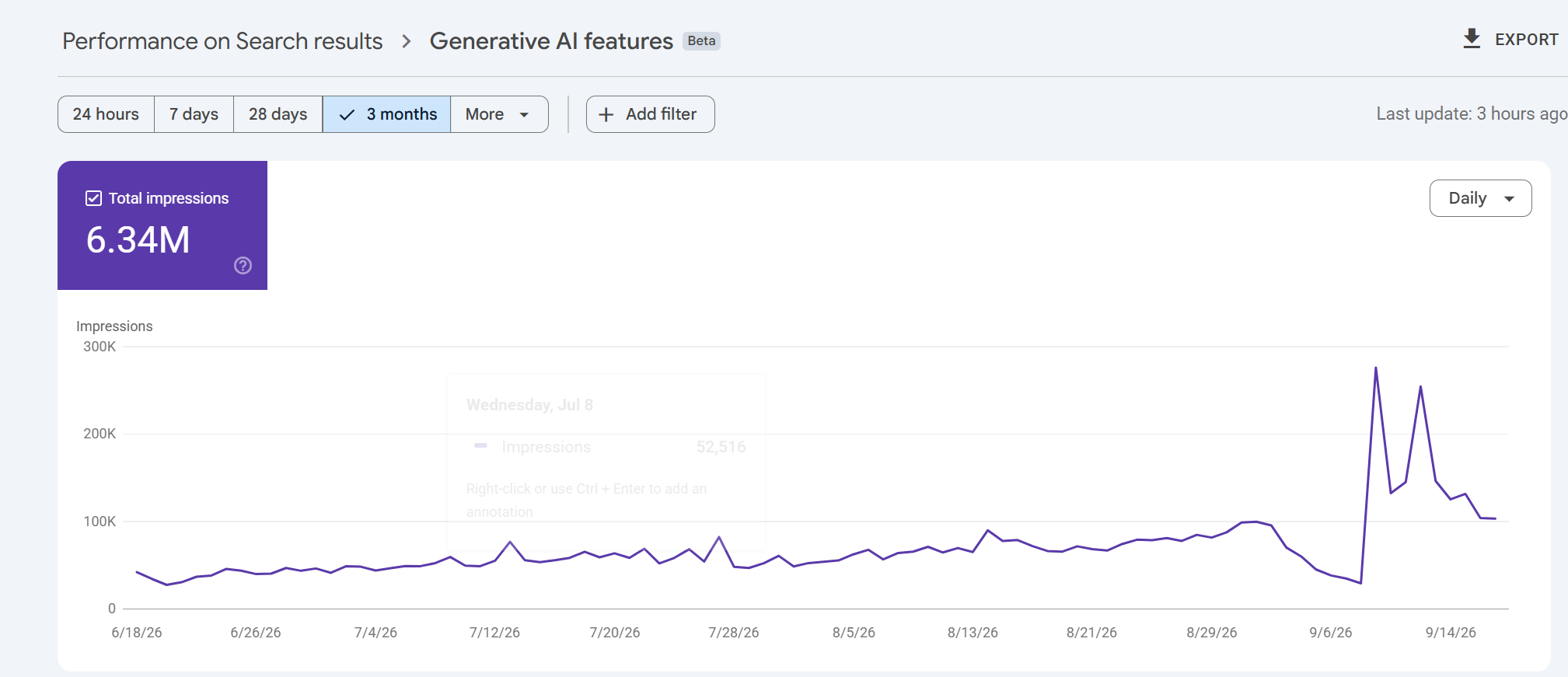
Search Console now has a dedicated view of impressions from AI Overviews and AI Mode. Google introduced its generative AI performance reports in June 2026 and says the rollout reached websites worldwide on August 31. Agencies can now report those appearances separately from the broader search-performance figures.
The report shows which pages appeared, with breakdowns by country, device and date. An impression records a link to the site appearing in a supported AI feature. It doesn’t establish that someone visited the page.
Suppose a client sells commercial coffee machines. Look for its buying guides, product pages and installation advice in the page report, then group those URLs in your own monthly report. You can show the client which kinds of content appeared and how their impressions changed over equivalent periods. That is more informative than handing over one site-wide total.
The report won’t explain why one page appeared more often than another. Google’s documented metrics and dimensions contain no dedicated clicks, click-through rate or query breakdown. It also doesn’t cover the Gemini app. Sites with too few impressions may not see the report at all.
There is a small export detail worth catching before it reaches a client: Google says unavailable values shown as ~ or – become zeros in the downloaded data. Check those against the screen before describing a zero as a loss of visibility.
2. Bing Webmaster Tools: see cited pages and the subjects being looked up
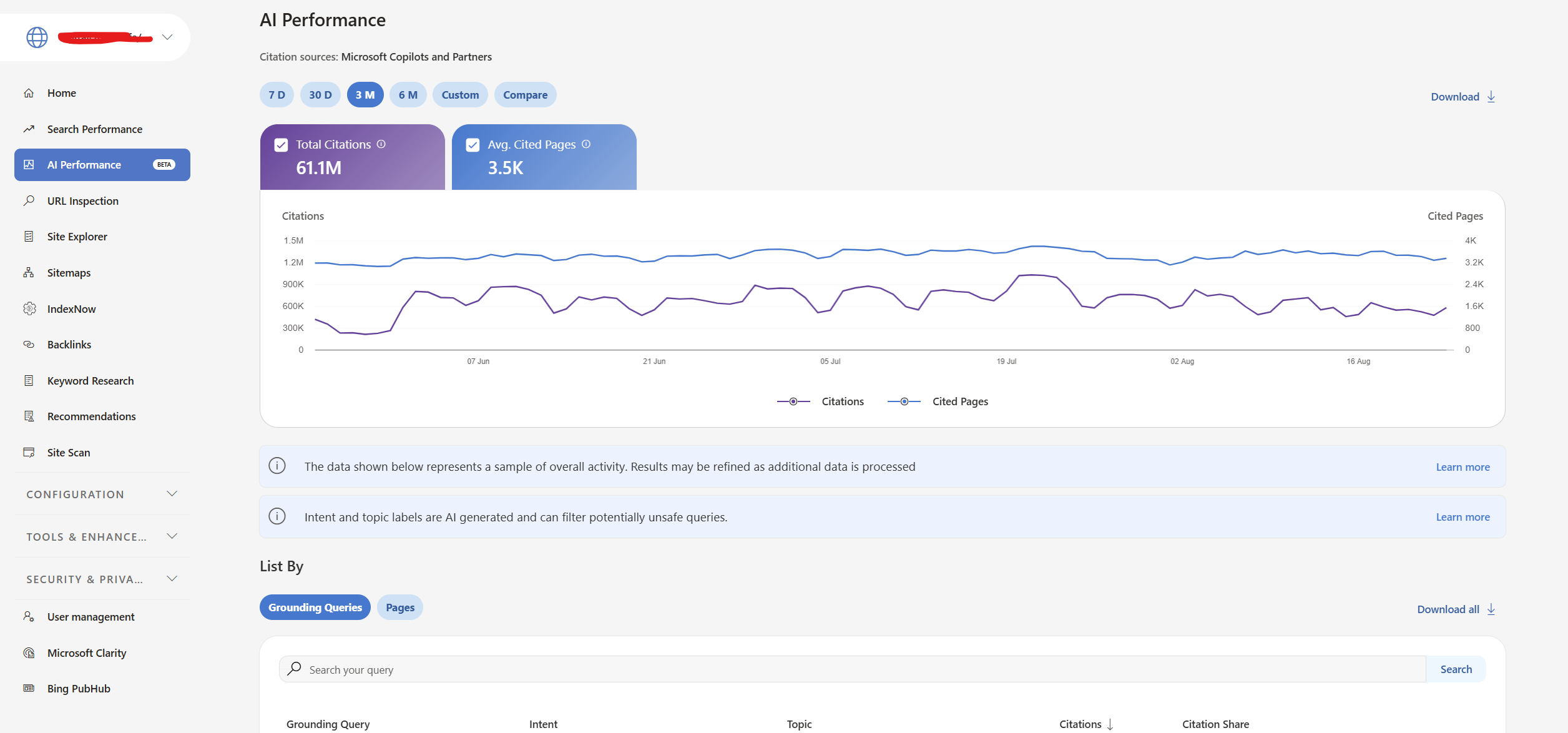
Bing Webmaster Tools gives the agency a second free source of AI visibility data. Its AI Performance report covers citations in Microsoft Copilot, AI-generated Bing summaries and selected partner integrations. It shows cited URLs, citation counts and phrases used to retrieve source material.
Those phrases are called grounding queries. They describe what the system looked up while assembling an answer, which can differ from the question a person typed. An answer about the cost of equipping a café could involve searches for maintenance and cleaning as well as machine prices. SEW’s explanation of query fan-out shows how that branching works. Treat these phrases as retrieval context, rather than a transcript of customer questions.
Microsoft’s June update added topics, intents, citation share and period comparisons, in global preview. Citation share measures your site’s portion of all citations for the same grounding query. It does not reveal the competing domains or measure your share of traffic. Comparing periods shows whether citation activity changed; changing demand or AI systems can affect that activity alongside your own page updates.
For a monthly client report, record the cited pages, relevant retrieval phrases and changes over the same reporting periods. Keep Bing’s citation totals separate from Google’s impressions because they count different things. Agencies already managing verified Search Console properties can import those sites into Bing Webmaster Tools, reducing the setup work.
3. HubSpot AEO: pay for daily checks on questions you choose
A client asking “Does ChatGPT recommend us over our competitor?” needs a different kind of evidence. Their own site might be cited without the business being recommended. Equally, an answer could recommend them using information from another website.
HubSpot AEO, currently in beta, lets you follow chosen prompts, inspect returned answers and see the brands and sources involved. Its standalone subscription costs $50 a month for 25 prompts checked daily across ChatGPT, Gemini and Perplexity. No additional HubSpot subscription is required.
For the coffee-equipment client, you could track a question such as “Which commercial coffee machines suit a café serving 200 drinks a day?” Review which suppliers the collected answers recommend and the reasons they give. A brand-mention score alone won’t tell you whether an answer describes the client’s products accurately or recommends them for the wrong setting.
Consider an agency starting with three clients and 25 questions for each. HubSpot sells a separate instance for each brand, so the cost is 3 × $50 = $150 a month for 75 tracked questions. Adding a fourth client with the same allowance brings the bill to $200. Daily checks build a history for each question; they don’t turn those 25 questions into a representative sample of everything a client’s customers ask.
If a client already has Marketing Hub Professional or Enterprise, AEO is included. Check that account’s allowance before adding a standalone subscription.
Agency reporting needs a closer look before purchase. We couldn’t verify the available export formats or how access can be separated between clients. During the trial, try producing the report you intend to deliver and check who can view each brand’s data. HubSpot belongs here for its documented monitoring features and price; its suitability for an automated agency-reporting workflow remains unconfirmed.
Choose prompts from the decisions the client’s customers actually face. For the coffee business, that might include selecting equipment for a particular café size, comparing running costs and finding local servicing. Keep the wording consistent when comparing periods, and record any additions separately. Changing the questions can change the score even when nothing about the business has improved.
As SEW’s reporting on the limits of AI visibility scores explains, the questions, platforms and repetitions affect the result. Include the tracked questions and dated example answers in the client report. That gives the client enough context to distinguish an accurate recommendation from a passing mention. Report visits and enquiries separately using your analytics and sales records.
Start the conversation by posting the first comment