Preparing for Penguin 4.0: A Google Penalty Prevention Protocol
If you follow these steps, you can protect your site and when Penguin 4.0 gets released, you can be certain that yours won’t be one of the sites that gets affected.
If you follow these steps, you can protect your site and when Penguin 4.0 gets released, you can be certain that yours won’t be one of the sites that gets affected.
Penguin panic is now pretty widespread across the Web. Almost every SEO enquiry that we receive goes something like this: “I’d love to build links to improve my rankings, but I don’t want to get penalized. What can I do?”
Most people don’t realize the importance of preemptive backlink audits. Once people come to us with a penalty, recovery is tedious, difficult, and can have a massive impact on a company’s bottom line. So why risk it?
In this article we’ll teach you exactly what you can do to audit your backlink profile in order to prevent getting a Penguin 4.0 penalty.
One of the areas where people often fail when it comes to penalty prevention or recovery is they don’t gather enough backlinks. It’s very important to use as many sources as possible.
For every audit, we use:
We also identify footprints – for example if there’s guest posting, we capture the names of the authors, and you can find target keywords are site URL’s, and run those patterns through something like ScrapeBox to unearth more links.
You’ll want to gather ALL those links and combine them into one file. Excel whizzes may know advanced formulas to remove duplicates. Google Drive has an app that you can use to de-dupe, or you can also try ScrapeBox.
How you identify footprints depends on what tools you have at your disposal. You can use filtering and sorting features in Excel/Google Drive, or advanced Excel formulas.
Here are some of the main footprints you want to look for:
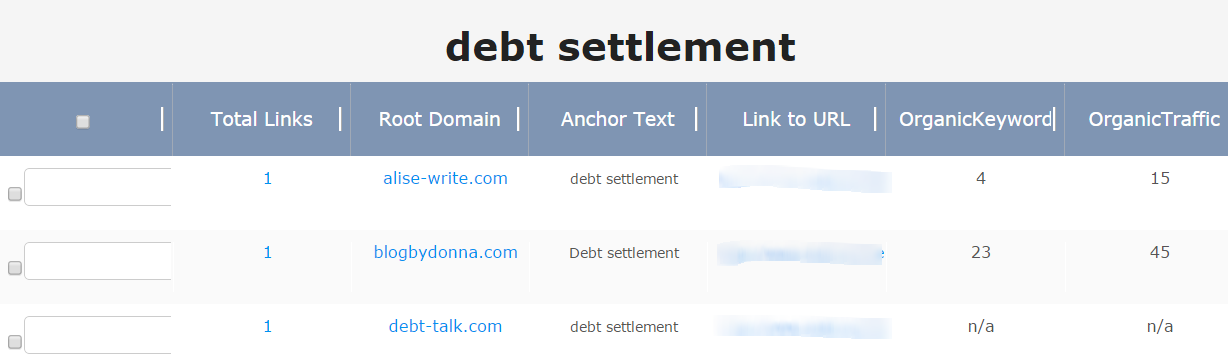
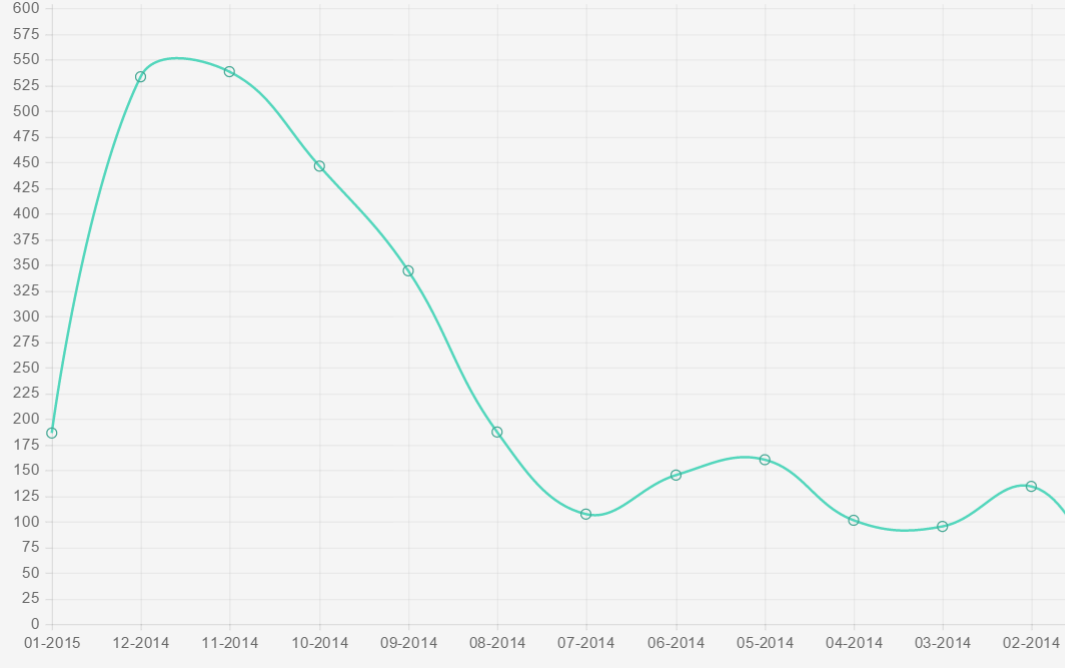
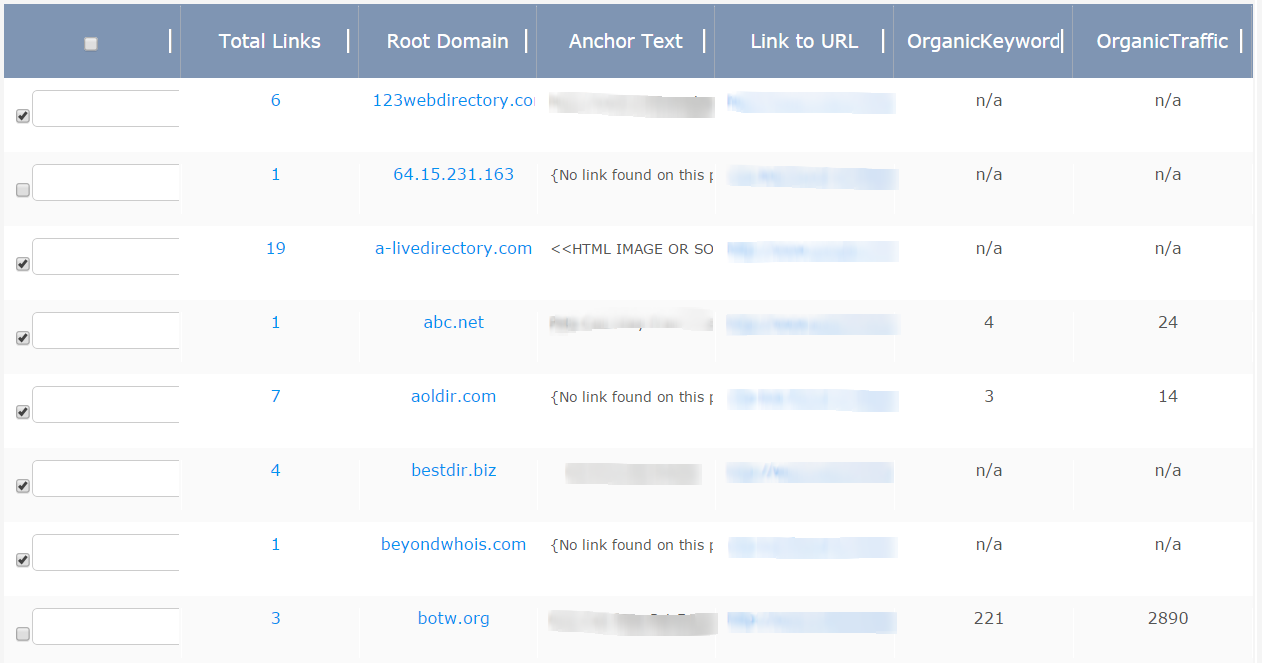
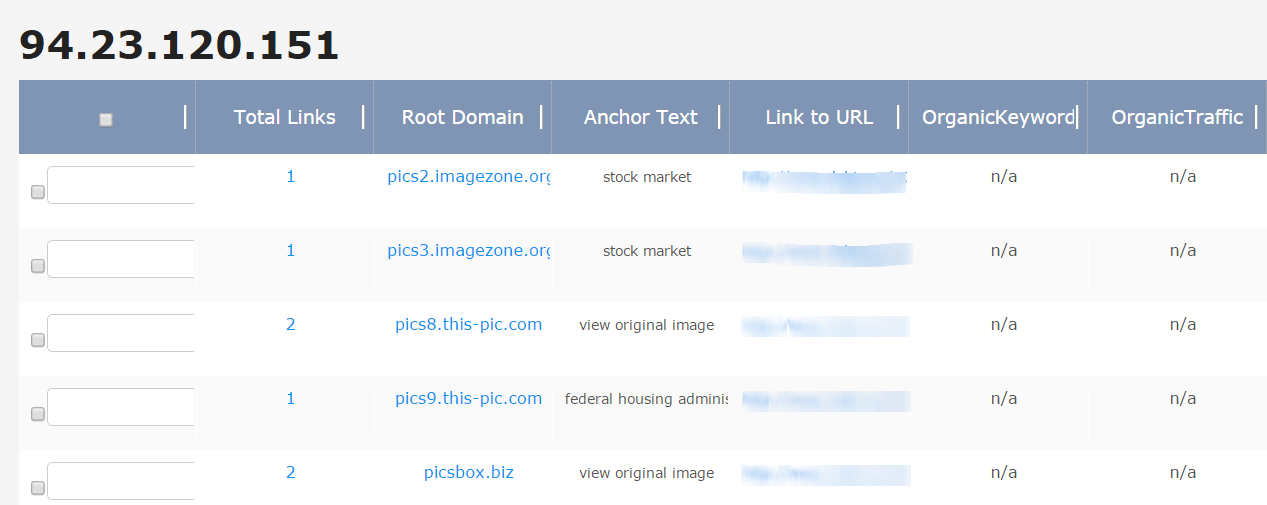
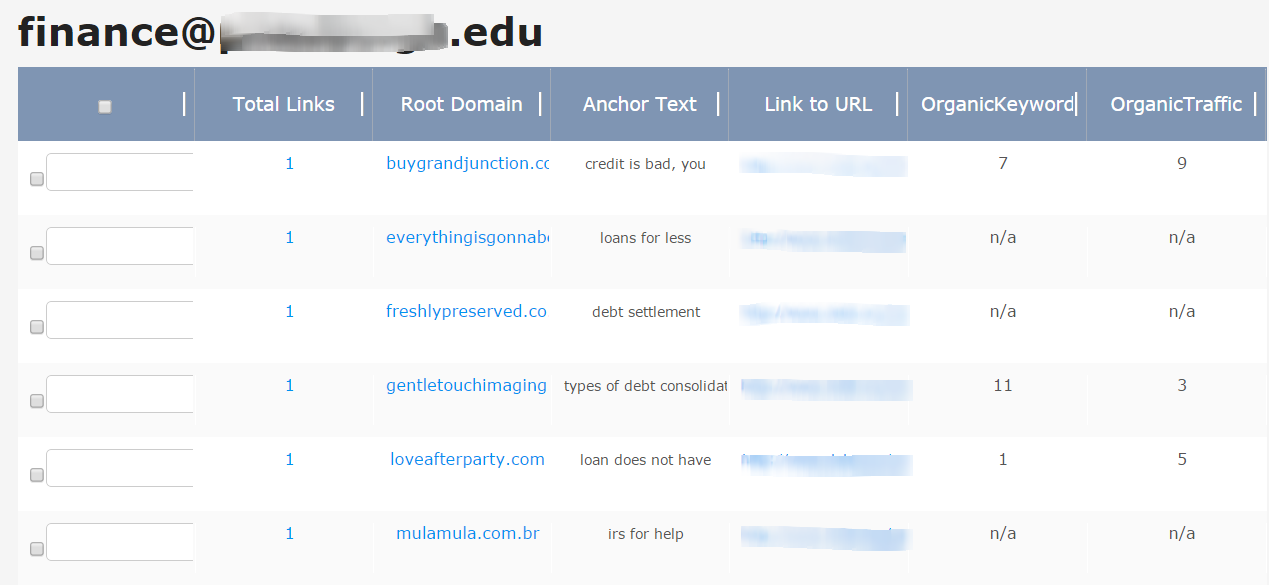
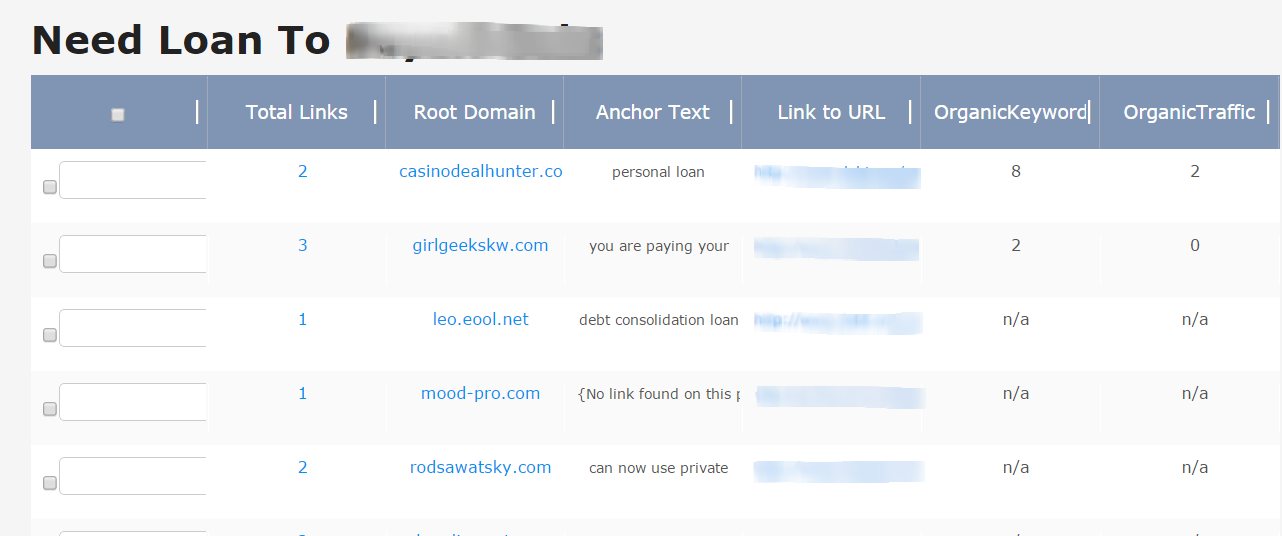
There are other footprints you can look for, such as registration name, Google Analytics code, Adsense code, top-level domains, and URLs with “comment” in them. But this guide should help you get started.
Once you are done auditing your link profile and evaluating all of your backlinks, then you are ready to start a link removal/disavow campaign.
Don’t be afraid to send out link removal emails to as many toxic links as possible. It’s better to remove low quality links BEFORE anything happens, instead of trying to remove them AFTER you’re penalized.
Contact site owners by using Whois, contact forms, and sending out emails directly to as many sites as possible. You can give them the option to nofollow or remove your links.
After you finish the contact phase, run a tool like Screaming Frog to see how many of your links were removed. Disavow the rest.
Auditing your link profile once is not enough. At any point, a competitor can launch a negative SEO attack, or your site can get picked up in a Private Network.
You need to check your links monthly to make sure you don’t accidentally get caught by Penguin. Negative SEO is a reality that every webmaster needs to be aware of.
If you follow these steps, you can protect your site and when Penguin 4.0 gets released, you can be certain that yours won’t be one of the sites that gets affected.
Have you found any tricks to help you find footprints in your link profile? Do share in the comments below!
Leave a Reply
You must be logged in to post a comment.