

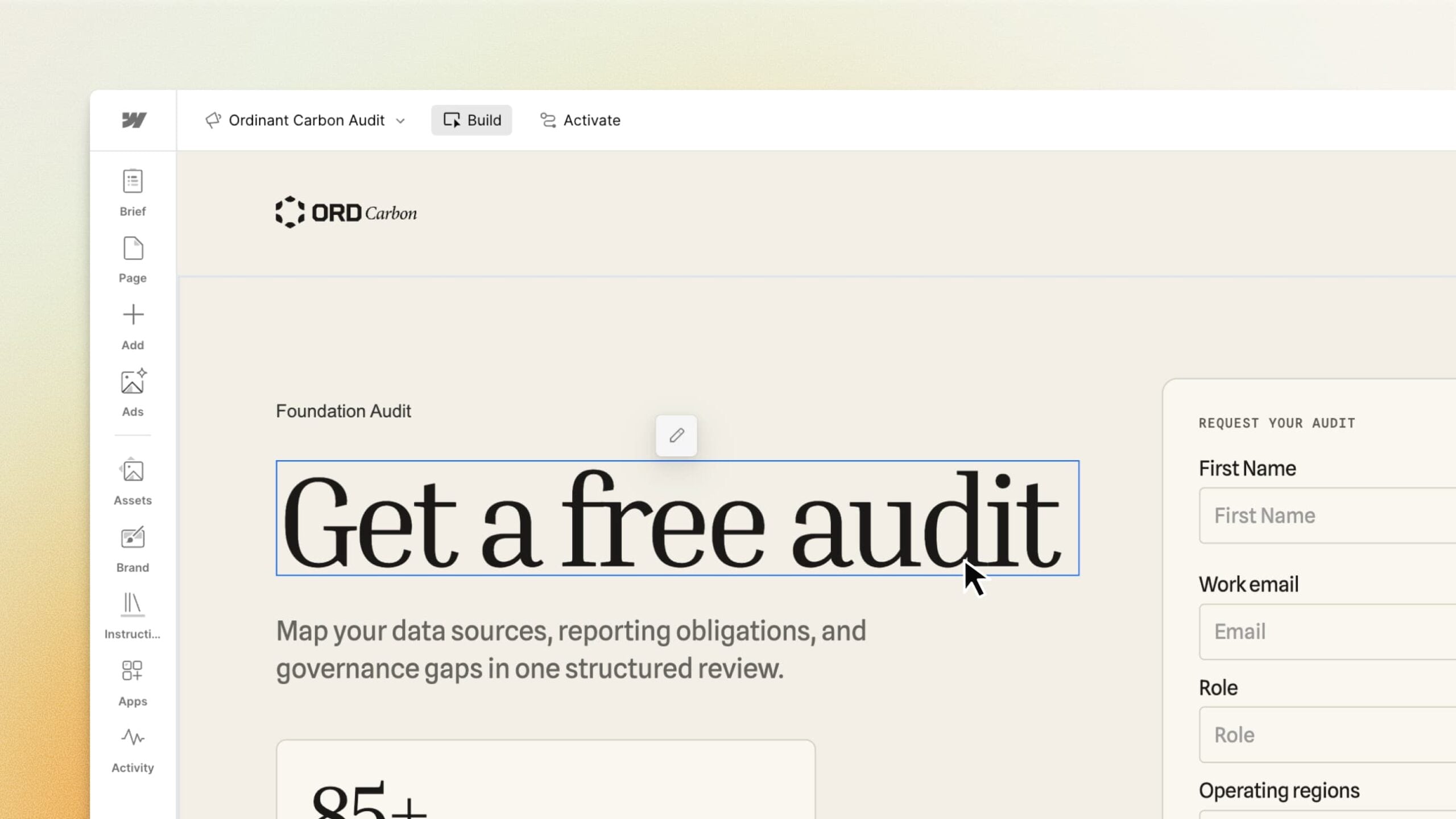
Webflow launches Campaigns as a standalone tool for building landing pages and ads alongside an existing website. Businesses can use it even when their main site runs on another content management system.
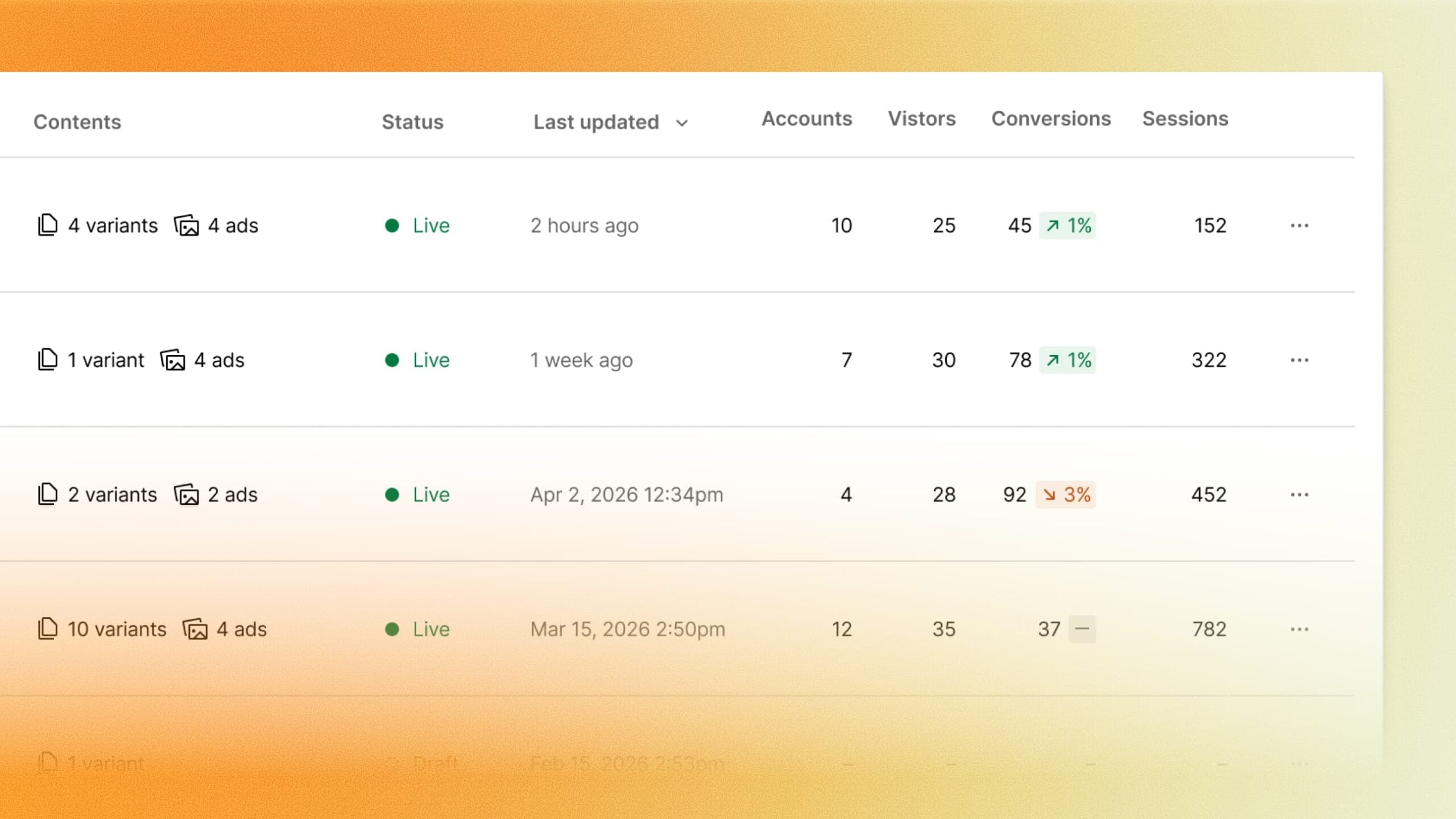
The product became available for purchase with Webflow’s October 20 announcement. It connects page creation with publishing, forms and sales reporting.
A shared brief guides the pages and ads
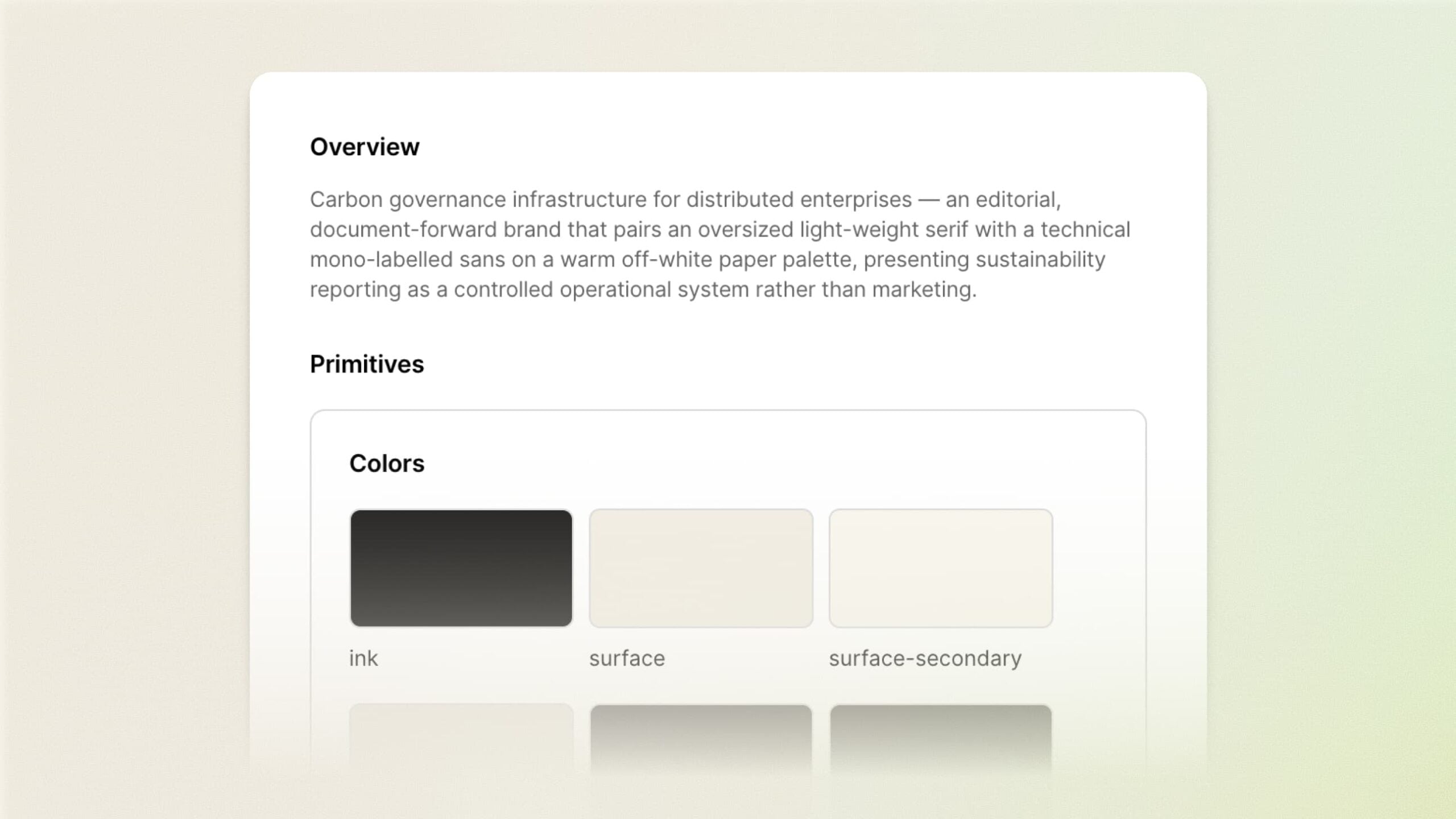
Campaigns extracts brand information from a website and combines it with a campaign brief. Marketers can then edit generated copy, layouts and creative in a visual canvas.
Teams can create versions for different audiences, each with its own URL. An ad aimed at a particular industry can therefore send visitors to the page written for that industry.
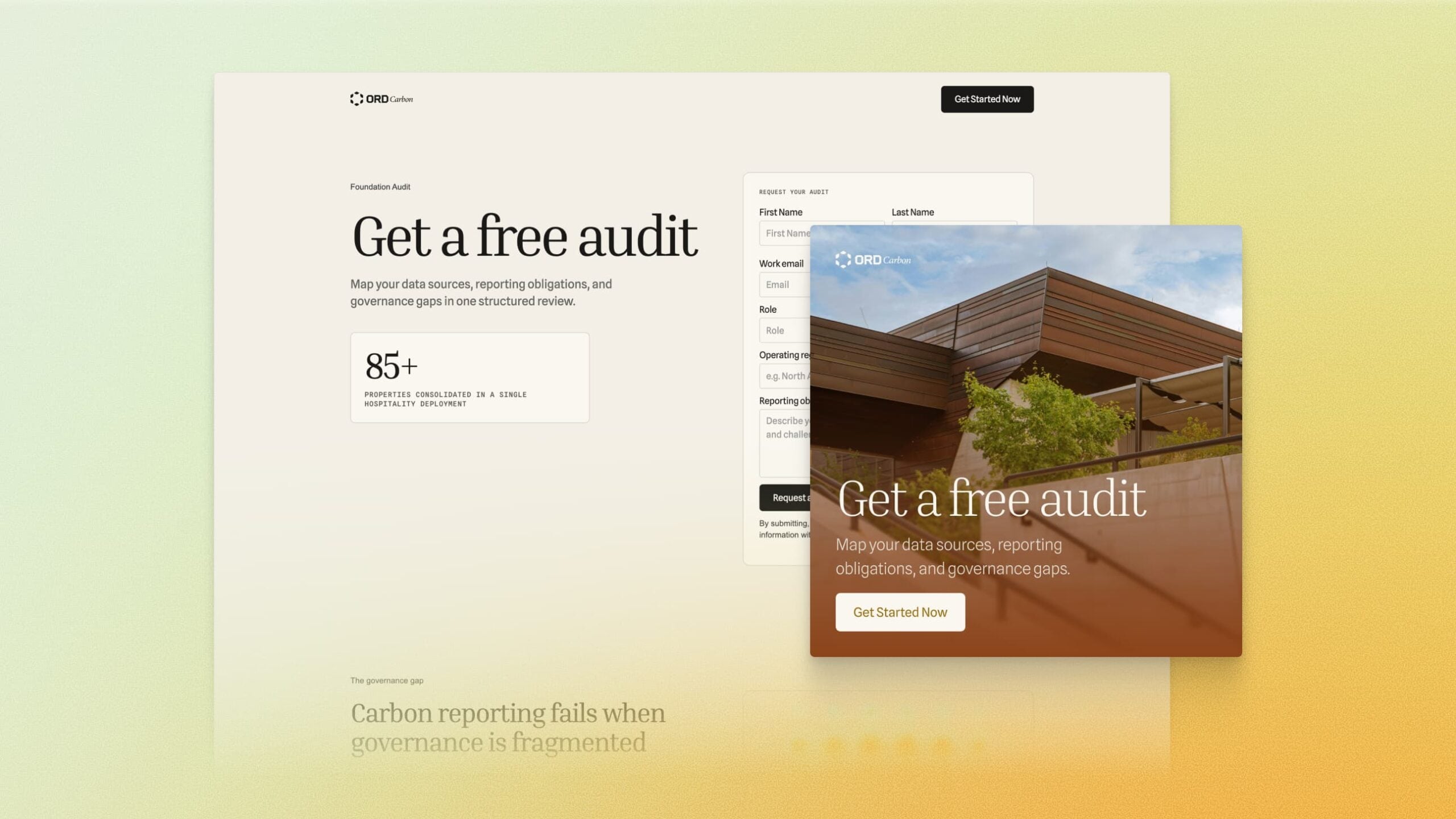
When reviewing those variations, check the destination URL alongside the ad’s offer. Updating one page’s price or registration deadline can leave an otherwise similar ad pointing to an offer that has changed.
Forms and integrations carry leads into existing systems
The launch supports Marketo and HubSpot forms, with HubSpot and Salesforce connections for sales reporting. Its Google Ads integration prepares Performance Max campaigns and sends them to Google Ads for launch.
For a campaign using several page versions, submit a clearly marked test lead from each one and trace it to the expected record. Check that the source page and campaign information reach the destination with the submission.
Keeping that page identifier lets the team compare qualified leads or sales across variations, rather than having every form fill disappear into one campaign total.
Webflow directs prospective buyers to a demo and gives no complete pricing or usage table in the announcement.
Source: Webflow
Start the conversation by posting the first comment