


Meta has expanded Muse, its personal AI agent, with new skills and connectors aimed specifically at small businesses. The September 29 update adds business-focused workflows and a wider set of connections to the services small businesses already use.
One example in Meta’s announcement is reviewing advertising and content performance, then drafting a campaign for the following week. Other suggested tasks include preparing a growth plan from sales and campaign data, and examining monthly financial performance for unusual expenses.
What Meta added to Muse
The biggest change is the number of business tools Muse can now work with. Meta says businesses can connect Facebook and Instagram business accounts alongside services including Asana, Box, Canva, Dropbox, Figma, Granola, HighLevel, Intuit QuickBooks, Klaviyo, Lovable, Notion, Shopify, Slack, Stripe and Zoom.
Once connected, Meta says Muse can use information from those services to work on business goals rather than simply answer questions about them. Muse also supports custom connectors for services that are not yet supported directly.
What can a small business ask Muse to do?
Meta gives several examples of the new workflows. One is a request to analyze a year’s sales, campaigns and social activity and produce a growth plan for the following year. Another asks Muse to review email, calendar and news information and identify work that needs attention.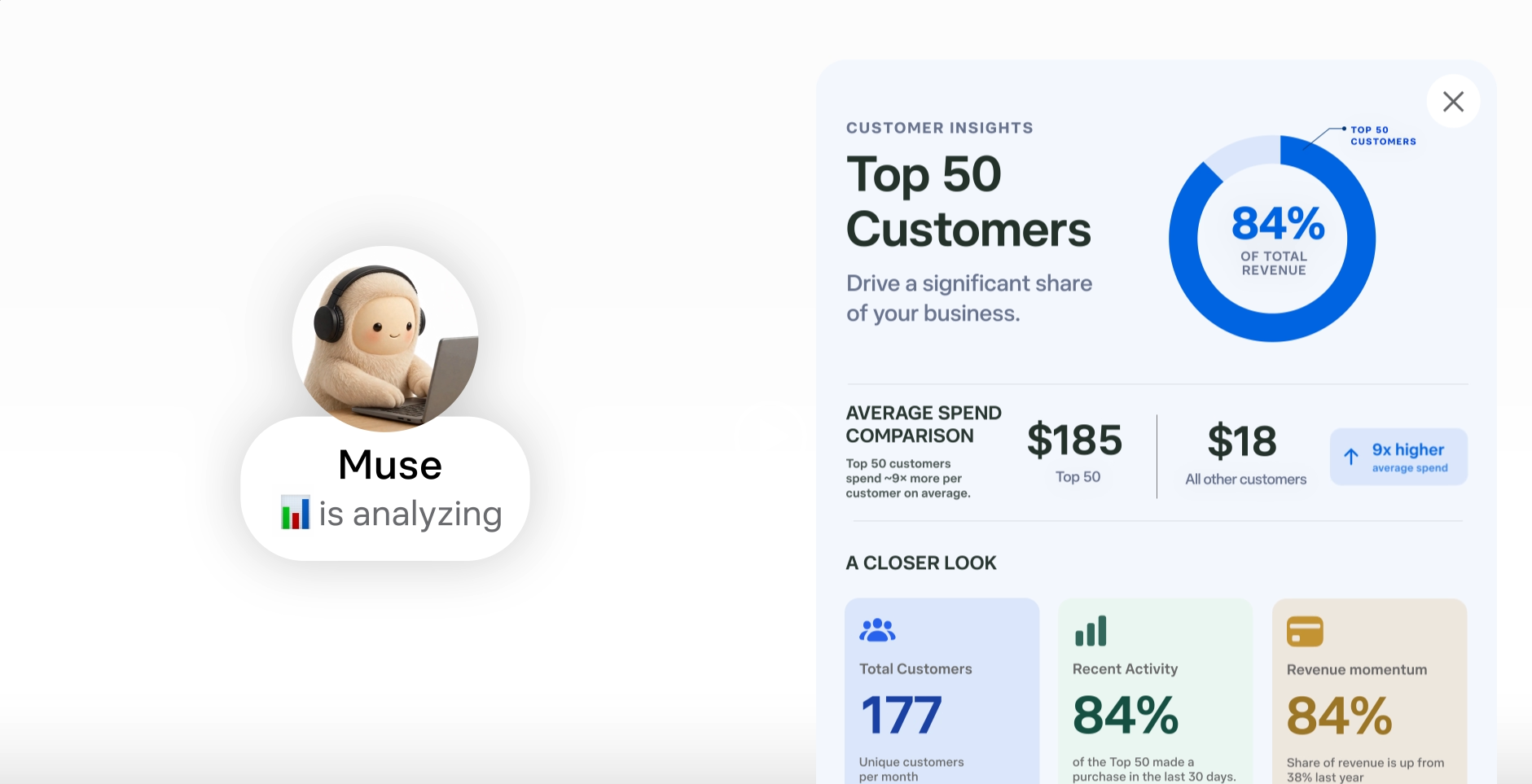
Meta also suggests asking Muse to analyze advertising and content performance, draft a campaign for the following week and look at current trends.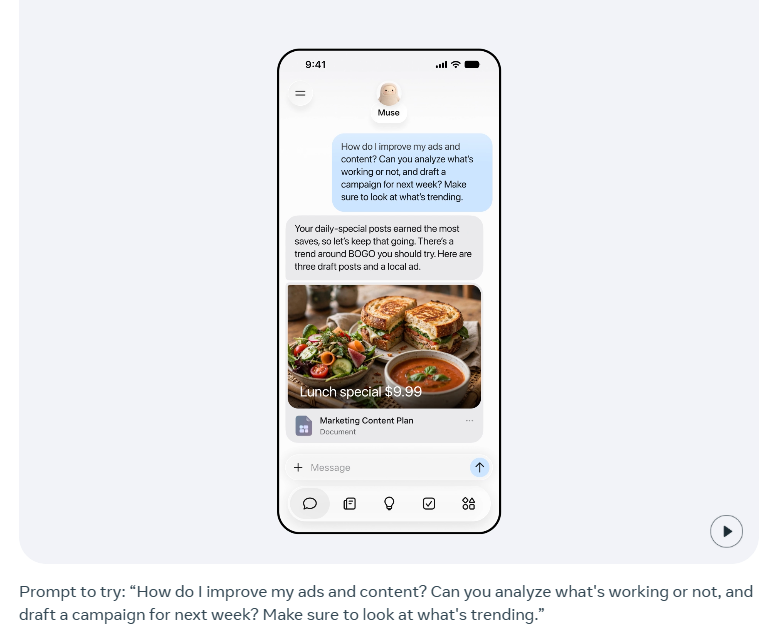
For financial work, Meta gives the example of asking Muse to review the business’s financial performance for the month and identify expenses that appear unusual. These are all examples supplied by Meta, and SEW has not done independent tests of Muse’s performance.
You still approve important actions
Muse is designed to take action, but Meta says it does not give the agent unrestricted control. The company says nothing publishes, sends or spends without the user’s approval. It also says Muse provides an audit trail showing what it has done and what it plans to do.
Users can choose which services Muse connects to and how much access it receives. Meta says that access can be changed or a service disconnected later.
Meta also says Muse conversations are not shared with its advertising systems. That is a specific claim about conversations, rather than a complete explanation of how every connected service handles business data.
Access across the wider web can also encounter restrictions. SEW previously reported on Amazon blocking Muse’s shopping agent, illustrating the limits an external service can place on an agent’s activity.
Where it’s available and costs
Meta lists availability in the US and Canada for adults aged 18 and over, with no date announced for additional markets. Muse has a free usage allowance. Its subscription documentation lists Power at $20 a month and Max at $100 a month for higher allowances, with benefits and availability varying by region and account. Users who exhaust their free allowance can also wait for it to refresh.
What this means for small businesses
For a small team, the appeal is having an agent gather information and prepare a proposed campaign while the owner does other work. The approval step still leaves someone responsible for checking the offer, audience, claims and budget.
However, a practical first trial would be one campaign with a defined reporting period and a clear deliverable. Compare the preparation time saved with the time spent correcting and reviewing the result. That would tell an owner more about Muse’s usefulness than the number of apps it connects to.
Start the conversation by posting the first comment