

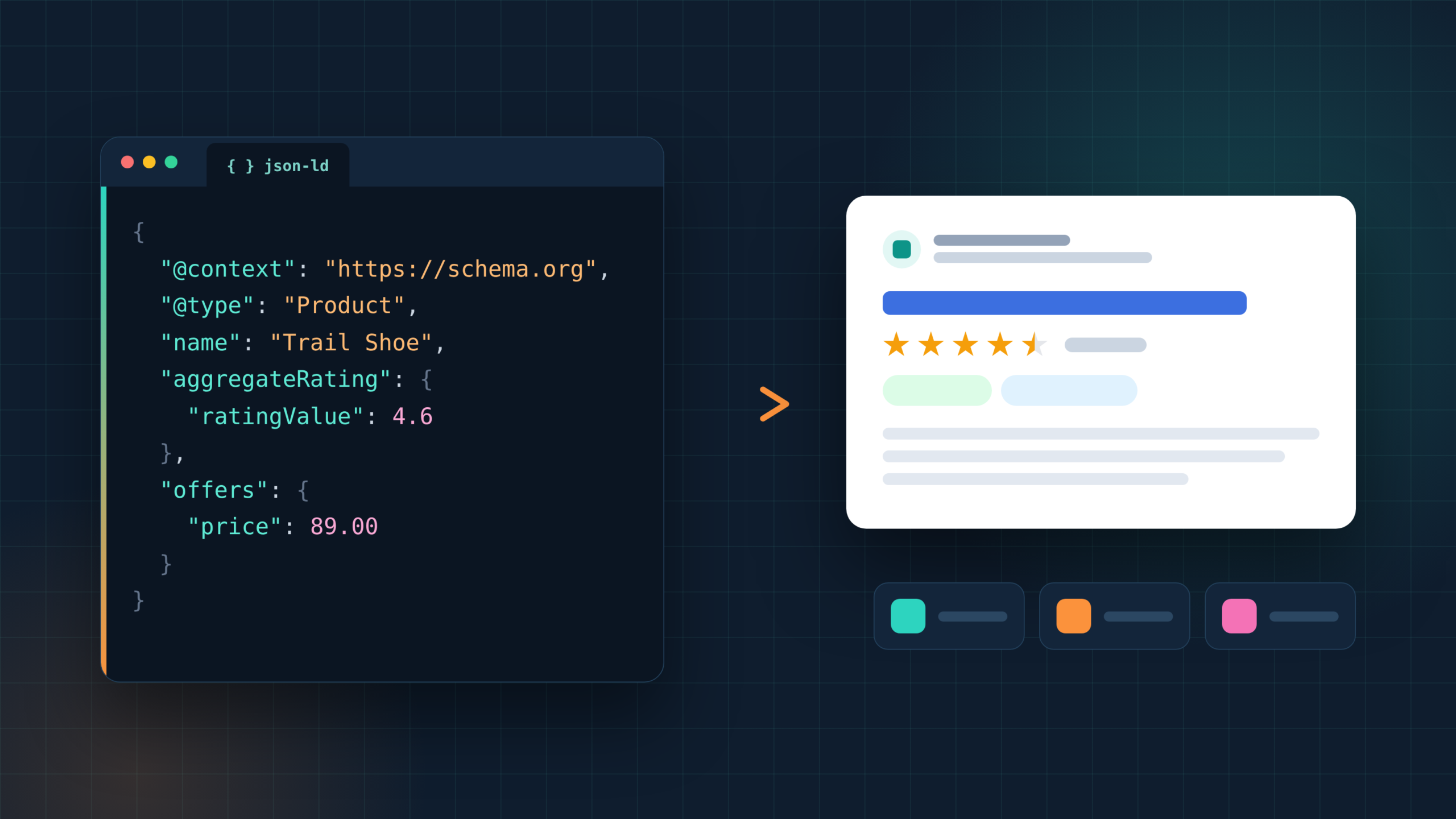
Most websites add schema markup for the same few reasons. A store wants price and star ratings in search results. A local shop wants its opening hours read correctly. A blog wants author and publish dates attached to every post. Almost every site wants breadcrumbs and its logo shown correctly, while food blogs and event venues want recipe cards and event listings. And every one of them needs to test the code before it goes live.
Each of those jobs has its own best schema markup tools. This guide covers five common website tasks and four different schema markup generators for each, 20 tools in all, from free JSON-LD generators and WordPress plugins to schema tools for websites on Shopify and Wix. Every tool comes with the setup steps, the cost and the catch.
Which schema types still earn rich results in Google
Any schema markup generator can produce almost any schema.org type. However, Google shows rich results for a shrinking list, so it pays to focus on the types that still work.
FAQ rich results now appear only for well-known government and health sites, a change made in August 2023. HowTo rich results no longer appear on mobile or desktop. Book Actions, Course Info, Claim Review, Estimated Salary, Learning Video, Special Announcement and Vehicle Listing rich results have also been phased out. None of these changes affect rankings.
The types that still earn rich results include Product, Review snippet, Local Business, Article, Breadcrumb, Event, Recipe, Video, Job Posting and Organization. The five tasks in this guide cover the most common of them.
Schema markup generators, JSON-LD and microdata
Schema markup generators come in three formats. Google supports JSON-LD, Microdata and RDFa, but recommends JSON-LD because the code sits in one script block instead of being woven through the page HTML. For that reason, every schema markup tool in this guide outputs JSON-LD.
Microdata generators still have a place on older sites, where the markup is added as attributes on existing HTML tags. However, they are harder to maintain, since any change to the page layout can break the markup. If a site already uses microdata, the Schema Markup Validator and Screaming Frog in Task 5 can check it, and moving to a JSON-LD generator is usually the cleaner long-term fix.
There are also three kinds of schema tools for websites:
- Form-based generators: First, free tools like the TechnicalSEO.com generator write a code snippet from a form, which works well for one-off pages.
- CMS plugins and apps: Next, plugins for WordPress, Shopify and Wix generate markup from page data, so it stays current.
- Platforms for large sites: Finally, tools like Schema Pro apply one schema type to many pages through rules.
Task 1: Show price, stock and star ratings for products
Product markup adds price, availability and review stars to product results. Since prices and stock change often, the best schema markup tools for stores generate the markup from live store data instead of a one-time code snippet.
JSON-LD for SEO
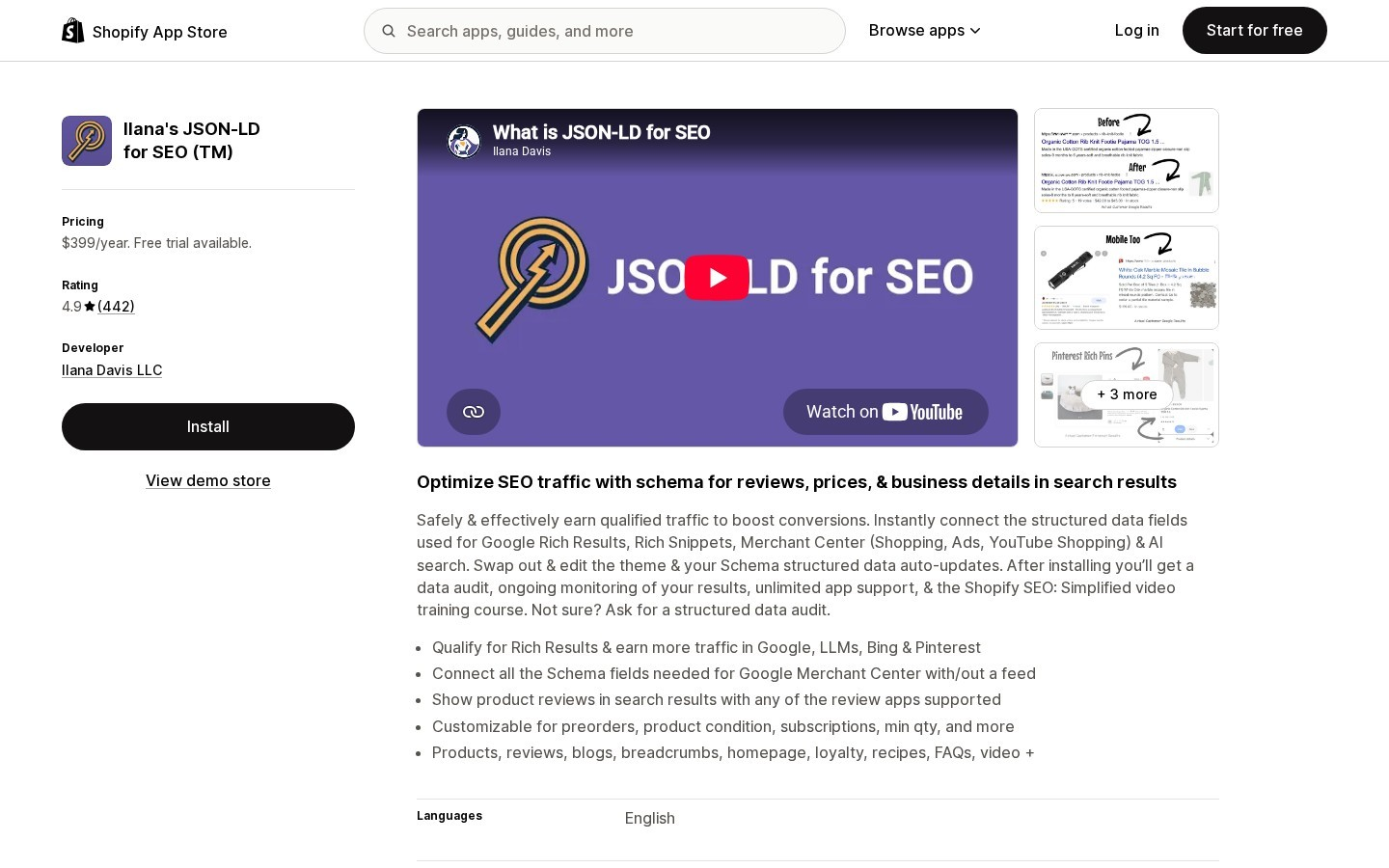
JSON-LD for SEO is a Shopify app that adds Product and Offer markup to every product page and keeps it in sync with store data, even after a theme change. On top of that, it covers three jobs that product markup alone misses:
- Review stars: First, it reads ratings from more than 20 Shopify review apps and adds them to the product markup.
- Shopping listings: Next, it fills the fields Google Merchant Center needs, with or without a product feed.
- Other store pages: Finally, blog posts, breadcrumbs, the homepage, FAQs, recipes and videos get markup too.
Cost: $399 a year on the Annual Pro plan, after a 7-day free trial.
The catch: That price is high for a new store with few sales.
Shopify structured_data filter
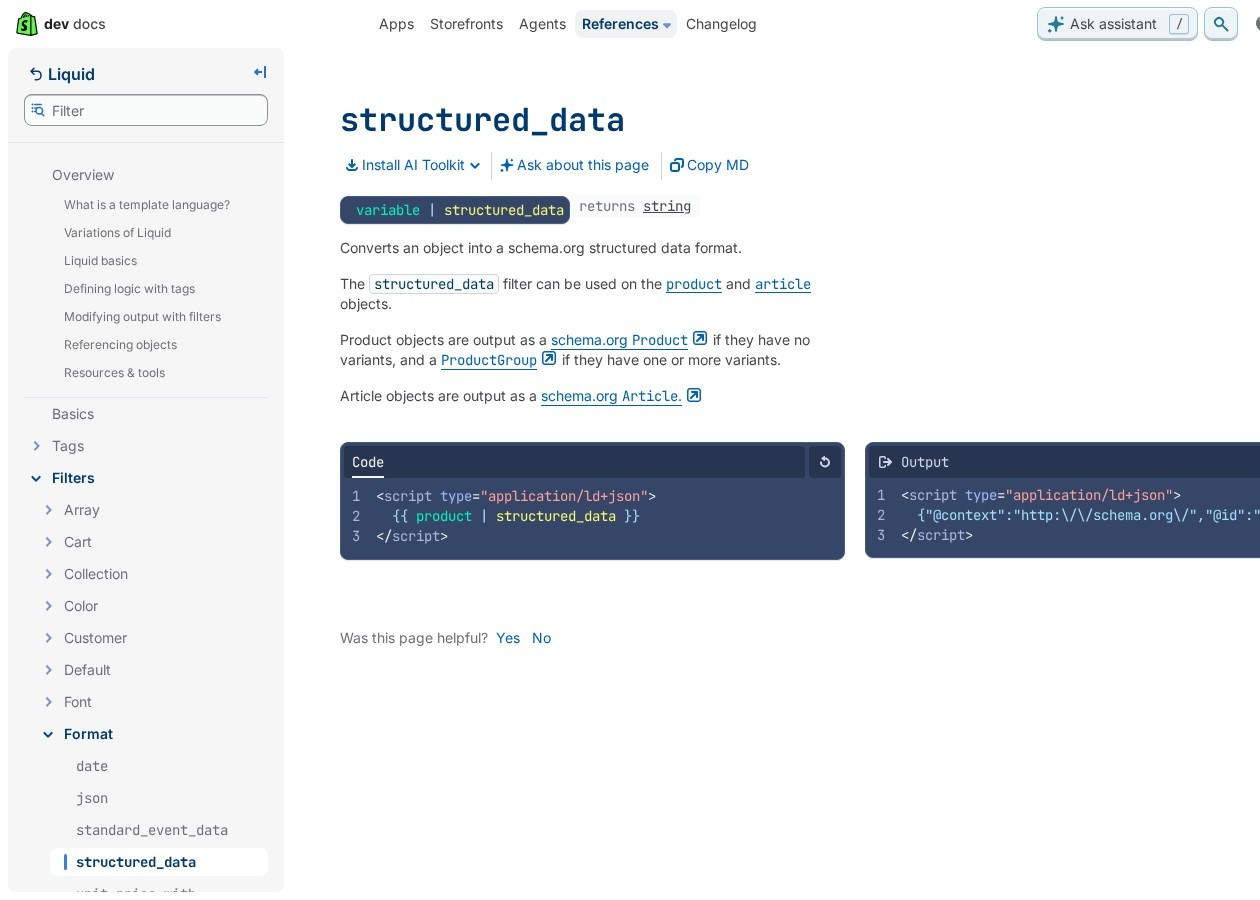
The structured_data Liquid filter is built into Shopify. It turns a product into schema markup with one line of theme code. To set it up, follow these four steps:
- Open the theme code editor and find the product template.
- Add a script tag of type application/ld+json.
- Inside it, output the product object through the structured_data filter.
- Save, then test a product URL in the Rich Results Test.
A product without variants becomes a schema.org Product, and a product with variants becomes a ProductGroup. The same filter also turns blog articles into Article markup.
Cost: Free.
The catch: It needs someone comfortable editing theme code, and it does not pull in review stars from third-party apps.
Yoast WooCommerce SEO
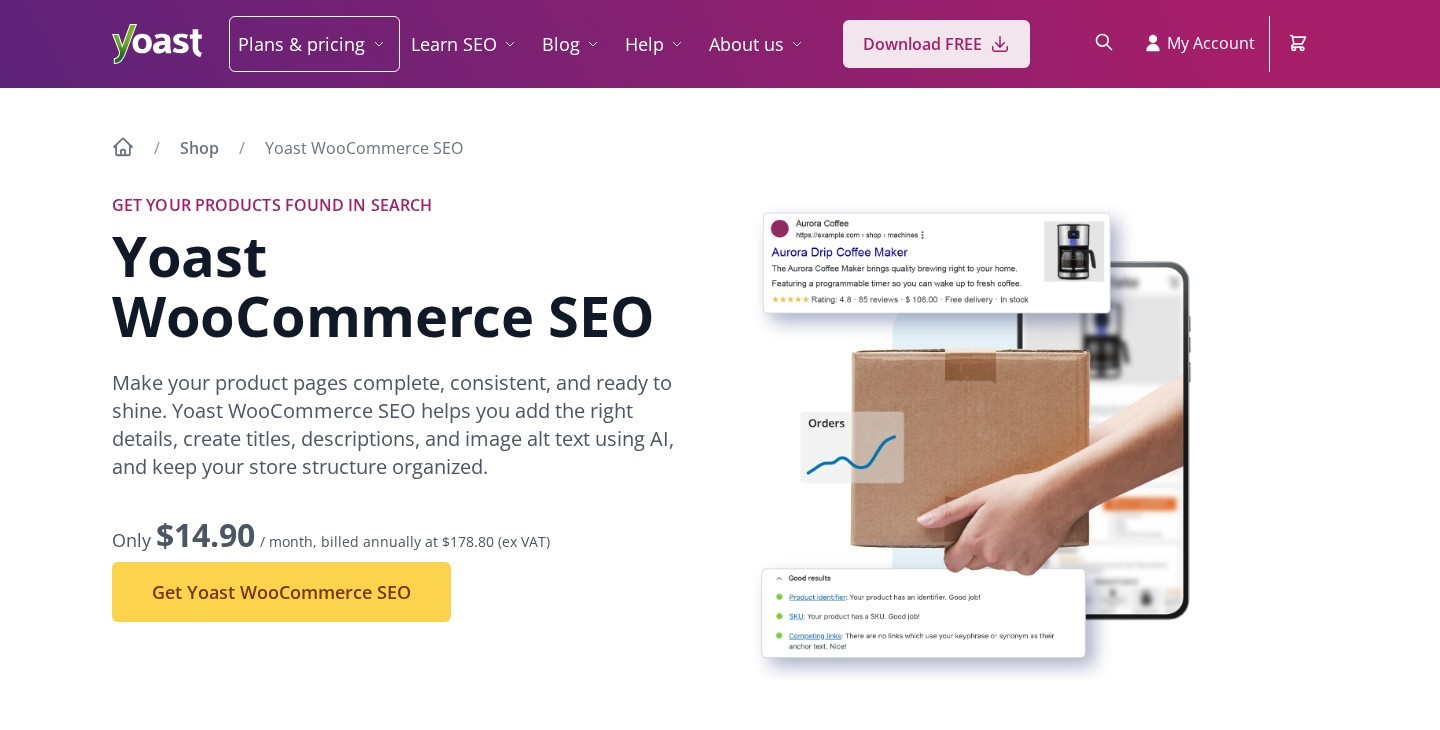
Yoast WooCommerce SEO adds product markup to WooCommerce stores, including Offer, AggregateRating and merchant listing properties. The data comes straight from each WooCommerce product, so price and stock changes carry over automatically.
Cost: $178.80 a year, which also includes Yoast SEO Premium, Local SEO, News SEO and Video SEO.
The catch: A store that only needs product markup pays for plugins it may never use.
Wix Stores

Wix adds Product markup to Wix Stores product pages automatically. If the default markup needs changes, the steps are simple:
- Open SEO Settings and pick the product page type.
- Click Customize Defaults, then Preview preset.
- Choose Convert to custom markup and edit the JSON-LD.
- Use Add Variable to insert dynamic values, then apply and save.
Cost: Included with Wix.
The catch: Wix accepts JSON-LD only, and the code must be valid before it saves.
Task 2: Add opening hours, address and phone for a local business
LocalBusiness markup tells search engines the name, address, phone number, opening hours and map location of a business. A single shop can use a free schema markup generator, while chains and franchises need a plugin that handles many locations.
TechnicalSEO.com Schema Markup Generator
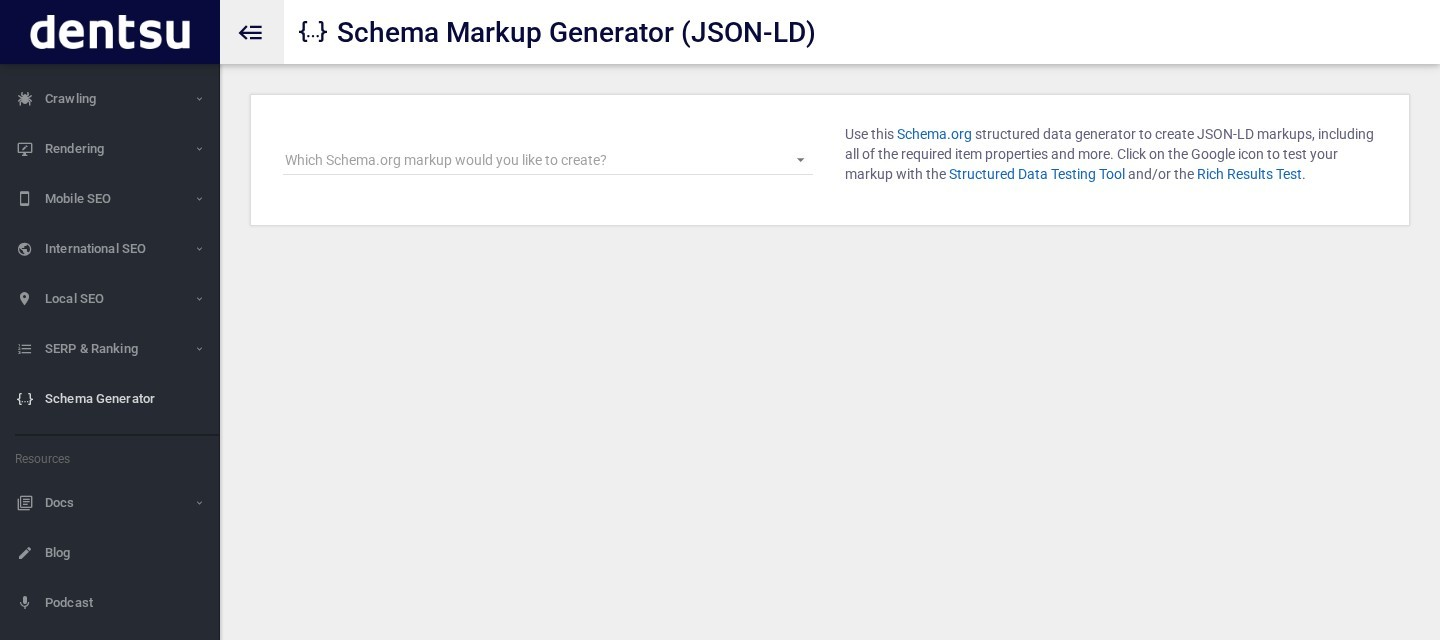
The TechnicalSEO.com Schema Markup Generator is a free form that writes JSON-LD for any website. It was first built by the agency Merkle and is now run by dentsu. Creating LocalBusiness markup with it takes four steps:
- Choose Local Business from the dropdown, then pick the closest business subtype.
- Fill in the address, phone, opening hours, geo coordinates and social profiles.
- Copy the JSON-LD from the right-hand panel into the page.
- Click the Google icon to test the code in the Rich Results Test.
Cost: Free.
The catch: The code is static. New opening hours mean generating and pasting it again.
Microdata Generator
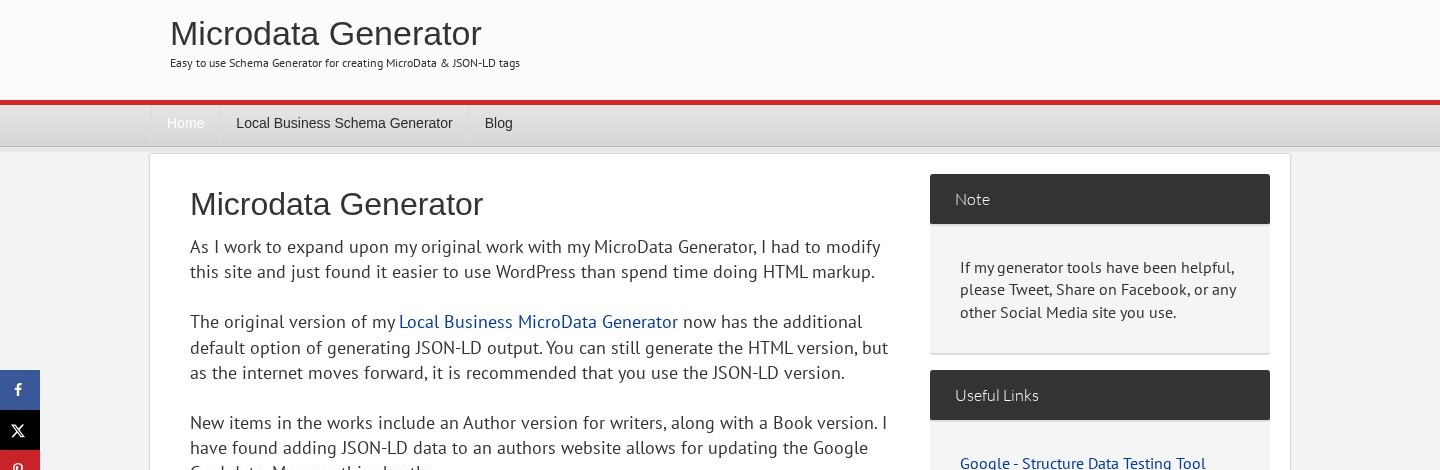
Microdata Generator is a free local business schema generator, and one of the few microdata generators still online. It started as a tool for HTML microdata and now outputs JSON-LD by default. The workflow is short:
- Open the Local Business Schema Generator.
- Fill in the business name, address, phone and opening hours.
- Choose JSON-LD output, or HTML microdata for an older site.
- Copy the code into the page and test it.
Cost: Free.
The catch: It covers local businesses only, and like any form-based tool, the code must be regenerated when details change.
Rank Math Local SEO
Rank Math Local SEO offers 193 local business types, so a dentist, a plumber or a restaurant can use its exact schema type instead of plain LocalBusiness. It also supports multiple locations, and Advanced Local SEO Blocks show the same address and hours on the page that the markup describes.
Cost: Part of Rank Math PRO, from under $10 a month billed yearly.
The catch: Multi-location support needs PRO.
AIOSEO Local SEO
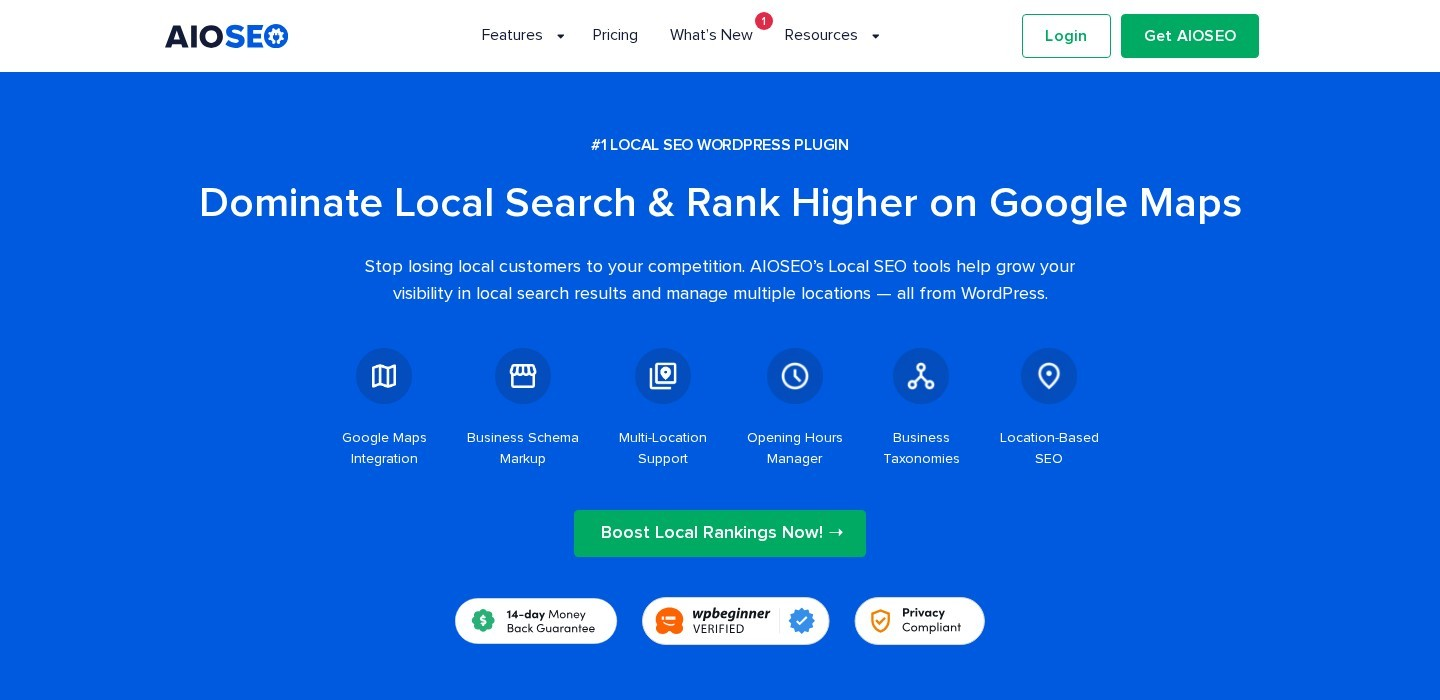
AIOSEO Local SEO, from the All in One SEO plugin, turns the name, address, phone numbers and opening hours into LocalBusiness markup. As a result, multi-location businesses get three useful features:
- Unlimited locations: First, each branch gets its own SEO settings.
- Google Maps: In addition, a built-in map shows each location to visitors.
- Opening hours: Finally, hours display on the page in a format search engines read.
Cost: Paid AIOSEO plans start at $49.50 for the first year and renew at $99 a year.
The catch: Renewal costs about double the first-year price.
Task 3: Mark up articles, breadcrumbs and the brand behind the site
Content sites need three kinds of markup on every page: Article markup for posts, BreadcrumbList for the page path, and Organization or WebSite markup for the brand name and logo. These four schema markup generators handle all three, from a free form to a full knowledge graph.
Schema & Structured Data for WP & AMP
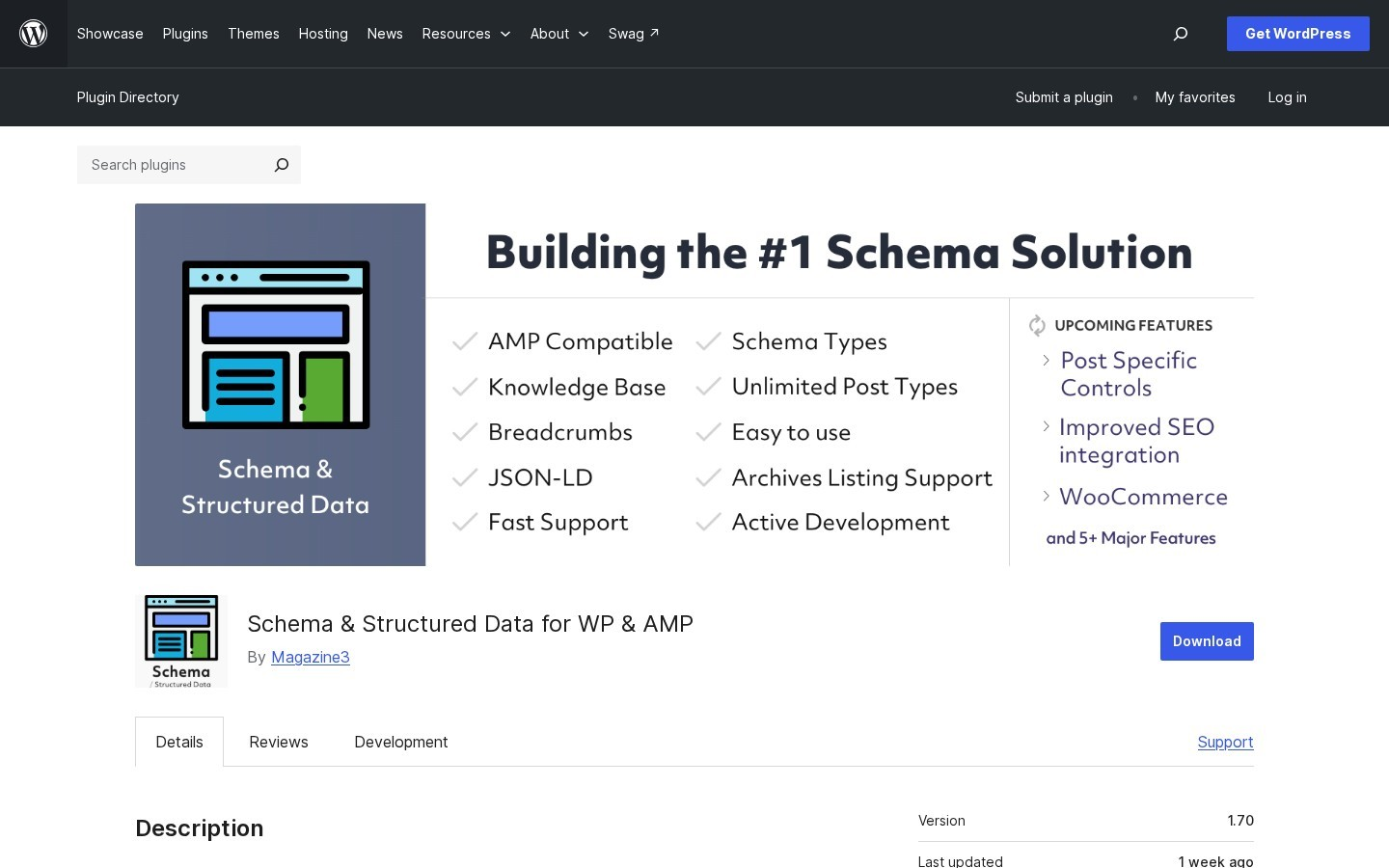
Schema & Structured Data for WP & AMP is a WordPress plugin built only for structured data. It supports more than 35 schema types, including BlogPosting, NewsArticle, Article, WebPage, LocalBusiness, Recipe, Product and VideoObject. Beyond the types themselves, it adds three useful controls:
- Schema templates: First, a predefined set of markup can be reused across schema types.
- Conditional display: Next, each schema can include or exclude posts, pages, post types and taxonomies.
- Knowledge base: Finally, the site can be described as an organization or a person for brand markup.
It is also fully compatible with AMP pages.
Cost: Free, with a Pro version for extra features.
The catch: Running it next to an SEO plugin that also writes schema can create duplicate markup, so one of them should be switched off.
Schemantra
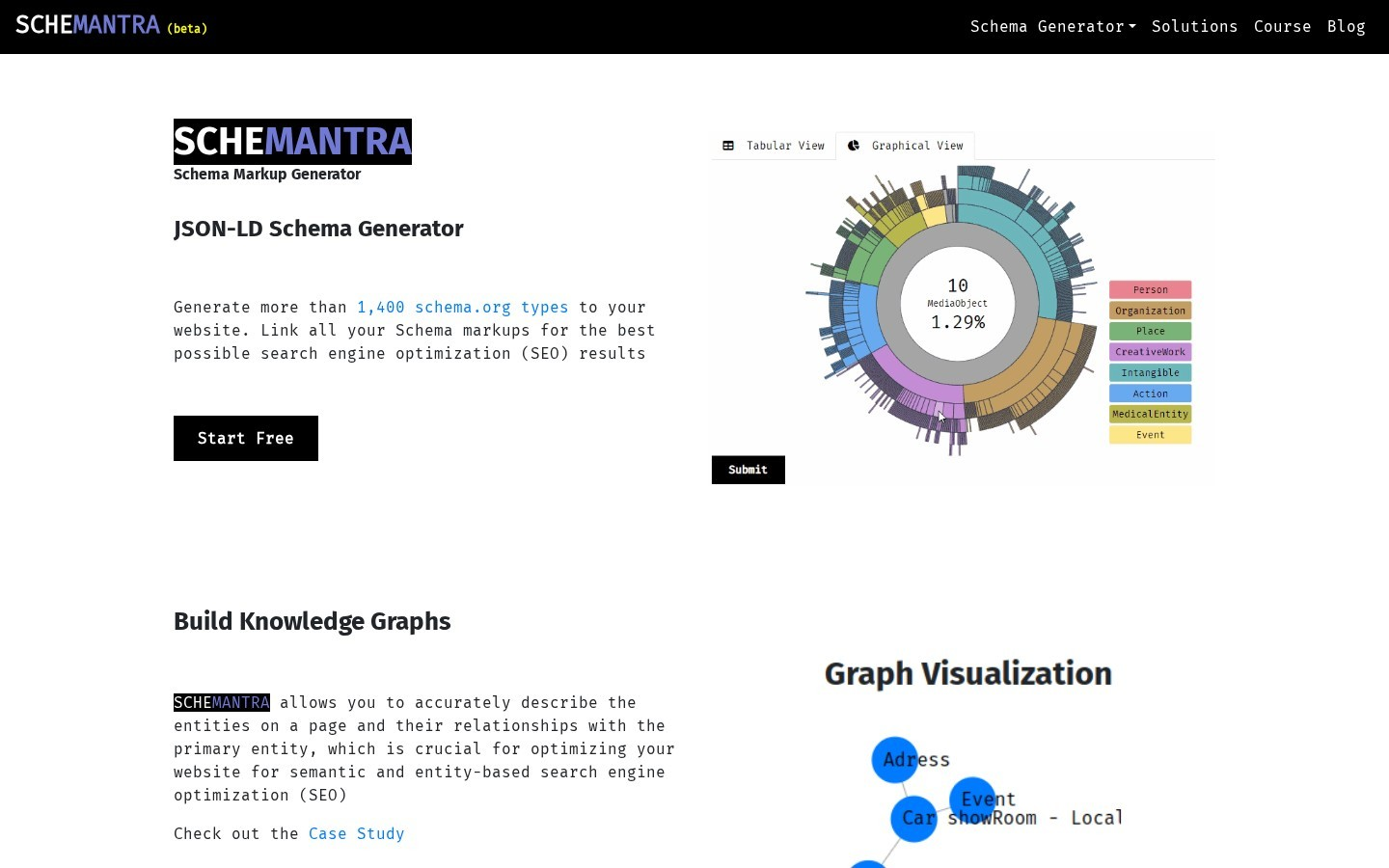
Schemantra is a web-based JSON-LD generator that covers more than 1,400 schema.org types. Its main strength is linking: instead of separate snippets, it connects an Article to its author, publisher and topics in one knowledge graph.
That makes it useful for publishers that want detailed entity markup without writing code. A free start is available, along with a schema markup course for beginners.
Cost: Free to start.
The catch: With so many types to choose from, it takes longer to learn than a simple form-based generator.
Web Code Tools Structured Data Generator
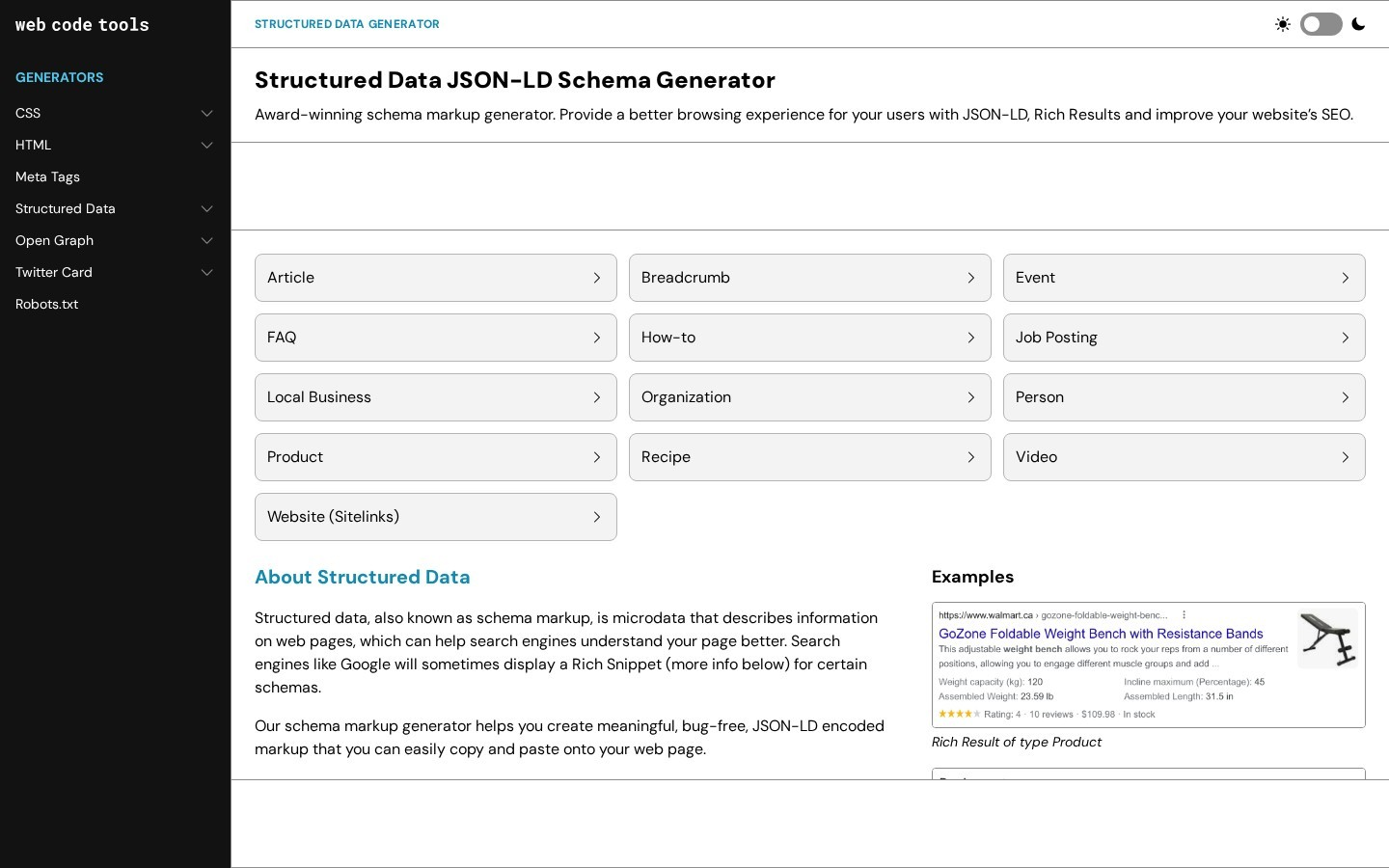
The Web Code Tools structured data generator is a free JSON-LD generator with 13 forms, including Article, Breadcrumb, Organization and Website. Building breadcrumb and brand markup with it is quick:
- Pick Breadcrumb, then add each level of the path as a name and URL.
- Switch to Organization and fill in the name, logo and social profiles.
- Use the Website form for the site name.
- Copy each JSON-LD block into the matching pages.
Cost: Free.
The catch: The code is static, so every page with a different breadcrumb trail needs its own snippet.
WordLift
WordLift builds a knowledge graph from a site and publishes it as schema markup. For articles, it finds the people, places, products and brands in the text and links each one to a known ID, such as a Wikidata entry. As a result, every article connects to the same set of defined entities instead of standing alone.
Cost: The Business+ plan costs €799 a month billed yearly, and custom plans are available.
The catch: It is priced for large publishers and brands, not small blogs.
Task 4: Mark up recipes and events
Recipe and Event markup can add cooking times, ratings, dates and venues to search results. Both work best when the markup comes from the same card or listing that visitors see, so dedicated plugins beat hand-written code here.
WP Recipe Maker
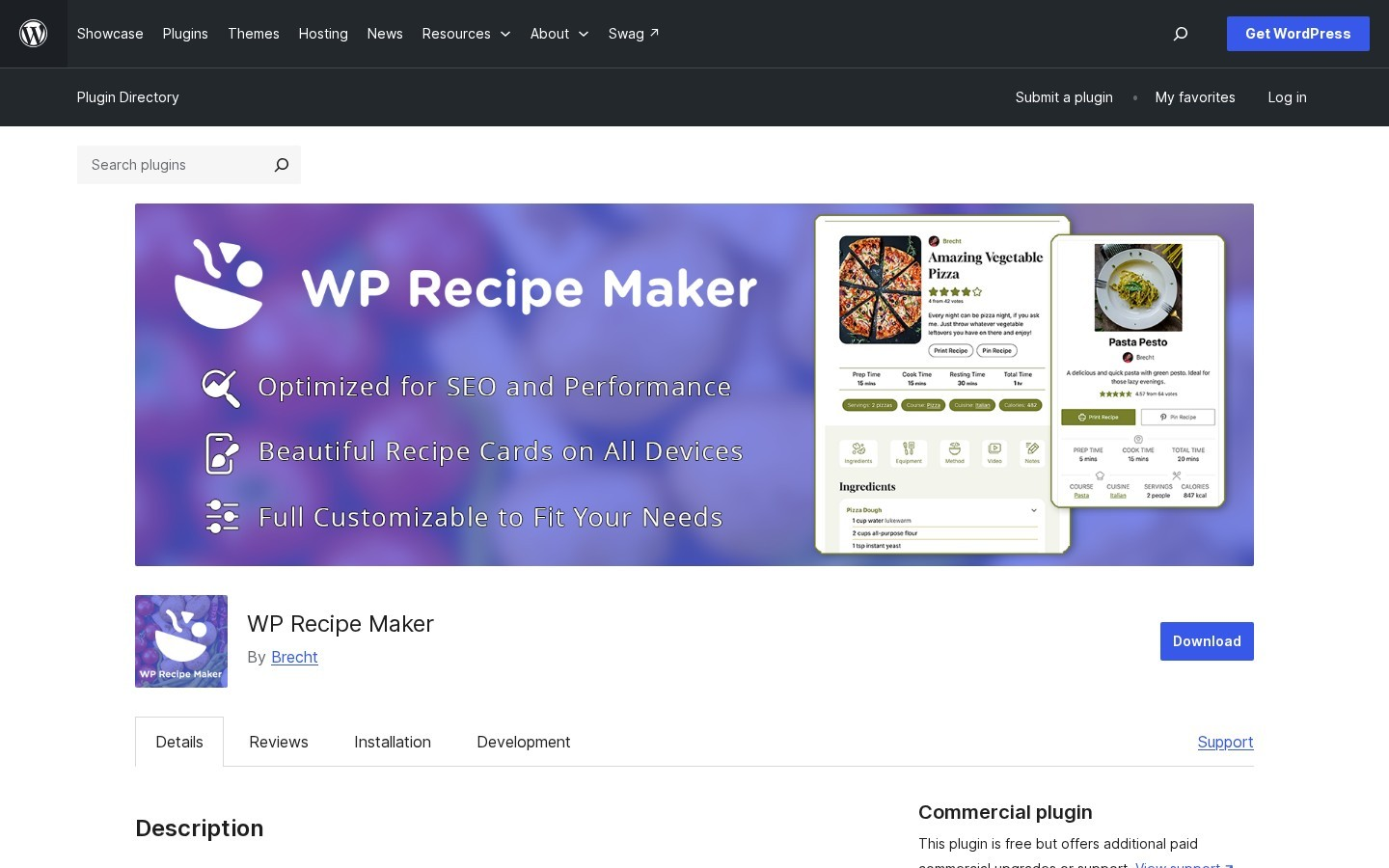
WP Recipe Maker is a free WordPress plugin built for food blogs. Recipes are added through a recipe card, and the plugin writes schema.org Recipe JSON-LD automatically. Beyond that, it handles a few related jobs:
- Guided Recipes: First, it supports the step data Google uses for guided recipes.
- Non-food instructions: Next, crafts and DIY posts can use HowTo markup instead.
- Any editor: Finally, it works in the Classic Editor, the block editor and Elementor.
Cost: Free on WordPress.org.
The catch: HowTo markup no longer earns rich results, so the non-food option mainly helps other search engines.
Recipe Card Blocks
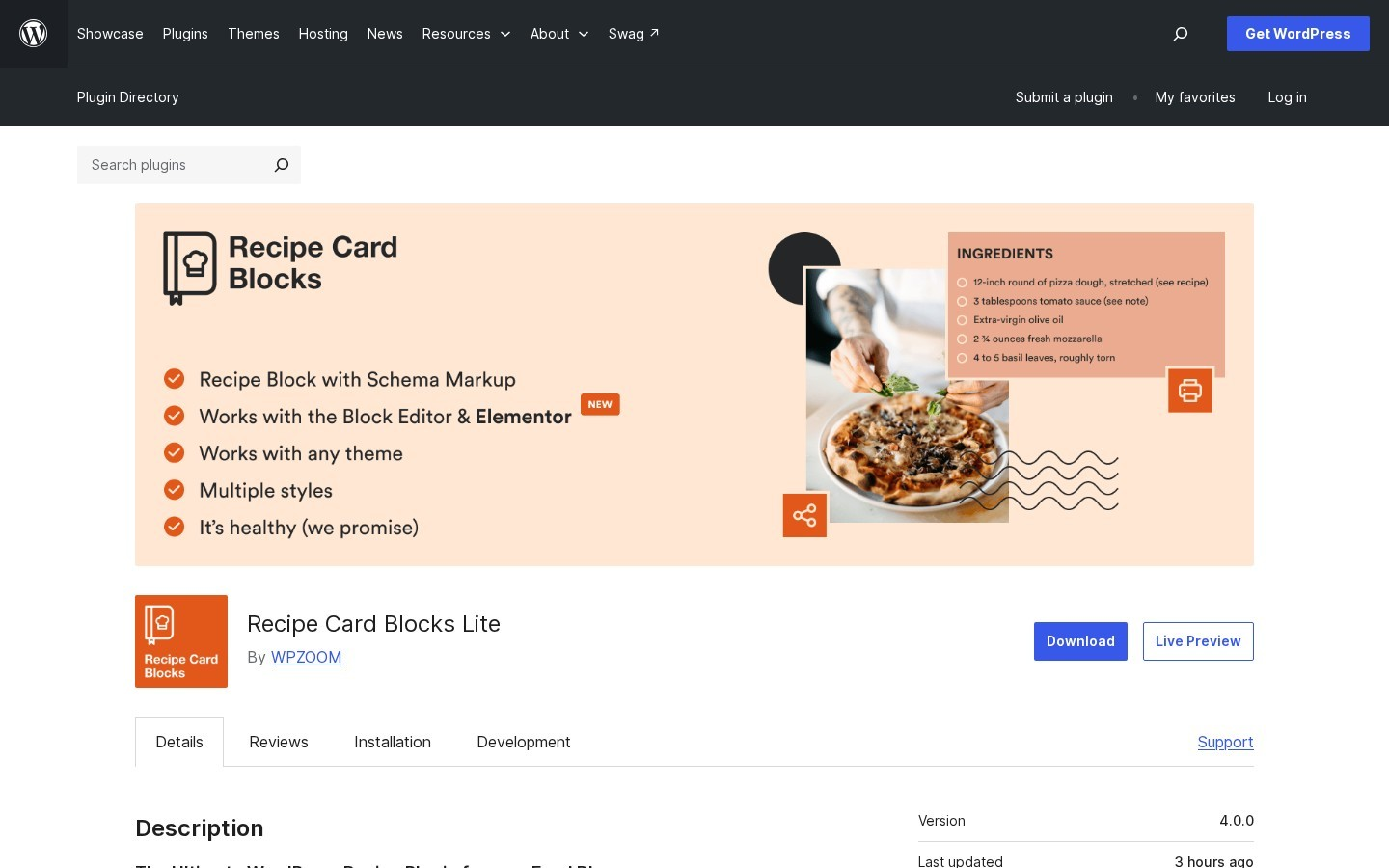
Recipe Card Blocks by WPZOOM adds recipe cards with schema.org markup to the block editor and Elementor. The markup covers the recipe name, image, ratings and cooking time.
In addition, it includes a free AI Recipe Generator and can import recipes from WP Recipe Maker in one click, which makes switching plugins easy.
Cost: Free, with a PRO version.
The catch: Some advanced card features are only in PRO.
The Events Calendar

The Events Calendar is a free WordPress plugin for event listings that adds JSON-LD structured data to each event. Since venues and organizers are saved once and reused, every event page carries complete Event markup without extra typing. It also includes month, list and day views, Google Maps and Google Calendar and iCal export.
Cost: Free, with paid add-ons.
The catch: It only marks up events created inside the plugin, so events listed elsewhere on the site need separate markup.
Schema Pro
Schema Pro applies one schema type to many pages through display rules, which helps sites that already list events or jobs as a custom post type. Setting it up takes four steps:
- Create a new schema and choose Event or Job Posting.
- Set the display rule, for example all posts of the Events type.
- Map each field, such as start date or salary, to a post field or custom field.
- Save, then test one listing in the Rich Results Test.
Cost: $69 a year, or $229 for a lifetime licence, both for unlimited websites.
The catch: There is no free version.
Task 5: Test schema markup before and after publishing
A missing field or a mismatch with the page can quietly stop a rich result from showing, no matter which schema markup generator wrote the code. These four testing tools catch problems at different stages.
Rich Results Test
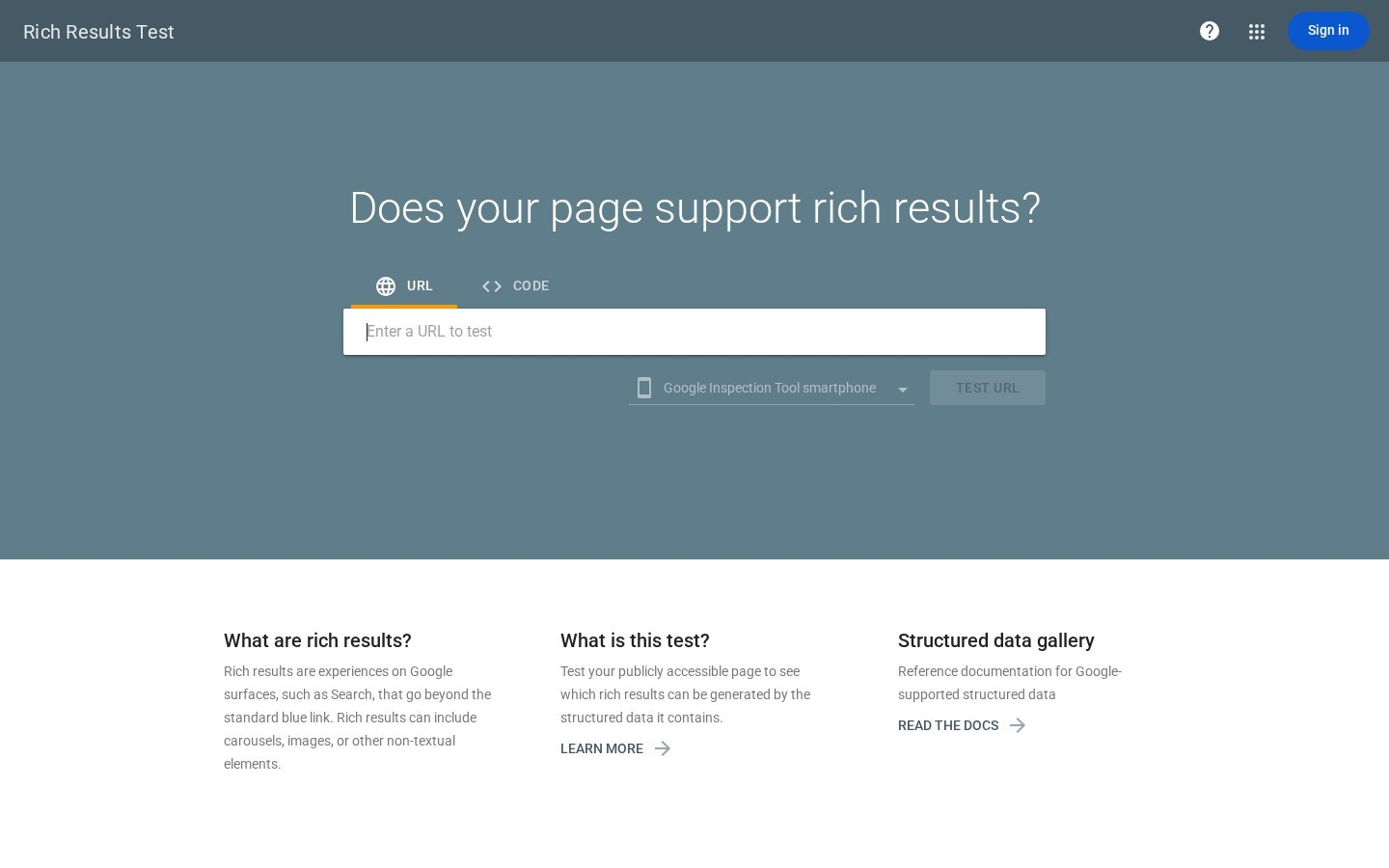
The Rich Results Test checks a live URL or a pasted code snippet against Google rich result requirements. It renders the page the way Googlebot does, so markup added with JavaScript is included. Errors block a rich result, while warnings mark optional fields that could add detail. That makes it the best check for one page before and after publishing.
Cost: Free.
The catch: It only tests the types Google supports for rich results.
Schema Markup Validator
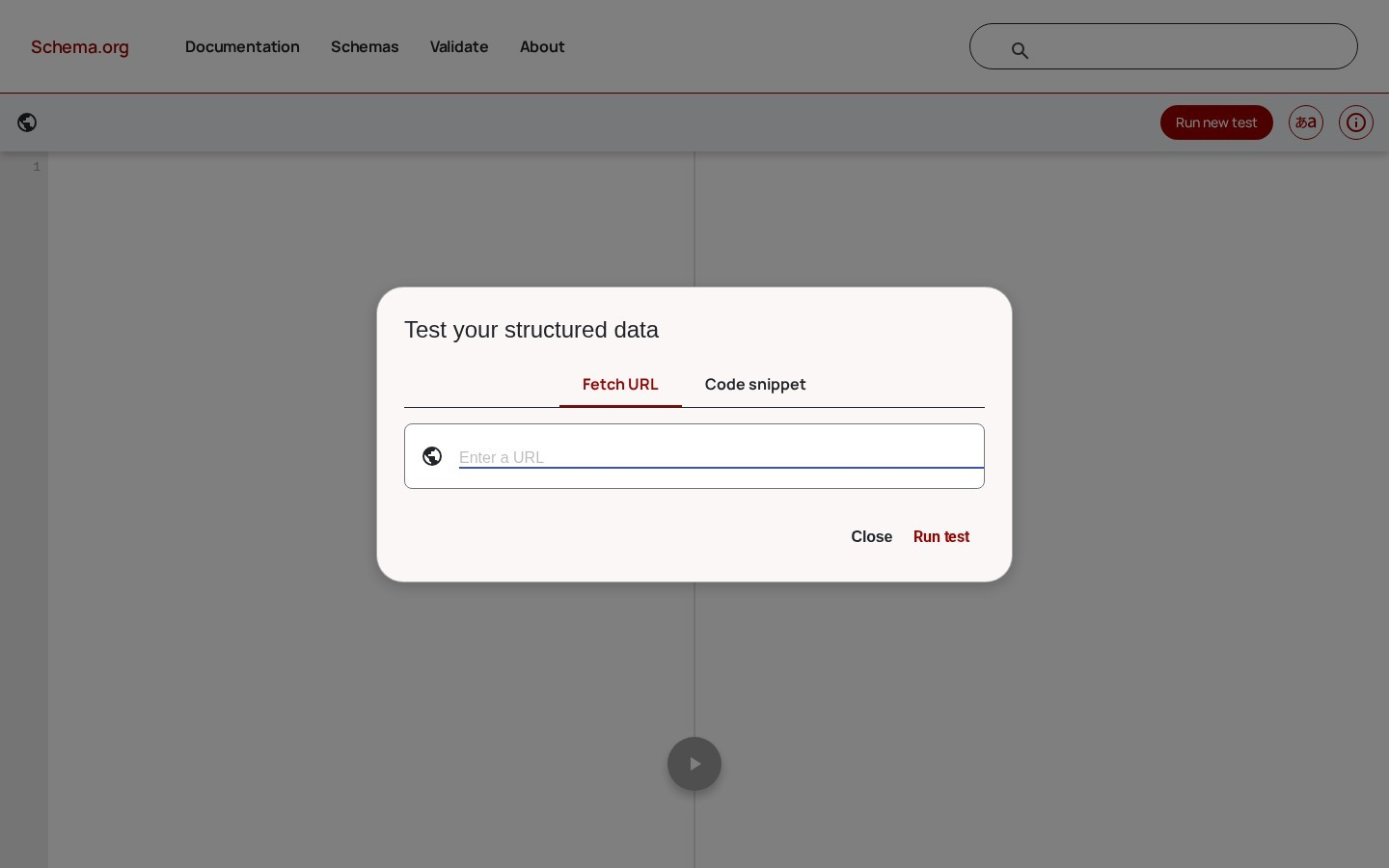
The Schema Markup Validator at validator.schema.org checks markup against the full Schema.org vocabulary. It reads JSON-LD, Microdata and RDFa and flags syntax errors and unknown properties. As a result, it is the right check for microdata generators and for types Google does not support.
Cost: Free.
The catch: It does not say if a page qualifies for a Google rich result.
Search Console rich result reports
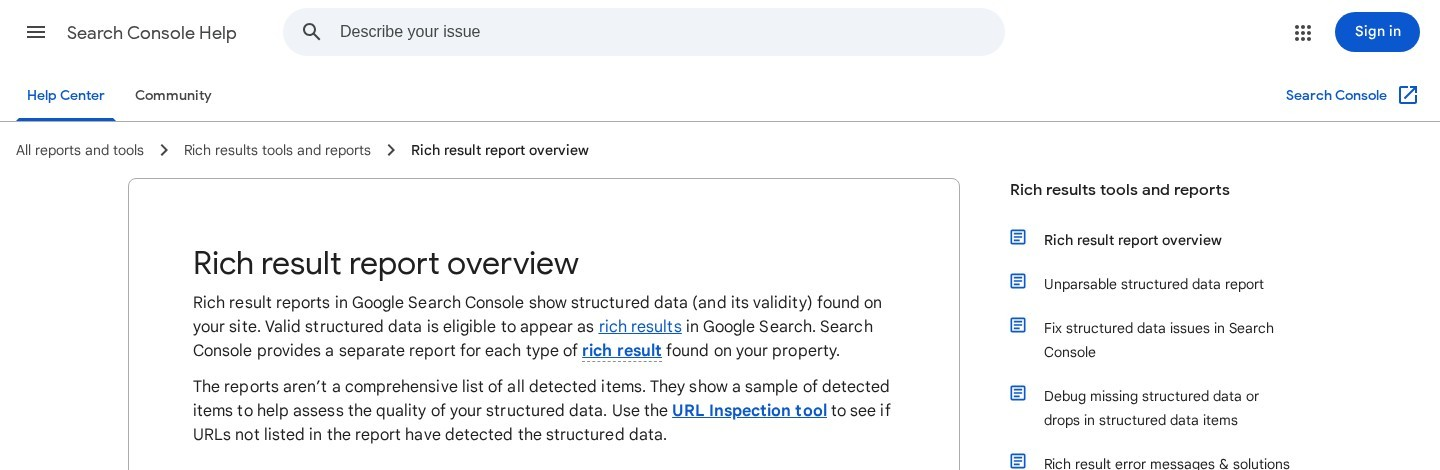
Search Console lists every rich result type found on a site, such as Product snippets, Breadcrumbs or Events. Each report splits items into valid and invalid, shows the error behind each problem and has a Validate Fix button to recheck pages after a fix. That makes it the best way to catch errors across the whole site after launch.
Cost: Free.
The catch: Reports update with a delay, so new errors can take days to appear.
Screaming Frog SEO Spider
Screaming Frog extracts JSON-LD, Microdata and RDFa from every page it crawls and validates the markup against Schema.org and Google rich result features. The Structured Data tab lists each page with errors and warnings.
In short, it is the schema tool for auditing markup on hundreds or thousands of pages in one crawl.
Cost: Structured data validation needs a licence, at $279 a year.
The catch: It runs on a desktop computer, so very large sites need plenty of memory.
Schema markup mistakes that stop rich results
Even with the right schema markup tool, a few common mistakes can keep rich results from showing:
- Markup that describes hidden content: Structured data must match what visitors see. Otherwise, the markup can be ignored or trigger a manual action.
- Two tools writing the same markup: Similarly, an SEO plugin plus a theme, or two plugins, can output two Product blocks for one page.
- Missing required fields: In addition, a Product without a name, or an Event without a start date, does not qualify.
- Hard-coded values: Finally, prices and opening hours typed into a generator go stale, so stores and chains are better off with tools that use live data.
Schema markup generators: common questions
What is the best free schema markup generator?
The TechnicalSEO.com generator is the best free schema markup generator for single pages on any platform. On WordPress, Schema & Structured Data for WP & AMP is a free plugin that covers more than 35 types.
Does schema markup improve rankings?
Schema markup is not a direct ranking factor. It helps search engines understand a page and can earn rich results, which often lift click-through rates.
Are microdata generators still worth using?
Only on sites that already use microdata. Google recommends JSON-LD, and every schema markup generator in this guide outputs it, so new markup should use JSON-LD.
Is FAQ schema still worth adding?
It does no harm, and other search engines and AI tools can read it. Still, most sites will not see FAQ rich results in Google, so it should not come first.
Start the conversation by posting the first comment