

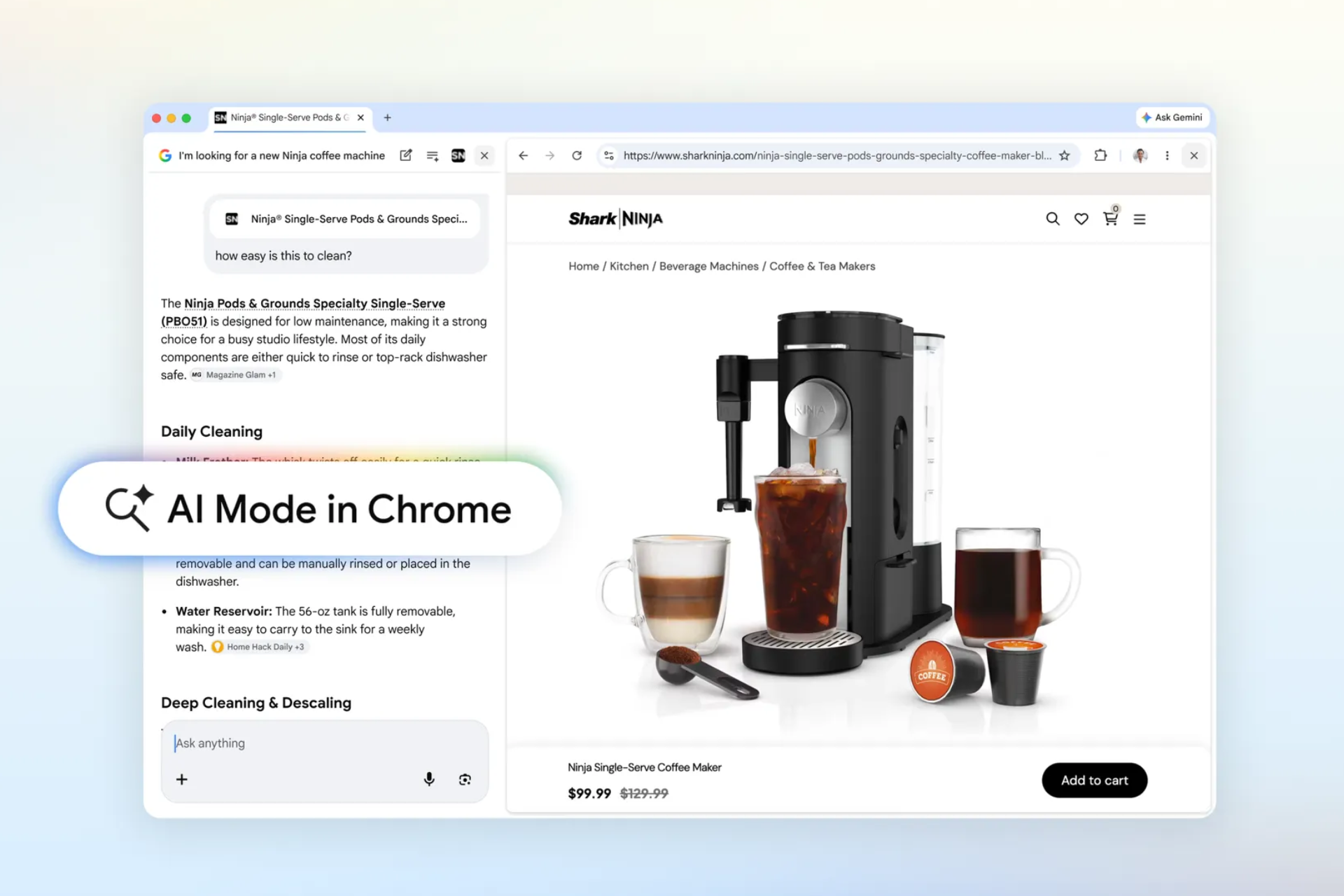
Google is testing an updated AI Mode button in Chrome’s New Tab page search bar, making it easier to leave the inline compose box without submitting a query.
After you click AI Mode, the search box shows “Ask anything” alongside suggested prompts. The AI Mode button turns blue and displays an × icon. Hovering over it shows an “Exit AI Mode” tooltip, making clear what clicking it will do.
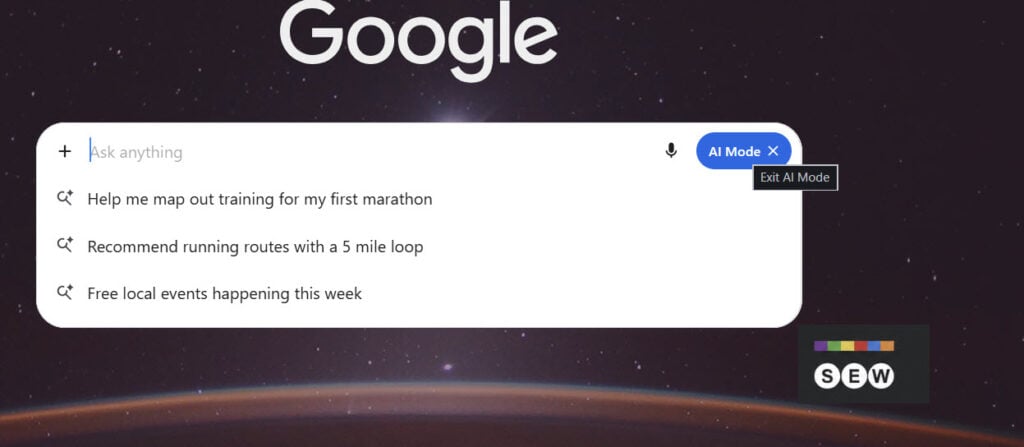
Selecting a suggested prompt takes you into AI Mode. If you change your mind before choosing one, clicking the blue button dismisses the suggestions and restores the regular search bar. You can also press Esc to close the compose box and return to regular search.
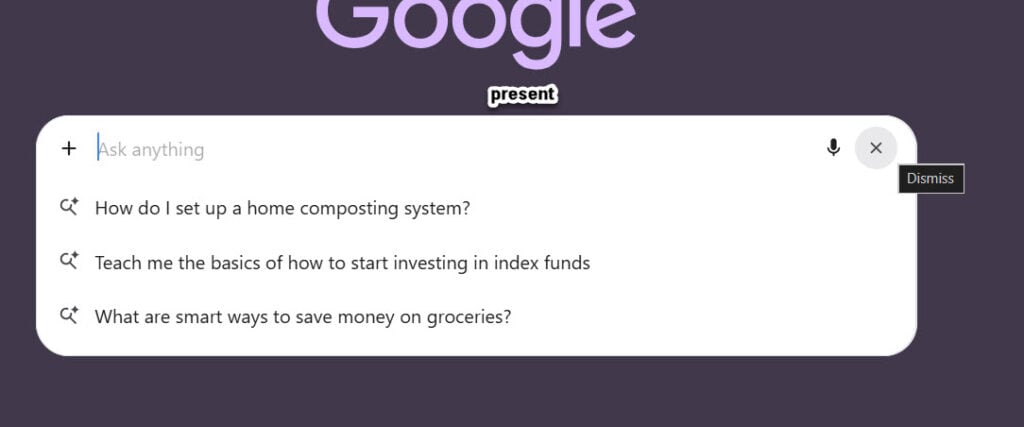
Previously, Chrome used a grey × icon with a generic “Dismiss” tooltip for this action. The new button design makes it clearer when the search bar is in AI Mode and how to switch back to regular search.
In our testing, this inline compose experience appears for signed-out users. Signed-in users still go straight to the dedicated AI Mode page when they click the AI Mode button.
Start the conversation by posting the first comment