


Apple is opening Pages, Keynote and Numbers to AI assistants that can work with the document in front of you. Its October 27 Creator Studio announcement describes built-in help and connections that let outside AI tools read and edit files.
The practical difference is less copying between a document and a separate chat window. Apple says its assistant uses the document’s context to help with writing, presentations and spreadsheets.
Built-in help and outside agents do different jobs
The built-in assistant combines Apple and OpenAI models. Pages gets help drafting and restructuring text, while Numbers can suggest charts and organize data. Keynote’s App Store notes describe slide refinement, animations, presenter notes and generated visuals.
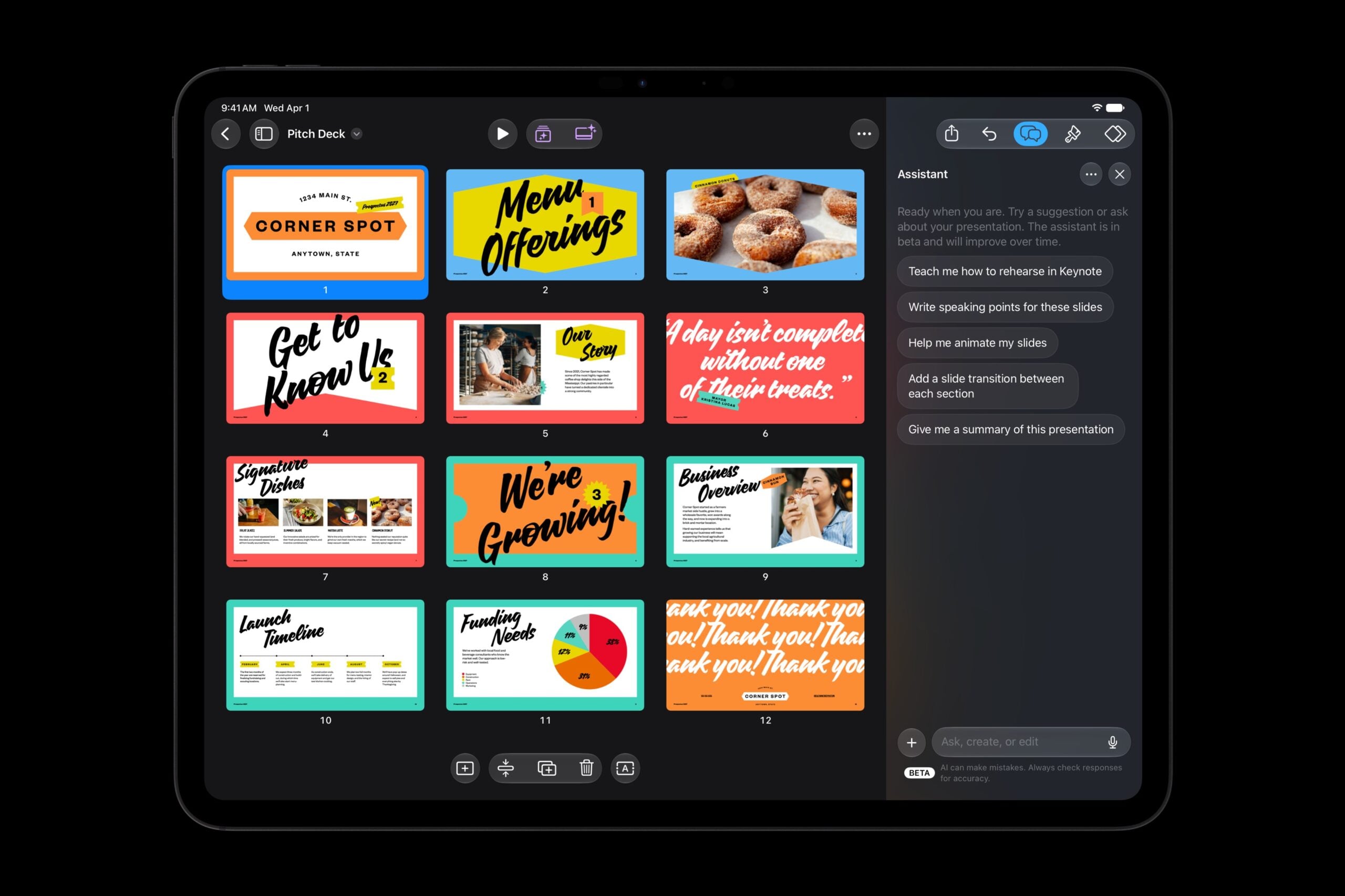
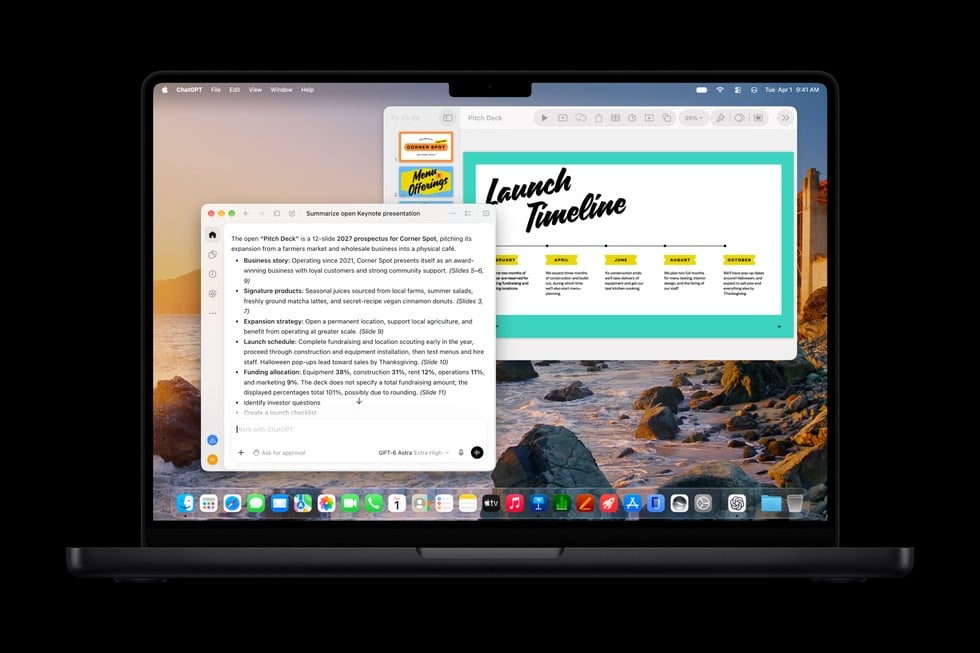
Separately, support for Model Context Protocol, or MCP, provides a connection for external AI tools. Apple says those tools can read content, make edits and carry out actions directly in the three apps. That connection requires macOS 27 or later.
Someone preparing a client presentation can ask the built-in assistant to refine slides or connect another agent to work on the file. Support for the connection does not establish that every outside tool will work with it.
Keynote also adds an open interchange format, .keyx. Its release notes list importing and exporting that format for everyone, while reserving the assistant for Creator Studio subscribers. Sharing a file in that format therefore has a different access rule from using the AI help.
Assistant access depends on your device and account
The assistant is a US English beta. It requires an Apple Intelligence-capable device running iOS 27, iPadOS 27 or macOS 27 or later. Being able to open Pages or Keynote does not by itself mean the assistant will run.
Apple dates the wider Creator Studio update package for November, although Keynote’s current release notes already list the assistant. Check the app’s own release notes as well as the wider November timetable.
A subscription costs $12.99 a month or $129 a year in the US, according to the Creator Studio page. The standard document apps remain free.
Apple’s subscription guidance adds a constraint for workplaces: subscribing requires a personal Apple Account, rather than a Managed Apple Account. Check that requirement before treating the suite as something every colleague can enable through a company account.
If you cancel, access lasts until the paid period ends. The documents remain available afterward, but the subscription’s intelligence features do not. That lets a team distinguish the ongoing cost of AI assistance from access to the work it created.
Source: Apple
Start the conversation by posting the first comment