

PHP patches released on October 21 fix two critical vulnerabilities that can let attackers run code on a web server without logging in. WordPress owners need their hosting provider to install a fixed PHP build.
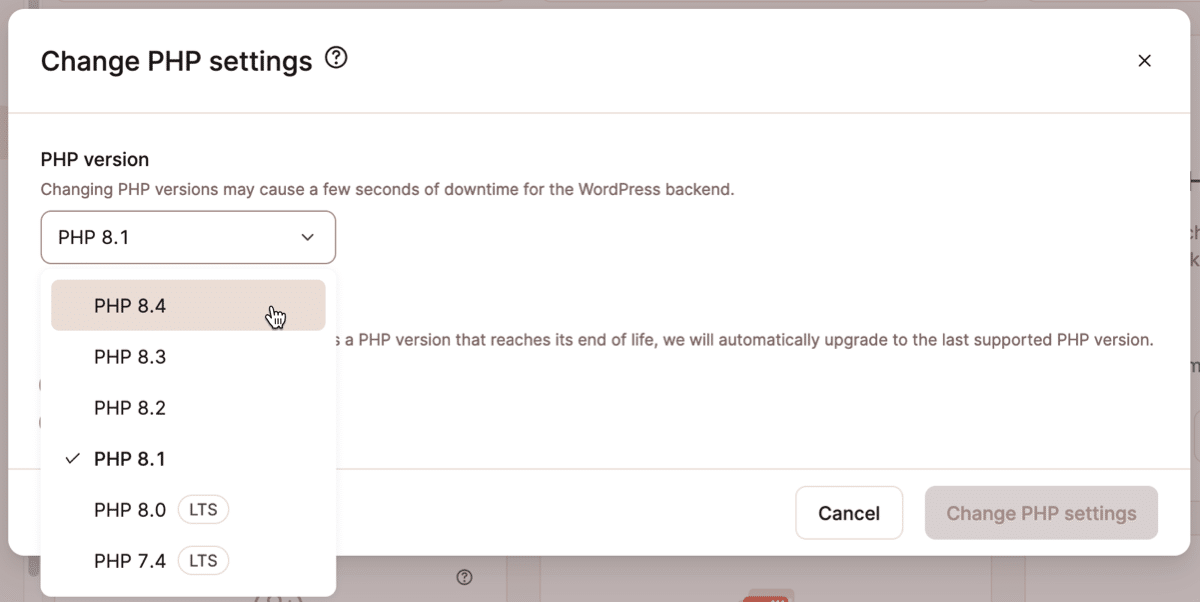
The fixed releases are 8.5.12, 8.4.27, 8.3.36 and 8.2.35, according to PHP’s security advisory. Updating WordPress, its theme or its plugins does not update the PHP software running underneath them.
PHP says every web deployment is at risk
The flaws, CVE-2026-109618 and CVE-2026-109619, affect installations serving web requests. PHP identifies Apache’s mod_php configuration as the highest risk, with a demonstrated attack that runs before application code starts.
Linux distributions and long-term-support vendors received patches ahead of release. A host may therefore have applied a vendor fix without moving to one of the upstream version numbers listed above.
Ask your host for the exact patched build
Ask which PHP build serves your site and which security advisory confirms that it fixes both vulnerabilities. A reply such as “PHP 8.4” identifies the branch but leaves the patch level unanswered.
You can find the displayed version in Tools > Site Health > Info > Server, under PHP version, as WordPress’s guidance explains. Include the full value in your support request.
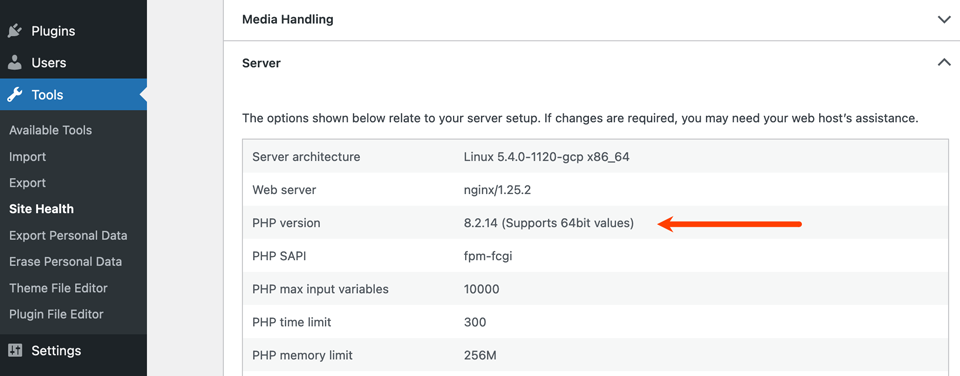
Site Health’s version check compares PHP with WordPress’s recommended version. A good result can therefore appear before these emergency patches are installed. The host’s package record is the relevant confirmation for a backported fix.
Isolation may be necessary until the patch is installed
CERT-EU advises considering isolation of internet-facing applications if immediate patching is impractical. WordPress’s maintenance screen still runs through PHP, so ask the host about serving a static notice outside the affected application.
For an emergency shutdown lasting a day or two, Google recommends HTTP 503. Persistent server errors can eventually cause URLs to drop from the index.
Once the host restores service, check important URLs for failed responses and confirm that visitors can reach their normal content.
Source: PHP
Start the conversation by posting the first comment