

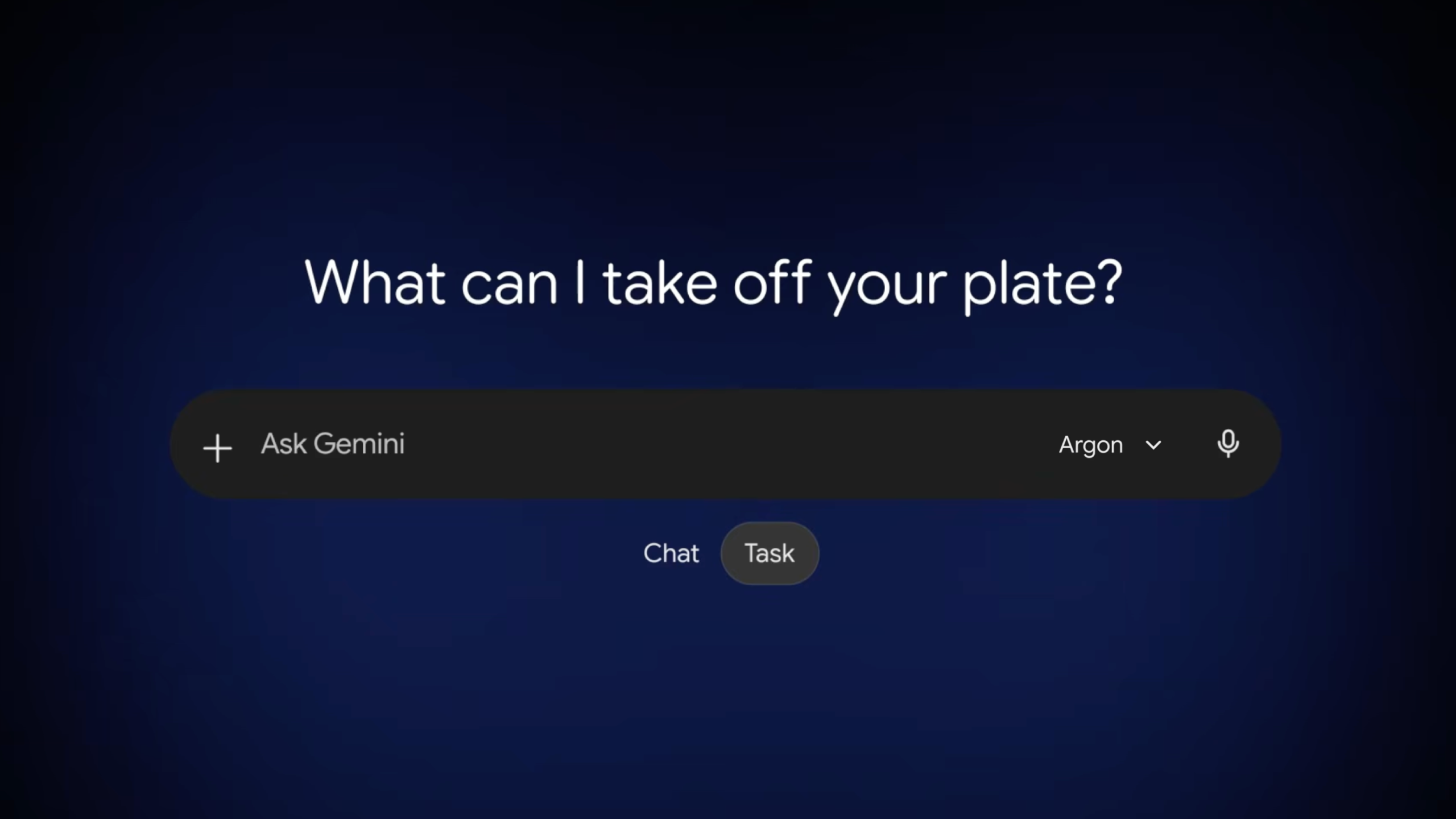
Gemini’s web app now has a Search Google option in the menu behind the plus icon next to the prompt box. It lets users turn Google Search on or off for an individual prompt.
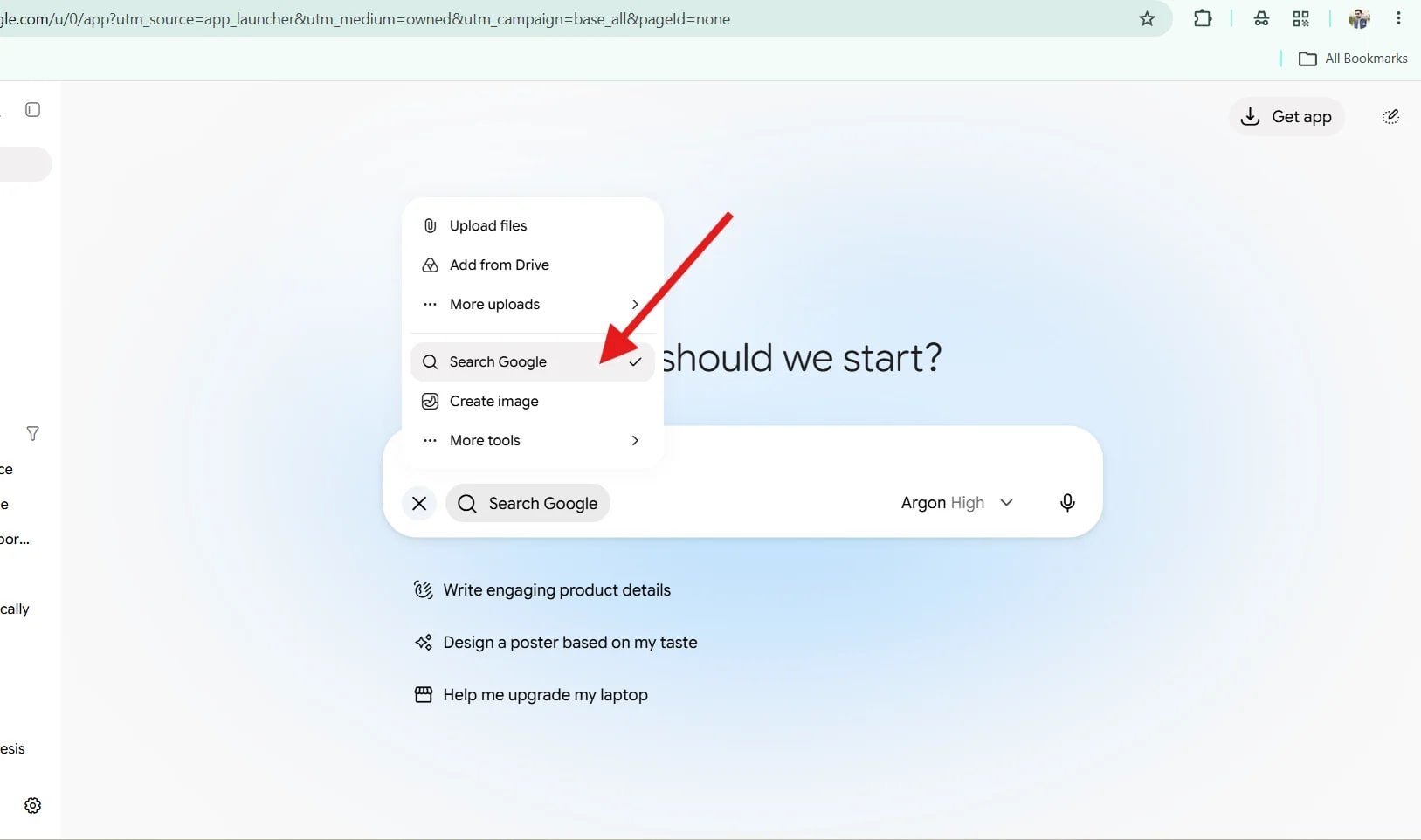
The option, first spotted on X, sits below the upload choices and above Create image. Selecting it adds a check mark in the menu and a Search Google chip to the prompt box.
Google hasn’t announced the change, and it isn’t listed in the Gemini release notes. The most recent entry there covers the rollout of Gemini 4 Argon to Google AI Pro and Ultra subscribers.
Search becomes a choice instead of a default
Until now, Gemini decided on its own when to ground an answer in Google Search. The toggle hands that call to the user, who can force a search for questions about recent events or skip it when live results aren’t needed.
For publishers, a prompt answered without Search is a prompt with no web sources to cite, on top of the thinning citations already seen in AI Mode. Google hasn’t said whether the option is on by default or how widely it is rolling out.
Source: X
Start the conversation by posting the first comment