

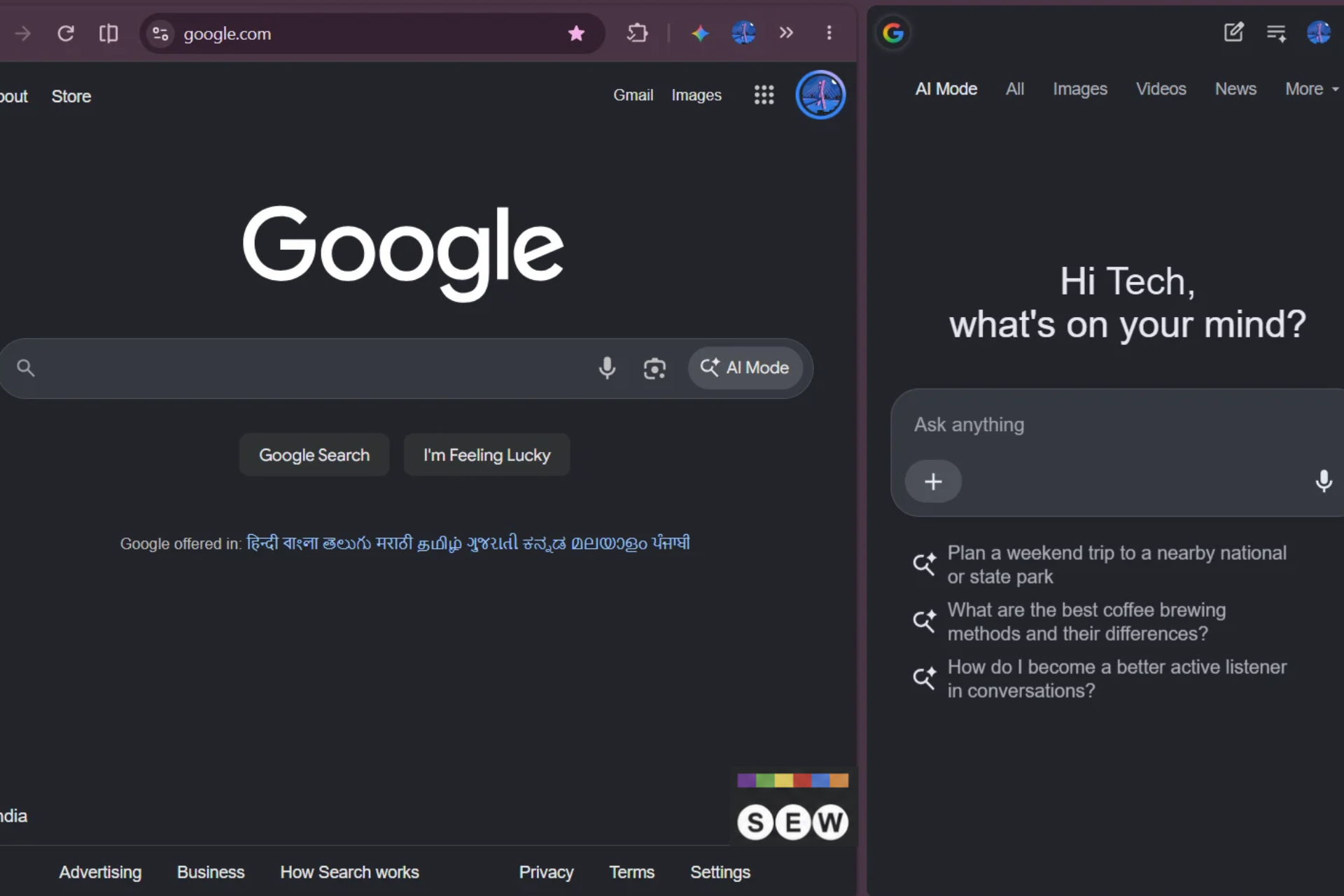
Google is testing a change in Chrome that opens its Google Search AI Mode side panel on the right by default instead of the left. The change could affect where users see AI Mode when they ask questions about webpages or use Google Lens in Chrome.
Chrome typically opens the AI Mode side panel on the left when users select options such as “Ask about this page” or use Google Lens to ask questions about webpage content.
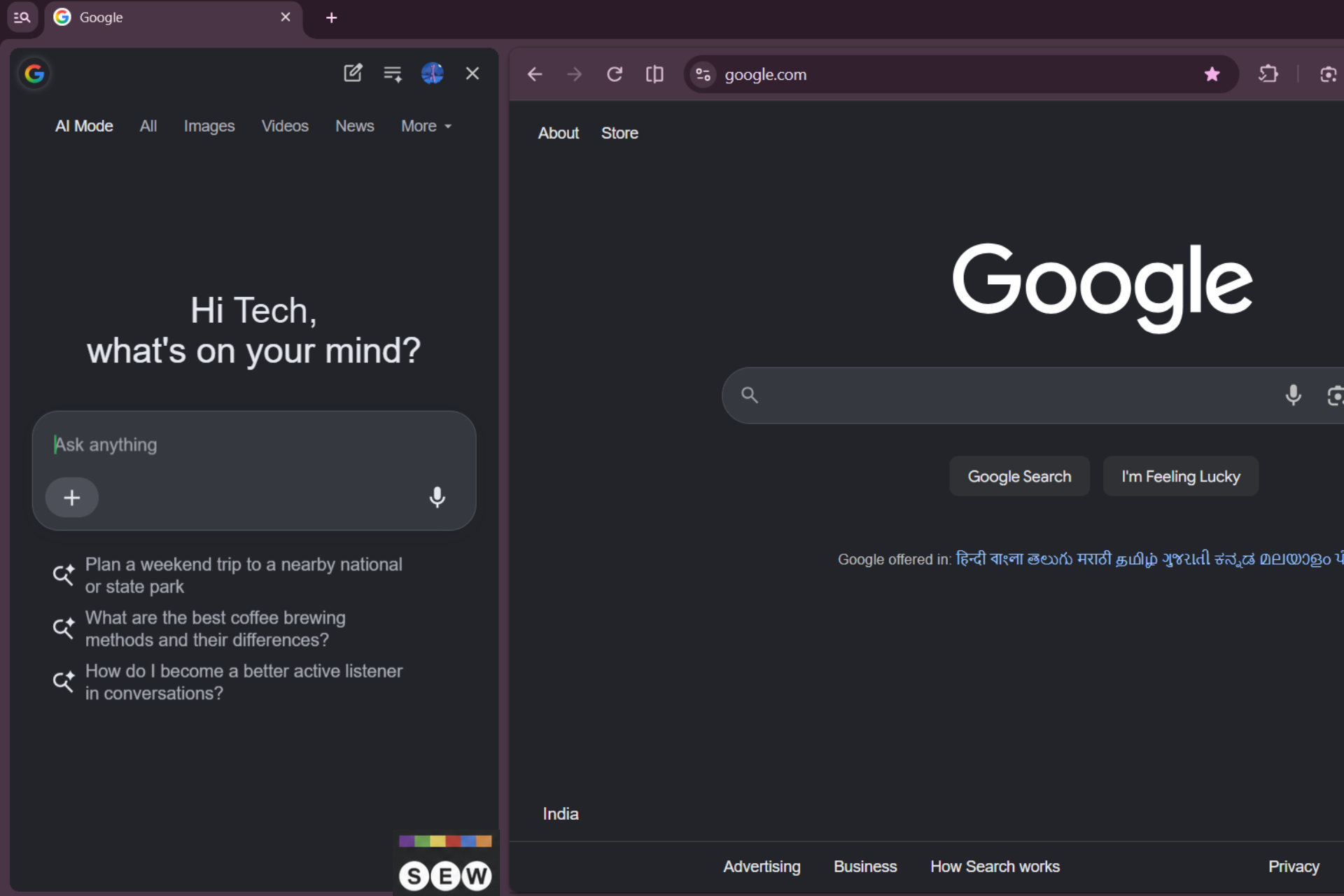
Google is experimenting with a feature called Contextual Tasks Side Panel Default Right, which changes the panel’s default alignment to the right.
Chrome already lets users configure side panel placement under Settings > Appearance > Side panel position. The page lists Google Search AI Mode, Gemini, and Chrome Panels separately, each with its own position selector. Users can therefore choose where the AI Mode panel appears without changing the placement of other panels.
The underlying Chromium code preserves users’ existing alignment preferences instead of overriding them with the experimental default. This means enabling the experiment does not necessarily move the panel for users who have already chosen a position.
If Google makes the change permanent, users accustomed to seeing the AI Mode panel on the left may need to adjust to its new position. For now, the change remains experimental, and Google could modify it before a wider rollout.
Start the conversation by posting the first comment