

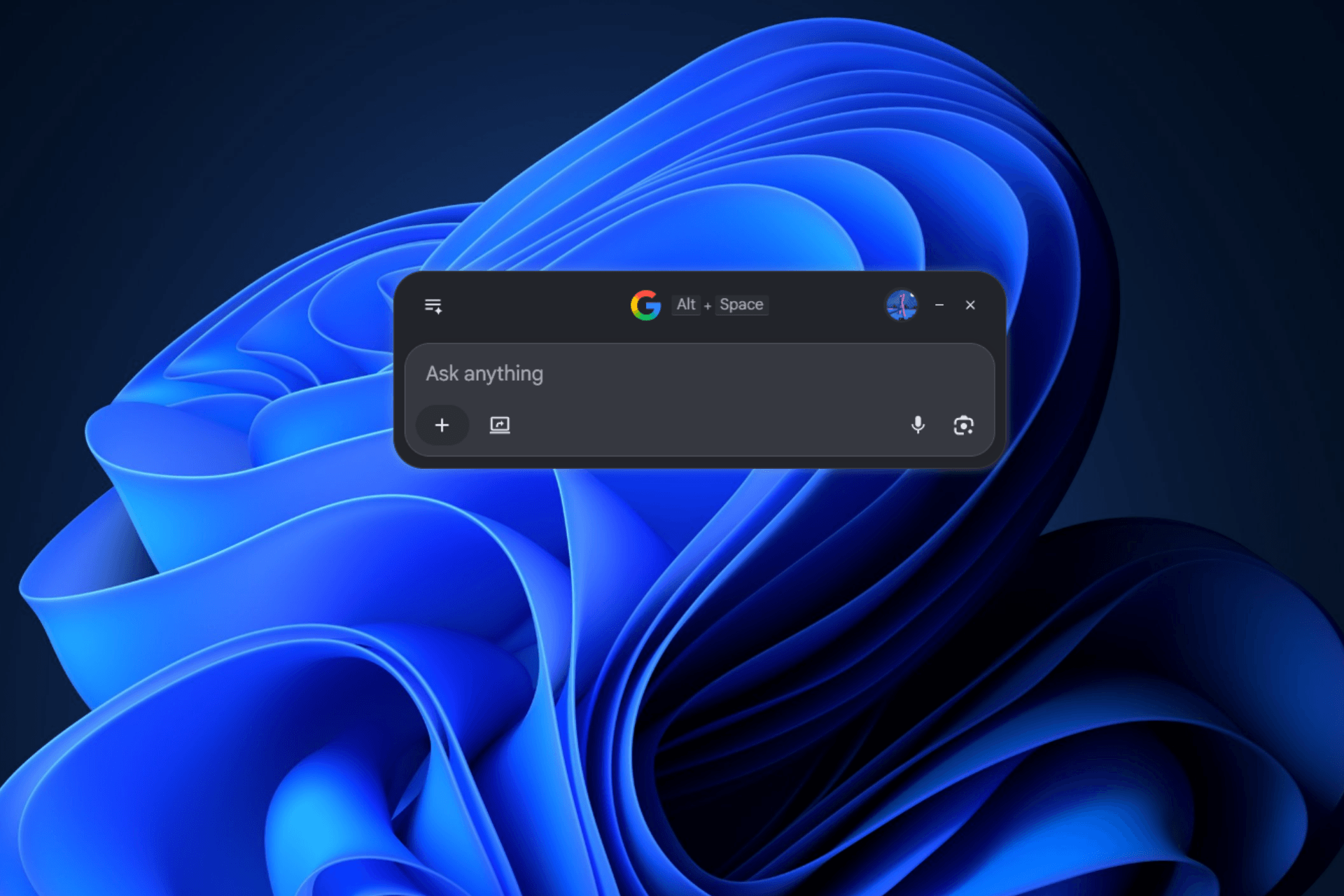
Google is adding more features to its Google app for desktop while also improving its performance. After recently introducing in-app search modes, the app now supports hands-free voice search, along with changes that Google says reduce memory usage and speed up startup.
Voice search has long been available through Google Search, but this update brings the experience directly to the desktop app. Users can now speak a query through the app’s search box instead of typing it, making quick searches more convenient when they do not want to use the keyboard. Google promotes voice search as a hands-free way to search.
Version 1.0.25.0, released on October 5, adds a microphone button to the search box. Google says voice search provides “real-time speech-to-text transcription”, allowing users to see their spoken query converted into text before the search runs.
When you click the microphone button for the first time, the app asks for permission to use your microphone. You must select Allow before you can use voice search. The permission prompt identifies wga.google.com as the site requesting microphone access.
After you grant permission and click the microphone button, a waveform-style animation appears at the bottom of the search box while the app listens. The animation responds to your voice as you speak, while the app converts your words into text in real time. Once you stop speaking, the transcribed query is used to perform the search.
The update also includes performance improvements. According to Google, background-process optimizations reduce memory usage by around 30% and help the app start faster.
Google has also streamlined window loading to provide a faster and more reliable startup experience.
Start the conversation by posting the first comment