

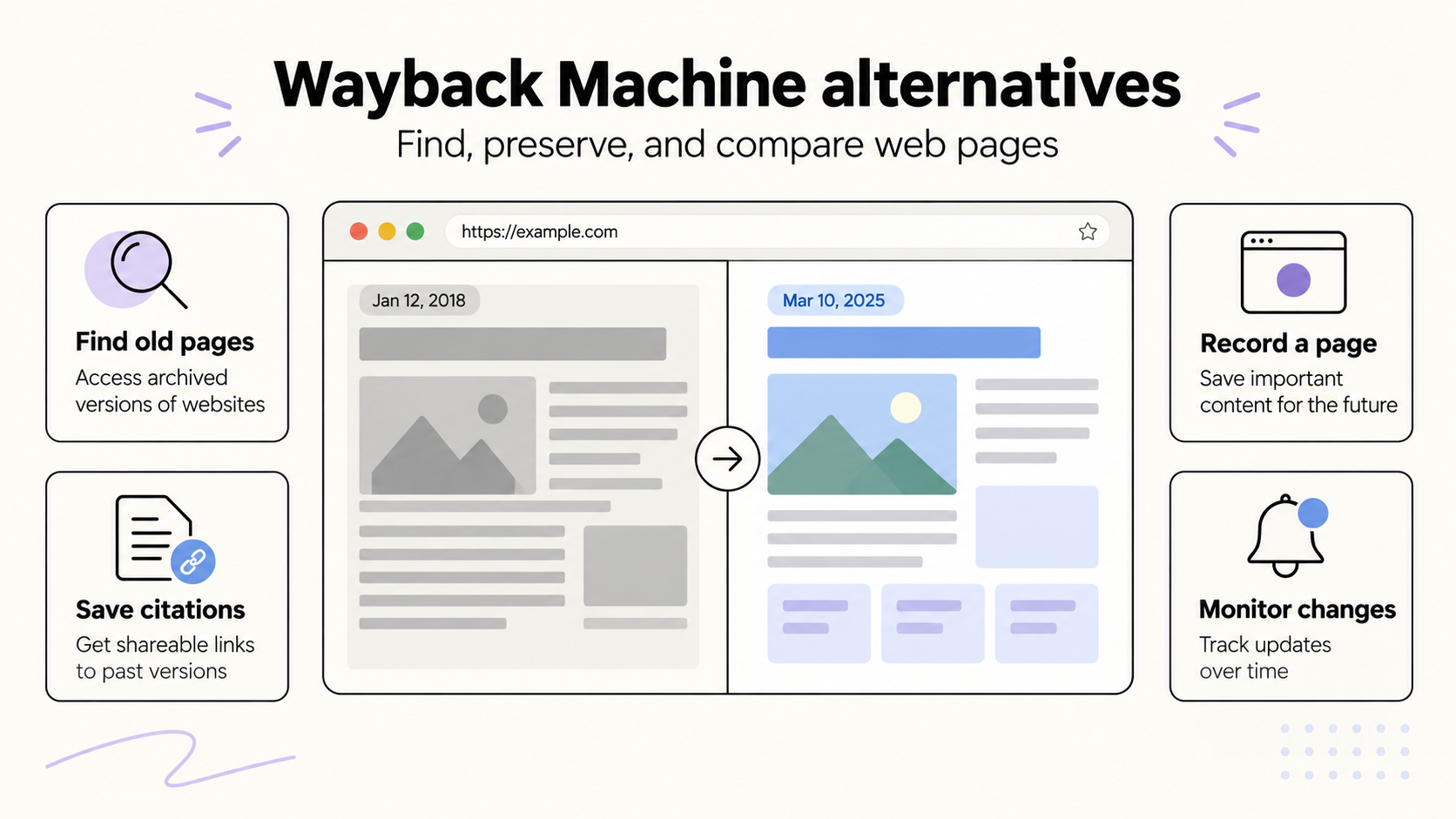
Start with Arquivo.pt when a Wayback Machine search comes up empty. It lets you search by URL or by words from a missing page. Ghostarchive is another free public archive to check, with support for some embedded video. Both depend on someone having captured the material before it disappeared.
For material you can still open, our other picks cover three useful jobs: Perma.cc for a citation, ArchiveWeb.page for a browser recording you keep locally, and Browsertrix for scheduled site crawls. Their access, export and pricing differences are set out below.
We have also separated screenshot services and SEO change monitors from the main list. Those are useful when you want to watch a page from now on. An old, already-deleted pricing page needs an existing archive.
The five alternatives at a glance
| Tool | Use it for | Where its history comes from | Cost |
|---|---|---|---|
| Arquivo.pt | Finding a page by URL, phrase or image | An existing public collection, with a Portuguese-web focus | Free |
| Ghostarchive | Finding or saving a public page, including some video | Existing public snapshots and new submissions | Free; no account required |
| Perma.cc | Preserving a page you will cite | Pages submitted by its users | Individual subscriptions from $10/month; link packs from $15; eligible institutional access is free |
| ArchiveWeb.page | Recording an interactive browsing session | Pages and resources loaded during your recording | Free |
| Browsertrix | Building a recurring archive of a site or collection | Crawls you configure | Hosted plans from $30/month; self-hosting is also available |
Documentation, service notices and published prices checked September 24, 2026. These are recommendations for specific tasks, based on documented features and access conditions. We did not run a comparative capture benchmark or test paid accounts.
1. Arquivo.pt: search for the words you remember
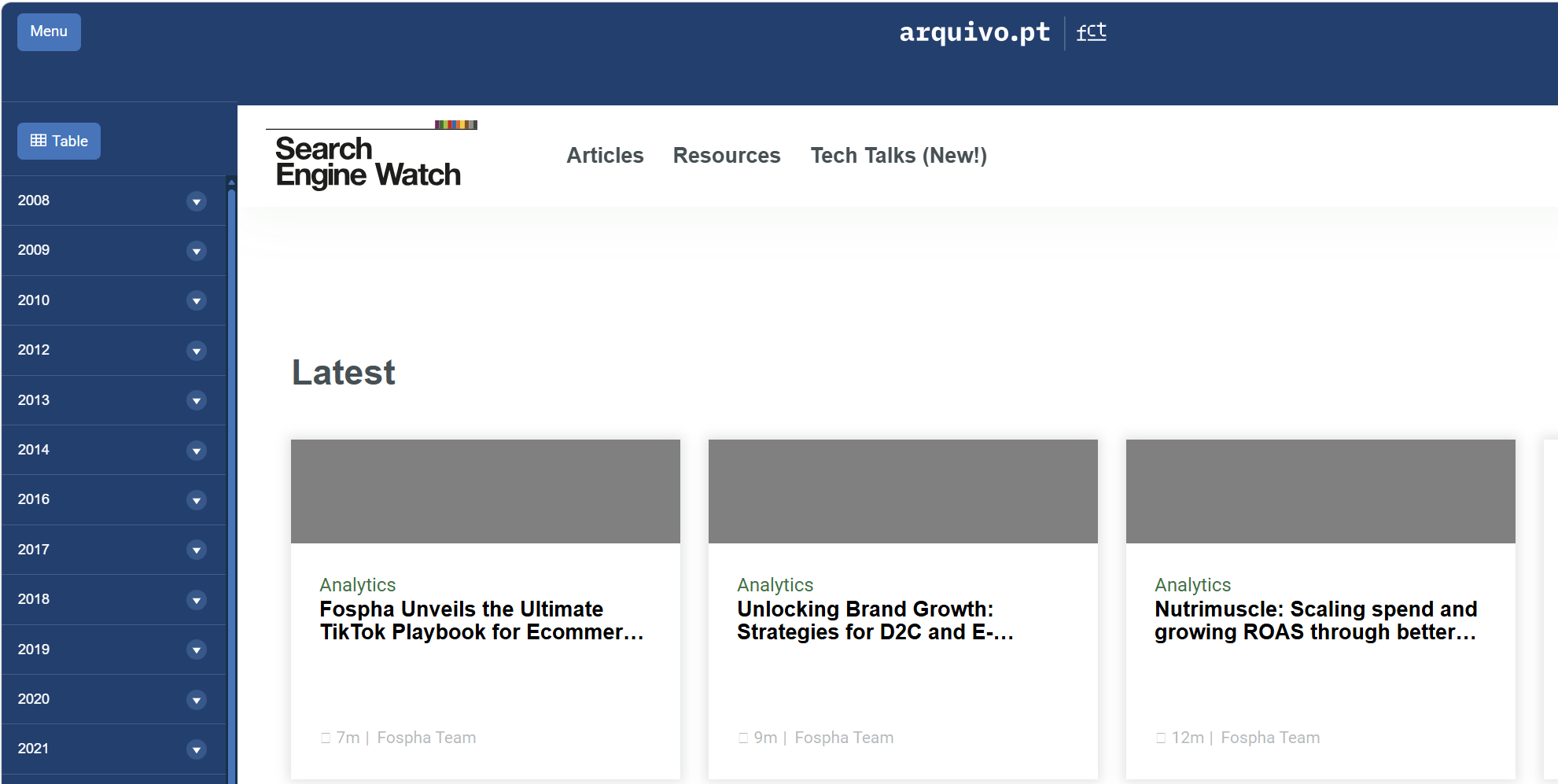
An old product name, quotation or article title can be enough to begin a search in Arquivo.pt. Its full-text search is particularly useful when you have lost the original URL. The advanced search form lets you specify an exact phrase, exclude words, narrow the date range and restrict results to a website or file format.
For example, someone tracing an old company announcement could search a distinctive phrase and then narrow the results to the company’s domain. Arquivo.pt also supports site: restrictions and type:pdf searches.
The service also offers URL history, image search and APIs. Researchers can move from a remembered phrase to an archived page, then inspect other versions of the same address. Its ArchivePageNow service accepts live pages for recording.
Arquivo.pt’s collecting mission centers on the Portuguese web, although its holdings extend beyond Portugal. Expect coverage to vary considerably by site. We recommend it for its search options, especially when an exact-URL lookup has reached a dead end.
2. Ghostarchive: another public collection, with some video support
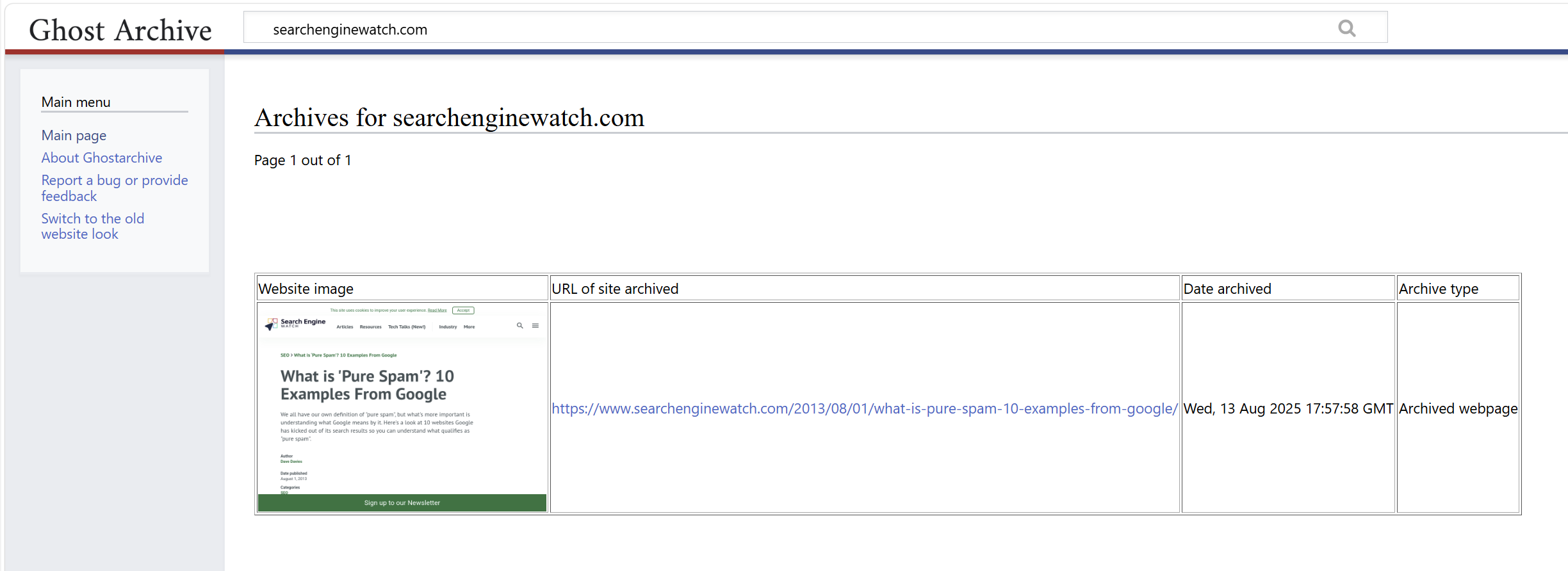
Ghostarchive has separate fields for saving a live page and searching existing captures. Its search accepts an exact URL, a URL fragment or a wildcard, which gives you several ways to look for an old address.
The service says captures can include images, framed content and videos from some websites. It is free and requires no account. That makes it a useful second archive to search when a missing page contained media.
There are specific limits. Stored pages, including their resources, must be smaller than 50 MB. For video, Ghostarchive attempts a version up to 360p that fits below 100 MB; livestreams and videos longer than 30 minutes may fail. Password-protected pages are outside its stated scope.
After opening a result, play the video and check the passage you need. Ghostarchive offers a ReplayWeb.page-based viewer and a simpler alternative, which can help when a capture behaves differently across browsers.
3. Perma.cc: preserve the source behind a citation
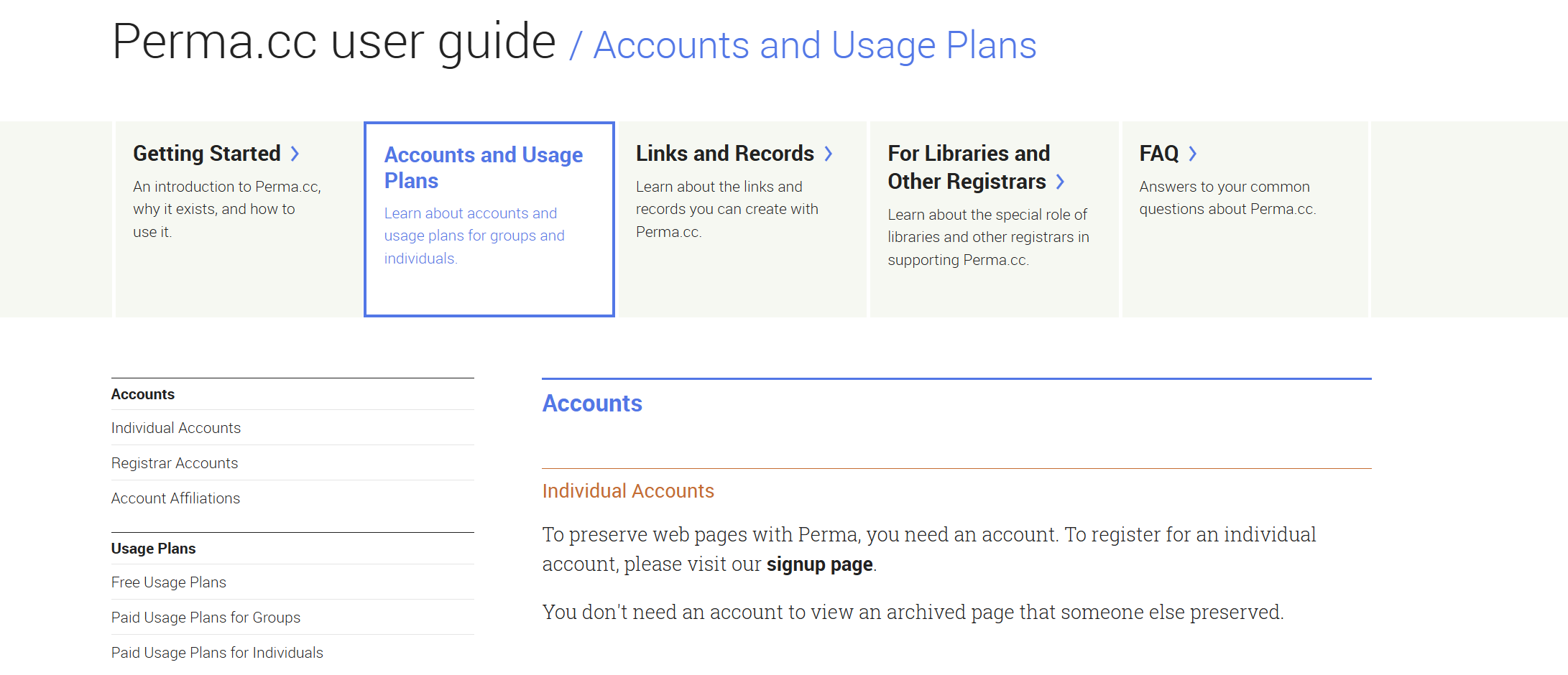
Perma.cc fits a familiar publishing problem: you finish an article or report, and a source changes before the reader follows the link. You submit the page while it is available and use the resulting Perma Link as a reference.
The project is maintained by Harvard’s Library Innovation Lab and administered by a consortium of libraries. Its archives can be downloaded and opened with software that replays WARC files, the web-archive format used to package captured material.
For individuals, subscriptions cost $10 a month for 10 links, $25 for 100, or $100 for 500. One-time packs cost $15 for 10, $30 for 100, or $125 for 500. Eligible academic users and court staff can receive free access through the relevant program. Publishers and other organizations have separate group arrangements.
The pack is worth considering for an occasional research project. Its links can be created on your own timetable; unused monthly subscription quota expires at the end of the billing period.
Perma captures the submitted page. Save any separately linked document you also need. After the initial 24-hour window, links enter its permanent collection, and canceling a subscription leaves those existing records accessible. This makes the ongoing bill easier to assess: you are paying for the ability to create more links.
4. ArchiveWeb.page: keep the browser session you actually need
ArchiveWeb.page is Webrecorder’s free tool for recording pages as you browse. It is available as a Chromium browser extension and a desktop application. The recordings stay on your device unless you choose to share them.
It is a useful option for a page with tabs, expandable answers or content that loads as you scroll. Start a recording, visit the sections you need and allow the page’s resources to finish loading. The extension reports pending URLs, and its View Recorded Page control lets you inspect a replay while the recording is still running.
For an SEO example, you could record a product page before a redesign: the default view, an expanded specification panel and the content below the fold. Open the replay and check those same states before signing off the capture.
The collection can be exported as WARC or WACZ files for storage and later replay. WACZ packages the archive into a portable bundle; the download menu supports a whole collection or selected pages.
The work involved is mostly yours: choosing what to visit, checking what was recorded and keeping the files backed up. For a handful of important interactive pages, that control is often useful. A scheduled collection of hundreds of pages is a better fit for Browsertrix.
5. Browsertrix: schedule a proper site archive
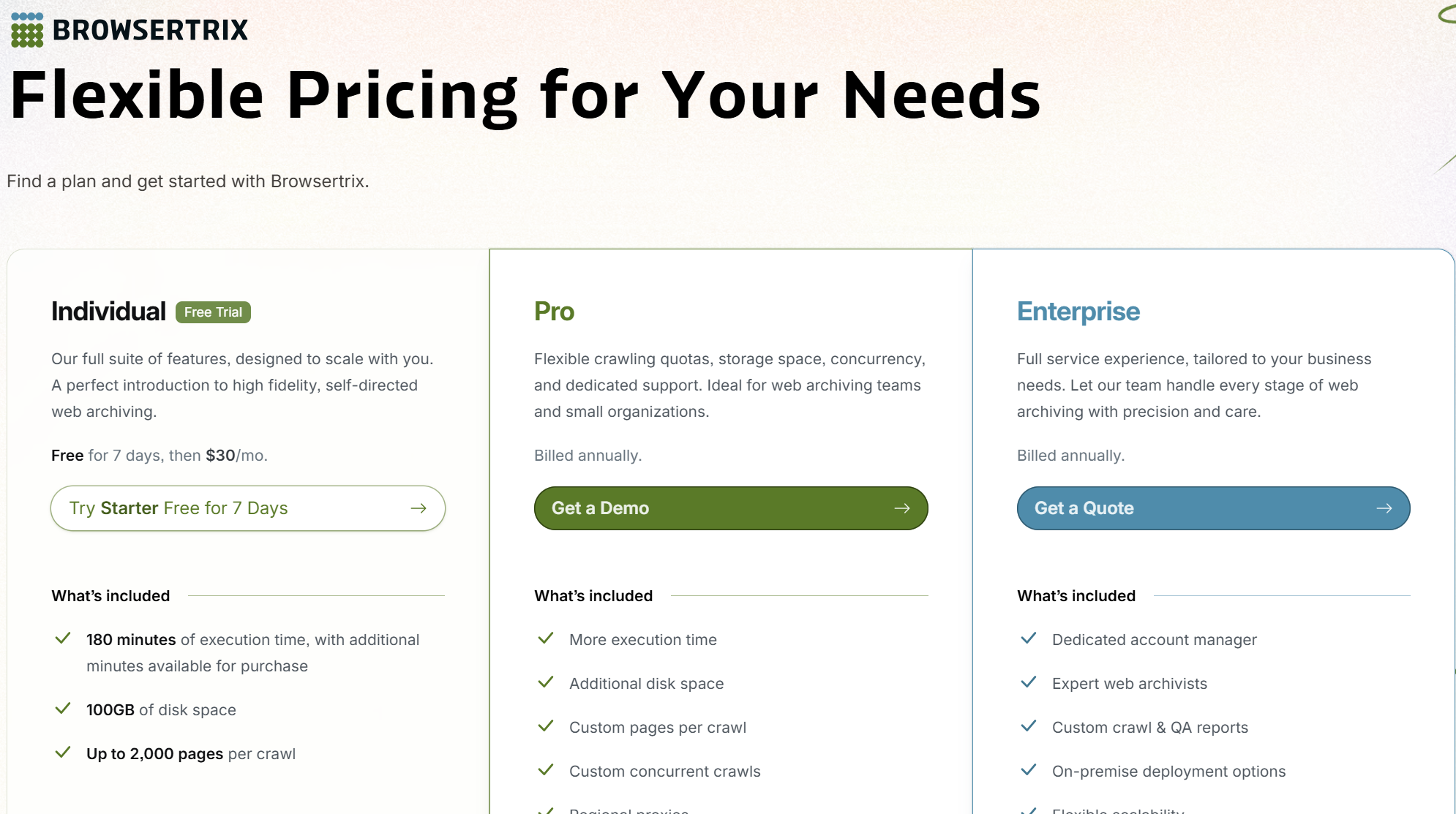
Browsertrix is Webrecorder’s automated browser-based crawler. You configure the URLs and scope, set a schedule and collect the results for replay or export. It is available as a hosted service or through self-hosting.
Its crawl settings include page, time and size limits, along with scrolling and clicking behaviors. You can constrain a crawl to a section of a website, exclude unwanted paths and run it daily, weekly or monthly. Those controls are useful for a documentation library, publication or site redesign that needs repeatable captures.
The hosted Starter plan costs $30 a month after a seven-day trial. It includes 180 execution minutes per month, 100 GB of storage and up to 2,000 pages per crawl. Standard costs $60 a month and Plus costs $120, with larger allowances.
Budget around the time each crawl takes and how much data you retain. A media-heavy site or a page that waits for several interactions can consume the allowance differently from a collection of simple articles.
Start with one representative section before scheduling the whole site. Inspect a normal page, a page with interactive content and any login-dependent view. Browsertrix’s documentation specifically warns that scheduled crawls can continue after a saved browser profile has been logged out. Put a periodic profile check into the workflow.
Start the conversation by posting the first comment