

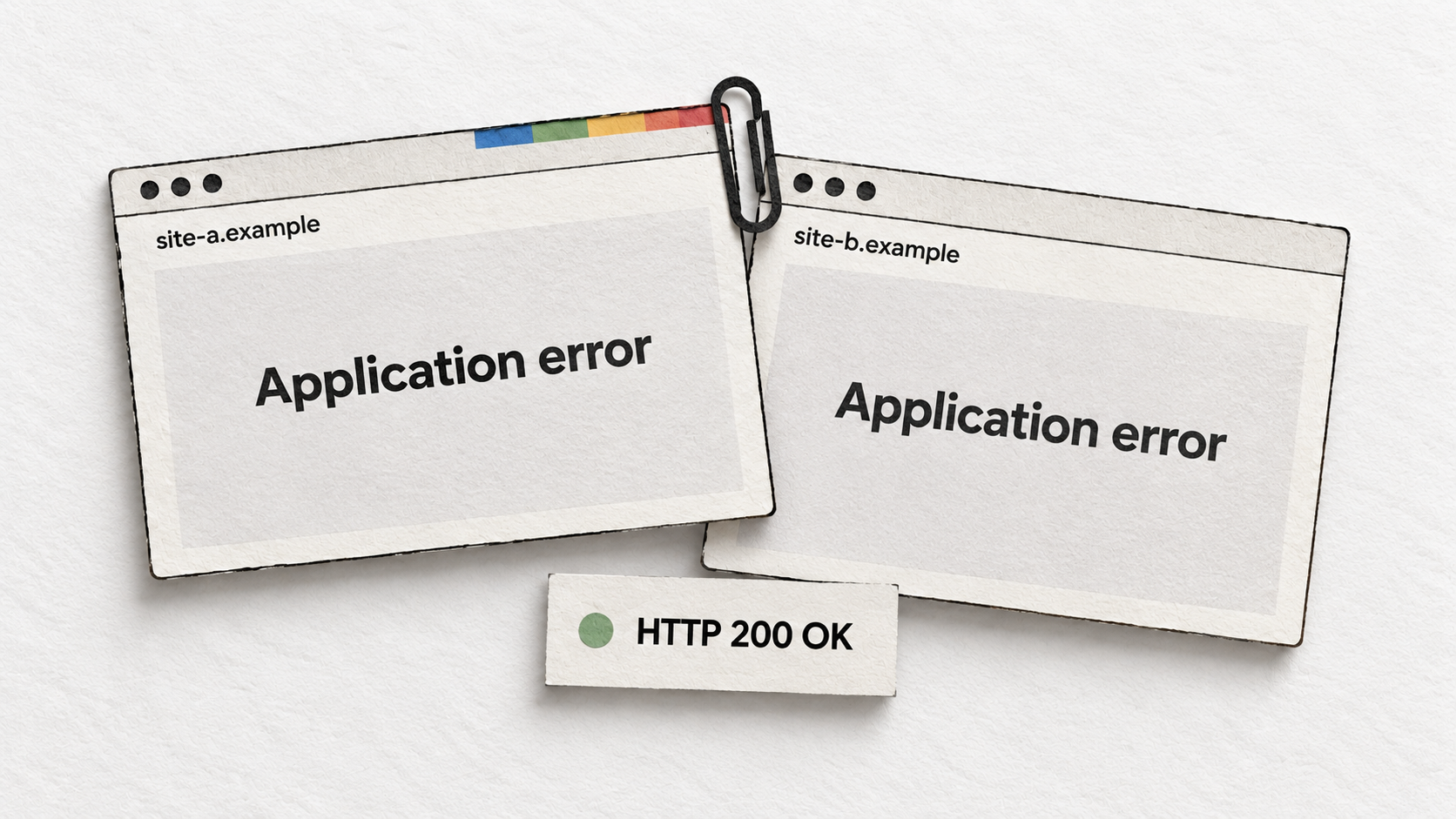
Google’s John Mueller has suggested that pages returning the same error message could explain a site owner’s report of Google selecting a page on an unrelated website as canonical for their own pages. He advised checking what Google receives when it loads the affected URLs. The cause of this particular incident remains unconfirmed.
The complaint, covered by Search Engine Journal on September 18, concerned pages about companies and suppliers. Another Reddit participant described a similar experience on their own site, where Google appeared to have grouped pages displaying a generic JavaScript error.
Mueller explained that the normal content would be missing from search results whether Google indexed the error message, classified the page as a soft 404, or selected another URL as canonical.
Google can choose a canonical you never declared
A canonical is the representative URL Google chooses from pages it considers duplicates. A site owner can recommend one using a rel="canonical" link element, but Google can choose a different URL. It can also make that choice without an explicit canonical declaration.
Google’s canonicalization troubleshooting guide specifically lists unrelated servers returning identical error pages as a possible cause of unexpected cross-domain selection. Google may fail to recognize those pages as errors and treat them as duplicates.
Consider two sites with completely different articles whose applications both fail with the same error text. If that message replaces the main content, the pages Google receives can look alike even though their intended content has nothing in common.
A soft 404 is one way Google can classify this failure: a page returns a successful HTTP response, but its content indicates an error or is effectively empty. Google’s crawling documentation lists missing JavaScript and broken database connections among possible causes.
Google also lists incorrect canonical settings and maliciously inserted tags or redirects as causes of unexpected canonical selection. Finding another domain in the report warrants investigation; it does not, by itself, establish which failure occurred.
A live test cannot confirm a canonical fix
Mueller recommended Search Console’s live URL test. That helps show whether the page renders correctly now, but Google’s documentation makes clear that it cannot determine which URL Google will choose as canonical.
| Search Console view | What to check |
|---|---|
| Indexed result | The last crawl time, user-declared canonical and Google-selected canonical. |
| Live test | The current rendered page, HTML and JavaScript output. It does not verify canonical selection. |
For an affected URL, record the indexed result before running Test live URL. Then open View tested page and check whether the screenshot and HTML contain the expected content. A successful test today cannot rule out an error during an earlier crawl.
Google’s troubleshooting guide also says pages may remain grouped as duplicates for up to two weeks after content issues are fixed. That describes re-evaluation of the duplicate grouping, rather than a timetable for recovering rankings.
Check that the article actually loads
Google’s JavaScript guidance warns that applications can return an HTTP 200 status while displaying an error page. An uptime monitor that checks only that response could report success while the article itself is missing.
A useful deployment test would load a representative article and confirm that its expected headline and body appear after rendering. Scheduled checks can catch the same failure after launch. Saving the failed page output and its timestamp would give developers something concrete to compare with application logs and Search Console’s crawl time.
Changing a canonical tag cannot restore article text that the application never displayed. If the rendered page contains only an error, fixing that failure is necessary whichever URL Google selected.
Start the conversation by posting the first comment