

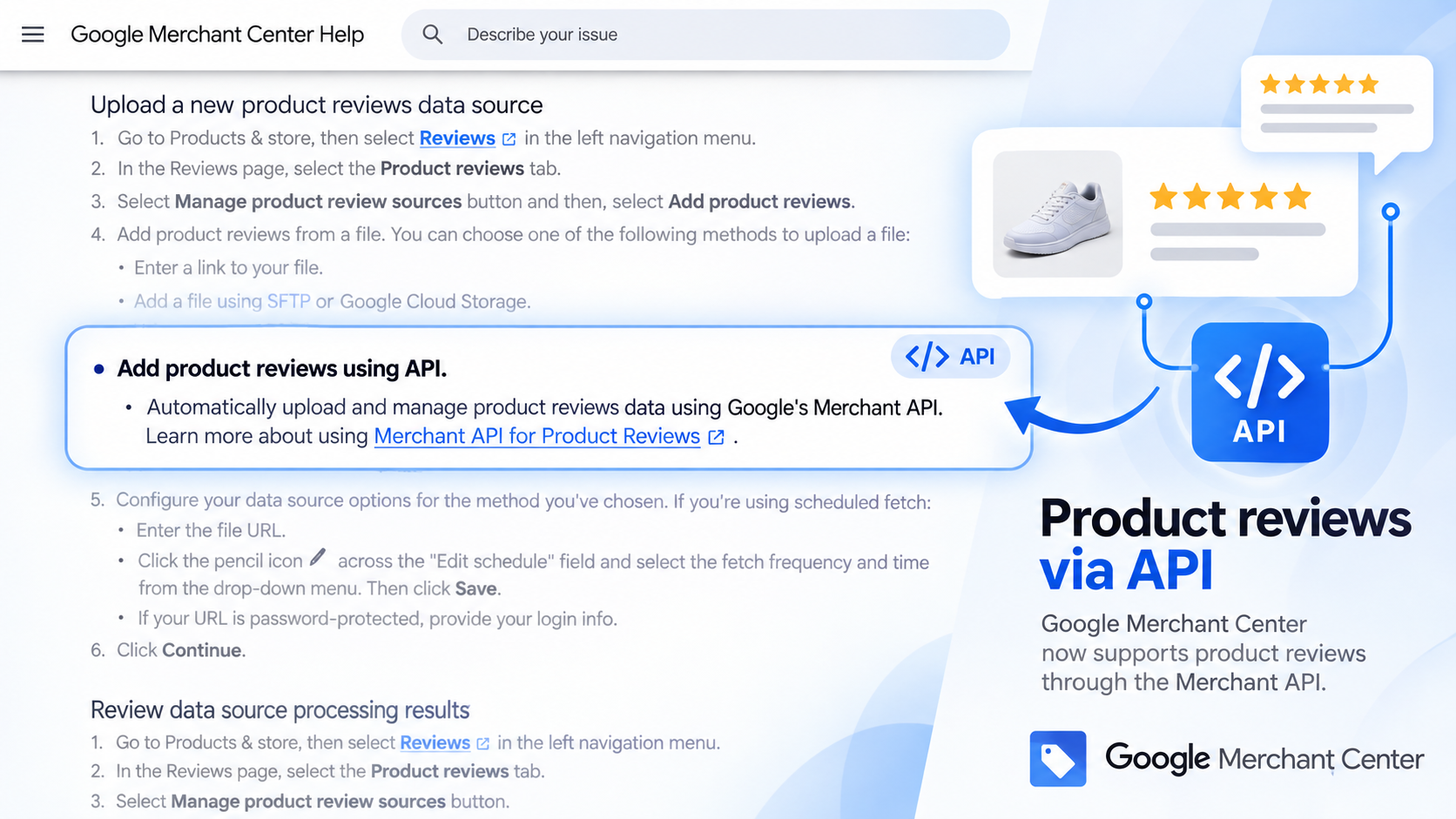
Google has updated its Merchant Center documentation to list the Merchant API as an official way to submit product reviews.
Search Engine Roundtable spotted the change. The help page previously said APIs were not supported for product review data sources. It now includes “Add product reviews using API” alongside file uploads, scheduled fetches, SFTP and Google Cloud Storage.
For larger retailers, that means review data can be managed programmatically instead of repeatedly shuffling XML files around.
Google’s Merchant API can create or update product reviews, retrieve individual reviews, list reviews and delete them.
There is still some paperwork.
Merchants need to be enrolled in Google’s Product Ratings program, and Google says applicants should have at least 50 product reviews. A Google agent must approve the account before Product Ratings is enabled. API users also need to submit an allowlist request through Google’s Shopping API support form.
Not quite a brand-new API
One wrinkle: the underlying Reviews sub-API itself is not new.
Google’s API release notes show the Reviews sub-API entered beta back in October 2024, with additional review-related features arriving since then. What appears to be new here is Google formally adding the API workflow to its Merchant Center product-review documentation.
Our take
For merchants managing hundreds or thousands of reviews, this is less glamorous than another AI shopping announcement, but probably more useful.
Reviews can now sit inside the same automated commerce stack as products, inventory and promotions rather than living in their own XML-shaped corner of Merchant Center.
The catch is classic Google: the API is there, but first you need to be admitted to the club.
Source: Search Engine Roundtable spotted the documentation change.
Start the conversation by posting the first comment