


I’ve spent 20 years advising publishing websites, which means I have spent a ridiculous amount of time looking for images: the right screenshot, the original version of a photograph, a higher-resolution copy, or something an editor could actually publish without creating a copyright problem.
For this guide, I tested 10 image search platforms on the same real-world jobs. I wasn’t interested in which one advertised the most features. I wanted to know which one got me to the right, correctly sourced and usable image fastest.
Google Images is the best image search engine overall. It offers the strongest combination of conventional keyword search, filters and visual search through Google Lens.
It is not the best at everything, however. TinEye is better for tracing exact and altered copies of an existing image. Openverse is a better starting point when reuse rights matter. Getty Images is stronger for licensed editorial photography, while Yandex and Bing can produce useful visual matches that Google misses.
Image search, reverse image search and visual search are not the same
These terms are often used interchangeably, but choosing the wrong type of tool is one reason people conclude that image search no longer works.
| Search type | What you provide | What you want back |
|---|---|---|
| Image search | Words | Images related to those words |
| Reverse image search | An existing image | Exact copies, modified versions and pages containing it |
| Visual search | An existing image or part of one | Similar objects, products, places or information about what is pictured |
| Licensed image search | Words or an image | Media whose ownership and reuse conditions can be checked |
No engine has a complete view of the web. In public discussions among regular reverse-search users, the most dependable advice is still to try more than one engine. Google, TinEye, Bing and Yandex index and interpret images differently, so a failure in one is not a final answer.
1. Google Images and Google Lens: best overall
If I could keep only one image search product, I would keep Google Images. It is still the most useful starting point for ordinary searches, particularly when I know how to describe what I need.
Google Images lets you filter results by size, colour, type, time and usage rights. Google Lens adds the ability to upload a file, paste an image URL or drag an image into the search box. It can identify objects, extract text, suggest products and find pages containing the same or similar imagery. Google’s About this image feature can also provide context about where an image has appeared and how other sites have used it.
Its breadth is also its weakness. Lens often tries to understand what an image contains rather than finding every exact copy. This is excellent when identifying a plant or shopping for a chair, but less helpful when an editor needs to trace the first publication of a photograph. A recurring complaint from users is that Lens gives them similar or purchasable items when they wanted the old-style exact-match results.
Google also warns that the Usage Rights filter only finds images carrying licence information. You must confirm the licence with the image provider and host site before publishing anything.
Best for: Everyday image searches, current subjects, object identification and the best all-round starting point.
Avoid it when: You need a dependable list of exact copies or proof of the original source. Use TinEye alongside it.
2. TinEye: best for exact copies and altered images
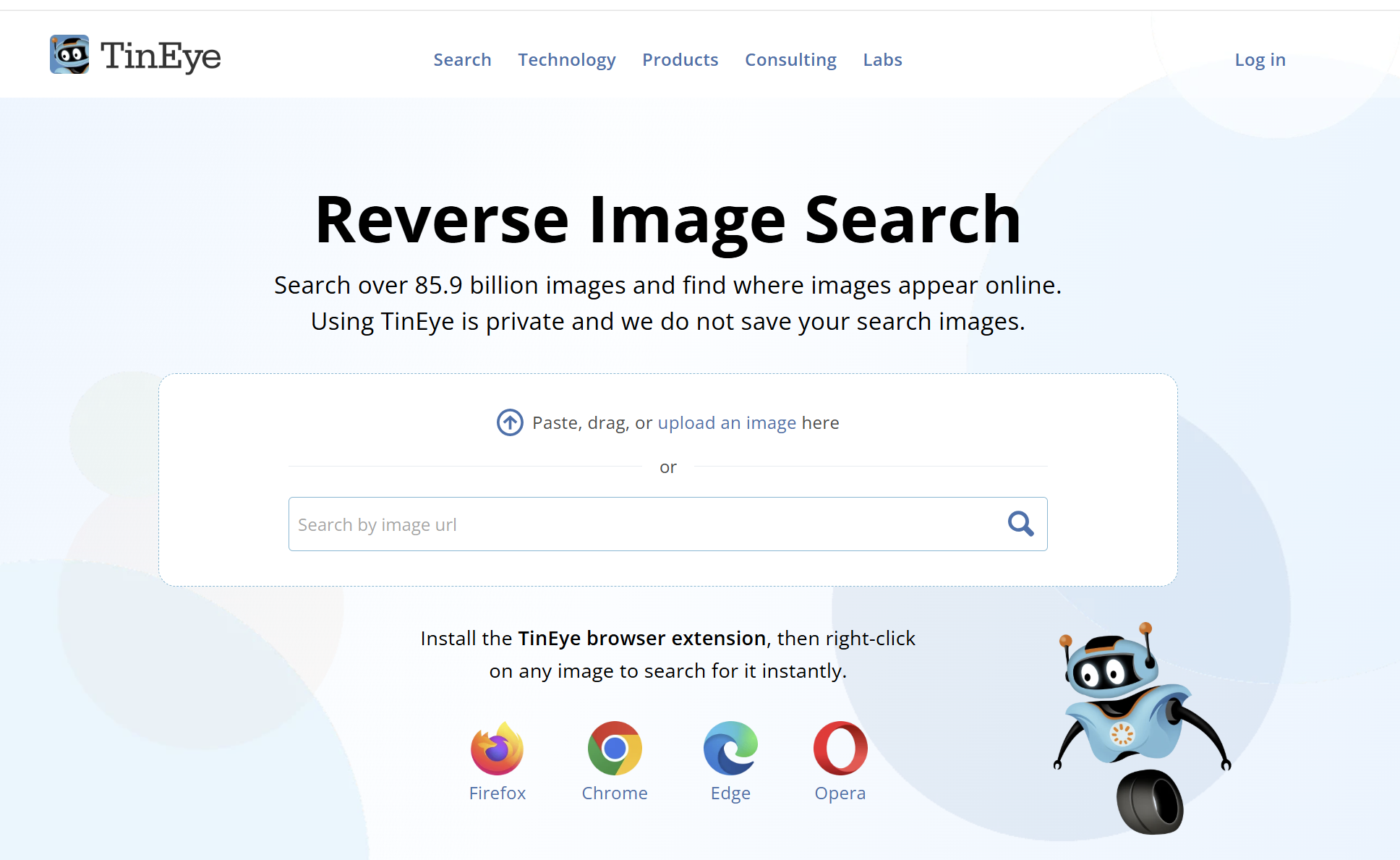
TinEye is not trying to understand what an image depicts. It creates a fingerprint of the image and looks for matching or modified versions in an index that now covers more than 85 billion images.
That narrower purpose makes TinEye particularly useful for publishers, photographers and researchers. Results can be sorted by Best Match, Most Changed, Biggest Image, Newest or Oldest. If I am trying to locate a higher-resolution copy, the Biggest Image option is far more useful than scrolling through pages of visually similar Google results.
There is an important qualification. TinEye’s Oldest result is the date its crawler first found an image, not necessarily the date the image was first published. TinEye states this explicitly, so the result should be treated as a clue rather than proof of authorship.
TinEye is also unusually clear about privacy. It says uploaded images are analysed, fingerprinted and then deleted rather than added to its index. Free non-commercial use is currently limited to 100 searches per day and 300 per week, replacing the much older limit mentioned in the original SEW article.
The weakness is coverage. A zero-result page only means TinEye has no matching fingerprint in its own index. It does not mean the image has never appeared elsewhere. TinEye is also a poor choice when you want different photographs of the same person, building or object.
Best for: Finding exact duplicates, edited copies, possible stock sources and larger versions of a known image.
Avoid it when: You want the engine to recognise an object, face or place rather than match the submitted image.
3. Bing Images and Visual Search: best Google alternative for products and objects
Bing Images is the strongest conventional alternative to Google. Its keyword search offers filters for size, colour, type, layout and licence, while Bing Visual Search accepts an upload, pasted URL or camera image.
Microsoft says Visual Search can return similar images, products, pages containing the image and information about objects in the frame. It can also copy or translate text. The ability to select part of an image is especially helpful when a photograph contains several objects and only one matters.
In practice, Bing is most compelling for products, furniture, clothes, décor and other visually distinctive objects. It is also worth trying whenever Google interprets a visual query too narrowly.
Like Google Lens, Bing may prioritise related products or visually similar images when you are really looking for provenance. Its licence filter is useful for discovery, but the rights still need to be verified on the original page.
Best for: Product discovery, object identification, visual cropping and a second opinion after Google.
Avoid it when: You need certainty about who created an image or when it first appeared.
4. Yandex Images: best when Google cannot make the visual connection
Yandex Images remains the wildcard in my image-search stack. It supports conventional keyword search as well as searching from an uploaded image. Its photo-search interface can look for copies, identify objects, recognise text and return visually similar material.
Yandex is regularly recommended in OSINT and reverse-search communities for difficult visual matches, buildings, locations and faces. It can connect images by composition or subject even when they are not exact copies, which is precisely where TinEye is intentionally limited.
It is not a guaranteed winner. Results vary substantially by image, and public users report both impressive matches and complete failures. I would treat it as a second or third engine rather than the only one.
As with any reverse-search service, do not upload confidential, private or intimate images without first reading the service’s current privacy terms and understanding that the file is being transmitted to a third party.
Best for: Visually similar images, difficult landmarks and another attempt when Google Lens fails.
Avoid it when: The image is sensitive or you require documented provenance rather than a visual lead.
5. Openverse: best for openly licensed images
Openverse is the successor to Creative Commons Search and provides access to more than 800 million openly licensed images and audio files. It is the first place I would search when an editor needs an image that may be reusable without purchasing a conventional stock licence.
Its filters are more useful than its raw result volume. You can narrow by licence, source, image type, aspect ratio and whether the work can be used commercially or modified.
Openverse is also admirably honest about its limitations. Its documentation describes the current search algorithm as relatively simple, and it warns that it cannot guarantee the accuracy of licence information. The platform says users should verify the licence of every work before using it.
That distinction matters. Openverse is an excellent discovery engine, not a legal clearance service. Open the original source, confirm the creator and licence, and save a record of what the source page said when you downloaded the file.
Best for: Finding Creative Commons and public-domain material across multiple collections.
Avoid it when: You need the most current news photography or expect Google-level relevance for obscure queries.
6. Wikimedia Commons: best for historical and educational images
Wikimedia Commons is not as polished as Google Images, but for historical photographs, maps, diagrams, public figures, scientific illustrations and government material, it is indispensable.
Files on Commons are either in the public domain or published under a free licence that permits reuse. That does not mean every image is condition-free. Depending on the file, you may need to credit the creator, link the licence, indicate modifications or distribute derivatives under the same terms. Personality, trademark and jurisdiction-specific restrictions can also remain relevant.
Commons’ MediaSearch includes filters for files that require attribution, share-alike licensing or no restrictions. The real advantage is the individual file page: it usually brings the description, creator, source, date and licence into one place.
Search can still be uneven because the quality of titles, descriptions and structured data varies across uploads. Try alternative spellings, categories and related Wikipedia pages when a direct query is weak.
Best for: Historical archives, public-domain works, diagrams, landmarks and educational publishing.
Avoid it when: You want contemporary lifestyle stock or a highly polished visual-search experience.
7. Flickr: best for authentic photography and detailed filters
Flickr remains useful because it searches a photography community rather than a generic web index. Its advanced search can filter by colour, orientation, minimum size, date taken, date uploaded, content type, style and licence.
That makes Flickr valuable when generic stock photography looks too generic. You can find local events, places, equipment, architecture and older photographs uploaded by the people who actually took them.
The licence filter is essential. Flickr supports the full range of Creative Commons licences, but many images are still marked All Rights Reserved. The licence shown on the individual photo page determines what you may do, and Creative Commons conditions differ substantially. A non-commercial or no-derivatives image may be unsuitable for an ordinary publisher workflow.
Search quality depends heavily on the photographer’s titles, tags and descriptions, so Flickr can require more query experimentation than Google.
Best for: Genuine photography, local subjects and images filtered by date, size or Creative Commons licence.
Avoid it when: You need a fast answer without checking the individual photographer and licence.
8. Lenso.ai: best newer option for faces, places and copyright monitoring

Lenso.ai is a newer AI-based reverse image engine built around separate result categories for people, places, duplicates, related images and visually similar images.
The separation is useful. A photographer tracing copies of an image has a different objective from someone identifying a building, and combining both into one result feed creates noise. Lenso also offers duplicate alerts, domain and text filters, a research mode and an API on higher plans.
It is particularly interesting for faces and for finding different photographs of the same person, although facial search is only available in selected regions. Public feedback is still less extensive than it is for Google, TinEye or Yandex, but some users report matches that conventional reverse search missed.
The commercial model is the main catch. Searches can be previewed, while unlocking source links and more results may require a paid plan. Lenso says it does not use uploaded images for AI training and does not save or share them, but users should read the current privacy policy themselves before uploading personal material.
Best for: Face search where available, places, duplicate monitoring and photographers tracking image use.
Avoid it when: You need a completely free workflow or do not want to upload a personal image to a specialist facial-search service.
9. Pinterest Visual Search: best for inspiration and visual ideas
Pinterest Visual Search is extremely good at answering a different question: show me more things that look like this.
Within a Pin, Pinterest lets you select an object or resize a crop and then searches for visually similar or shoppable items. Its strength is the enormous body of user-curated fashion, interiors, recipes, design, crafts and product imagery.
That makes Pinterest excellent for mood boards, creative direction and product inspiration. It makes it a poor provenance tool. Pins are frequently saved from other websites, and the linked page may not be the original creator. A similar image on Pinterest should never be treated as evidence that it is available to reuse.
Best for: Inspiration, aesthetics, fashion, décor, recipes and visually related products.
Avoid it when: You need to establish ownership, publication history or licensing.
10. Getty Images: best for licensed editorial photography
For a publisher covering current events, entertainment, sport, public figures or historical news, Getty Images solves a problem that free web search often cannot: locating professional imagery with a clear route to licensing it.
Getty separates creative and editorial material and lets users search news, sports, entertainment and archival collections. It now also accepts an image or video as a reference for finding similar editorial material.
The obvious disadvantage is cost. It is also important to understand that royalty-free does not mean free of charge. Getty explains that creative royalty-free files carry broad usage rights after licensing, while some editorial and rights-managed material is priced and restricted according to the intended use.
For a commercial publisher, paying for the correct licence can be far cheaper than trying to establish whether a random image found through Google is safe to publish.
Best for: Current and archival editorial photography with a professional licensing trail.
Avoid it when: You need a no-cost image or have not checked whether the asset is licensed for editorial or commercial use.
11. SauceNAO: best for tracing anime, manga and digital artwork
SauceNAO is a specialist image-source locator. It searches databases associated with Pixiv, MangaDex, ArtStation, DeviantArt and numerous anime, manga and illustration communities.
For ordinary photography, it is not competitive with Google or Yandex. For locating an illustrator or the original page behind reposted fan art, it can be dramatically better because it searches the communities where that material originates. The r/anime reverse-search guide recommends it particularly strongly for finding artists and original works.
It performs best when given a reasonably complete, clear version of the artwork. Heavy crops, overlays and low-resolution screenshots can weaken the match.
Best for: Anime, manga, fan art and identifying the original artist or work.
Avoid it when: You are searching ordinary web photography or have only a severely altered fragment.
12. DuckDuckGo Images: best for private searches and hiding much of the AI slop

DuckDuckGo Images is useful for people who want conventional keyword image search without building a personal search history.
DuckDuckGo says traditional image results are largely sourced from Bing, with requests proxied so partners do not receive identifiers that could create a user search history. This means it is a privacy layer and alternative interface more than a completely separate image index.
Its most interesting current feature is the ability to hide AI-generated images. DuckDuckGo uses public blocklists to suppress domains associated with AI imagery and openly acknowledges that the filter is not exhaustive.
For publishers tired of synthetic images overwhelming broad searches, an imperfect filter is still useful. DuckDuckGo also provides size, colour, type, layout and licence controls, although the underlying coverage will often resemble Bing.
Best for: Private keyword searches and reducing, rather than completely eliminating, AI-generated imagery.
Avoid it when: You need a distinctive independent index or a true reverse-image search engine.
Start the conversation by posting the first comment