

Building on the location-sharing frenzy, a cool app for your site.
Bing Maps has a Twitter application and now you can embed it on your website.
Here’s a visual tour of how to set it up. Go to Bing.com/maps
Look for a menu at the bottom of the left sidebar. On it, you will find a button on the right end of the menu for apps:

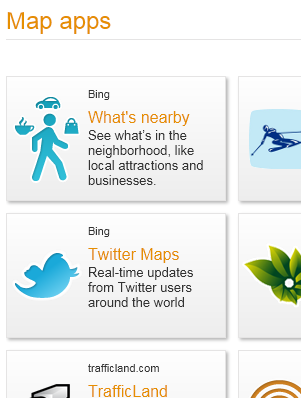
Clicking that button will bring up a gallery of maps apps. Twitter is the first one on the second row:
Selecting the Twitter app will bring up a bunch of blue icons on the map area you have loaded. (Click image below for a larger view.)
Those blue icons indicate Tweets and where they happened.

To embed a map, look for a bunch of blue links above the aforementioned menu at the bottom of the left sidebar:

Click “Embed” and it will bring up the options for displaying the Bing Maps Twitter application on your website.
Then just copy and paste the HTML to your site!