


Bing is testing two options when users hover over an image in its search results: the usual image search option and a new Copilot Visual Search option.
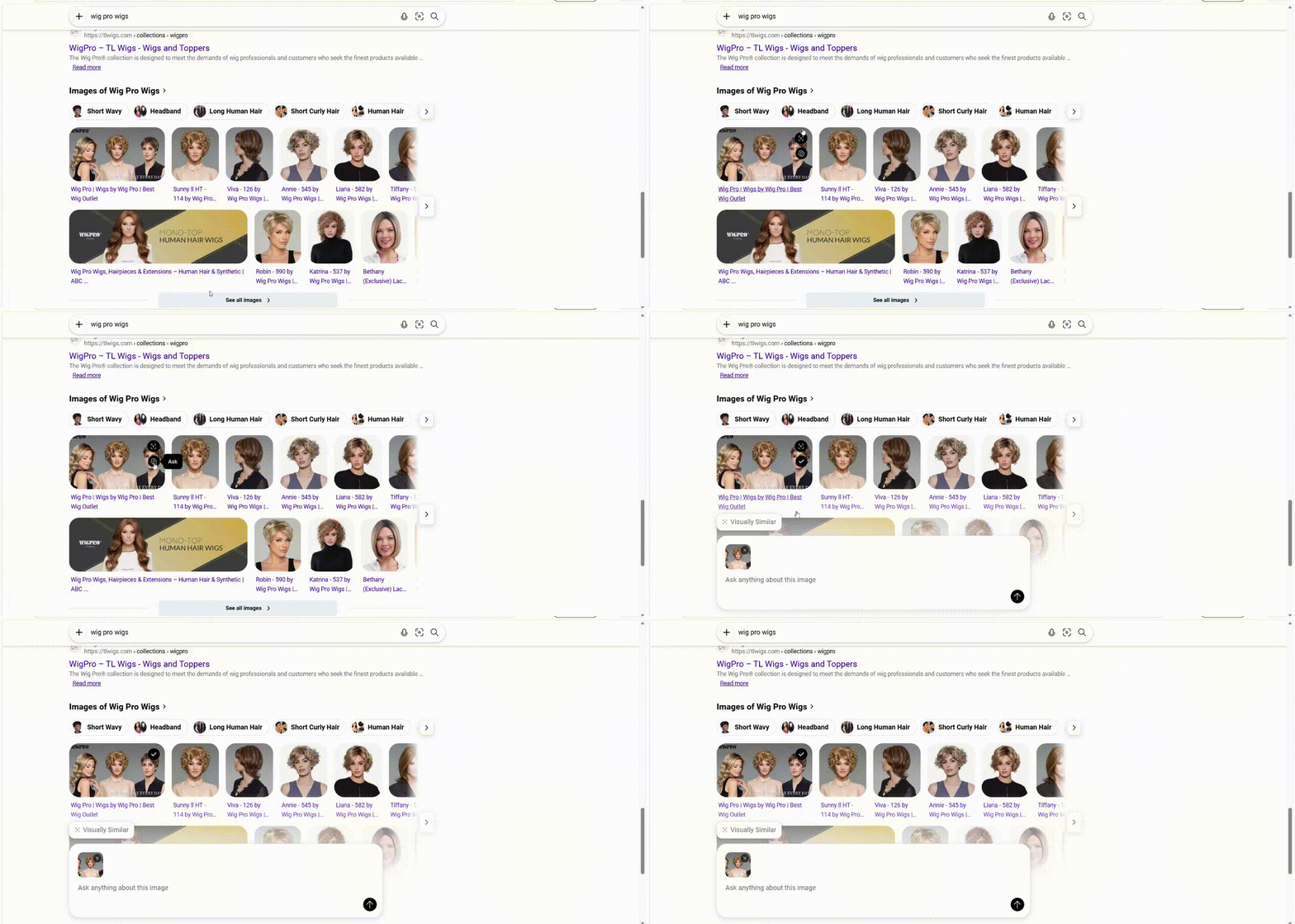
When I hovered over an image, I noticed both options appearing. The first allows users to search using the image, while the second show Copilot icon.
Clicking the Copilot icon opens an “Ask anything about this image” follow-up box, allowing users to ask questions about the selected image withing serp.
Here is how the Copilot Visual Search option appears when hovering over images in Bing search results.
I previously spotted Bing testing Explore Image and Visual Search buttons in its image search box and shared the observation on X. This latest observation shows another way Bing is bringing Copilot into image search.
Start the conversation by posting the first comment