

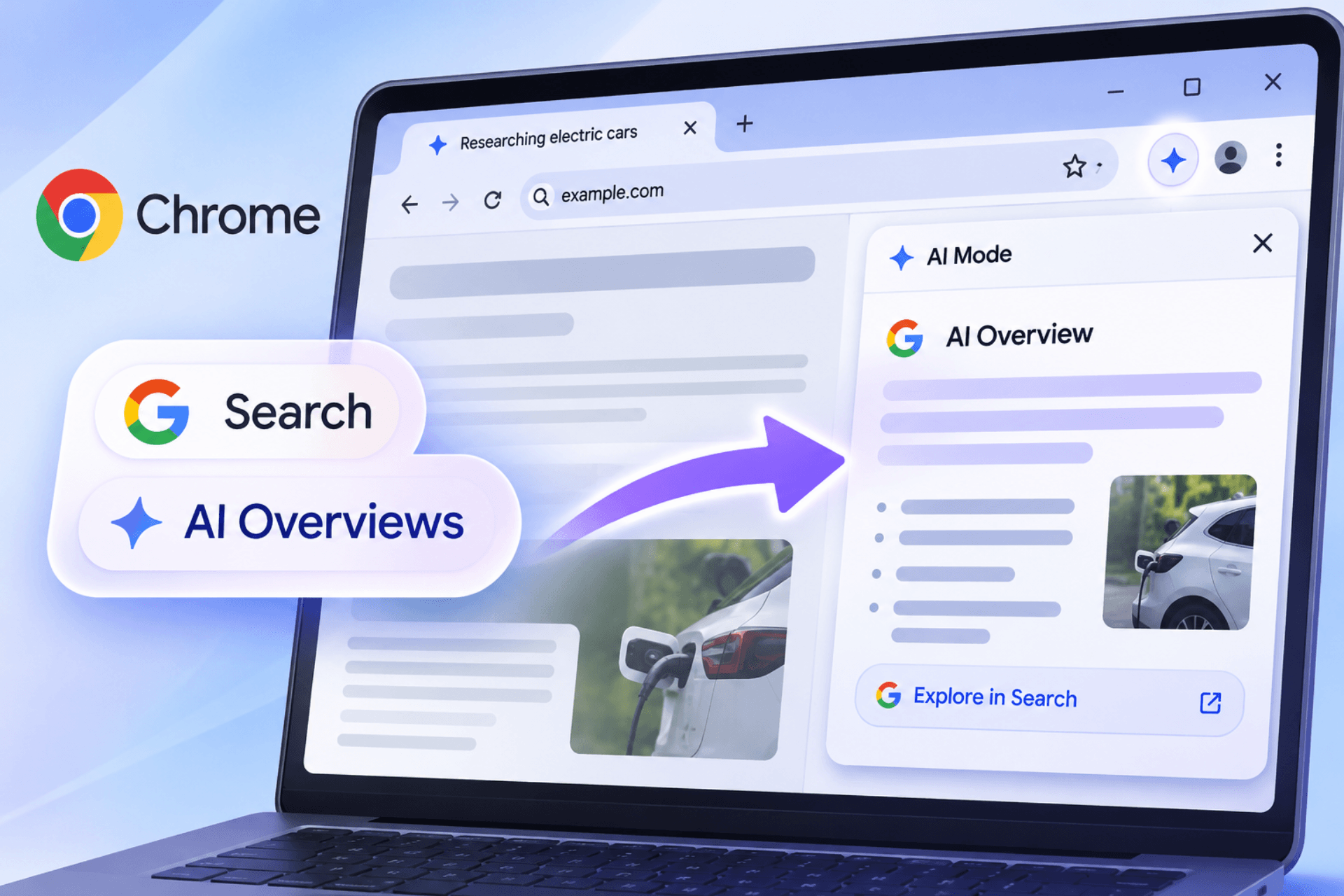
Google appears to be working on a way to reopen AI Overviews from Google Search results pages in Chrome’s side panel when users return to an earlier browsing tab. This is about Google Search AI Overviews, not the AI Overviews available through Google Lens in Chrome.
The feature is part of Chrome’s experimental “ABA Search Journeys” and could help users resume a search without repeating a query. Instead of returning to the Google Search tab, users could reopen the associated AI Overview directly in Chrome’s side panel.
A newly spotted Chrome flag, “Extensions Contextual Tasks API for ABA search journeys,” enables a private Contextual Tasks API used by ABA Search Journeys. It works alongside `#aba-search-journeys` and is available on Mac, Windows, Linux, and ChromeOS.
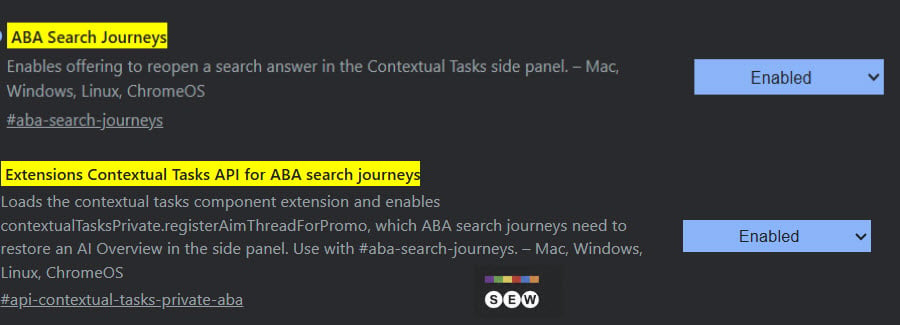
The flag description mentions “contextualTasksPrivate.registerAimThreadForPromo”, an API that lets Google Search register an AI Mode thread for restoration. Chromium’s API documentation explains that Chrome uses the supplied parameters to open the AI Overview as the first turn of an AI Mode conversation.
The workflow involves two tabs. Users open a webpage in one tab, search Google in another and get an AI Overview on the results page. When they return to the original tab, Chrome could show a prompt to open that same answer in the side panel.
Other Chromium changes add cross-tab search detection and let Chrome recognize when a search query matches text recently copied from another tab. Google has also added a word-count threshold for triggering a Search Journey, so not every cross-tab search will qualify.
Both flags remain experimental. Google has not announced a release date for ABA Search Journeys.
Start the conversation by posting the first comment