

Microsoft Bing is showing a different layout in its AI Mode search experience.
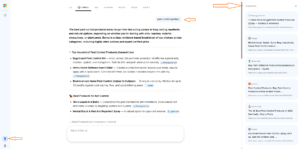
I spotted this variation while searching in Bing AI Mode. The submitted query, which usually appears on the left-hand side, is positioned towards the upper-right side of the response area in this version.
Another noticeable change is a separate panel on the far right, labelled “References”. It displays source links, website names and page titles related to the AI-generated response.
This layout is similar to Google AI Mode, which also displays a References section with links to its sources.
Here is how the new Bing AI Mode layout looks.
Here is how the AI Mode layout usually looks.
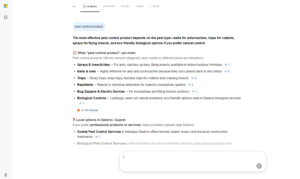
Comparing both screenshots shows the changes in query positioning and the addition of a separate References panel on the right-hand side, allowing users to access source links directly alongside the AI-generated response.
Start the conversation by posting the first comment