Google makes publisher ad load visible in Chrome’s real-user data
Chrome’s new CrUX metrics let advertisers and publishers measure visible ads, viewport density, CPU use and network cost—without giving the industry a definition of an acceptable ad experience.
Google’s experimental CrUX metrics use real Chrome sessions to report visible ads, viewport share, CPU time and network bytes, but they do not yet include a pass/fail standard.
Google has added four advertising metrics to the Chrome User Experience Report (CrUX), giving publishers, advertisers and ad-tech companies a public field-data view of the advertising load experienced by Chrome users.
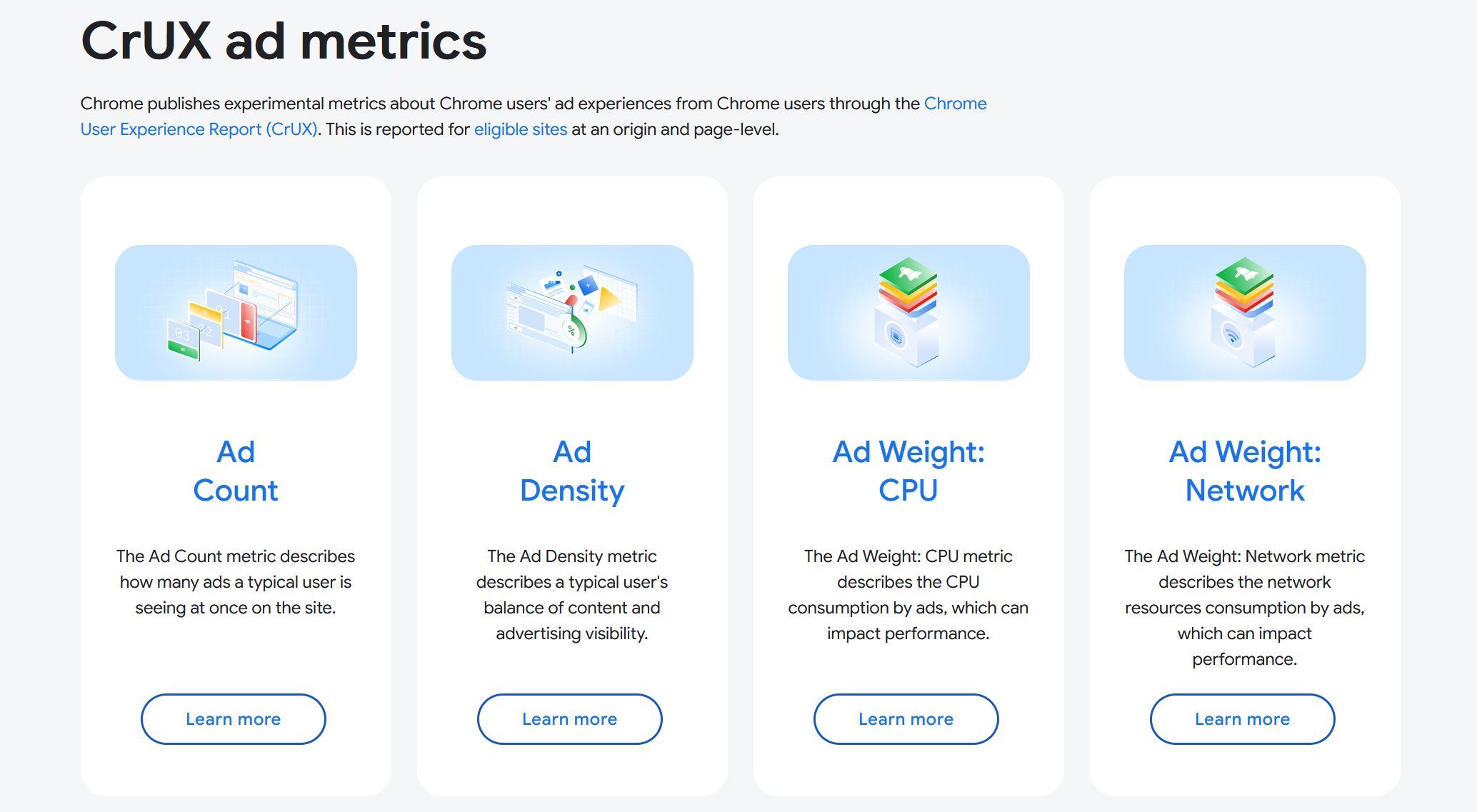
The announcement says the metrics are designed to help the advertising industry evaluate ad opportunities and make product decisions. They cover the number of ads users see, how much of the visible page those ads occupy, and the browser resources used to deliver them.
Google adds four field measures for advertising
Metric
What Chrome measures
Ad Count
The average number of ad frames visible in the viewport during a session.
Ad Density
The average percentage of the viewport occupied by ads.
Ad Weight: CPU
The cumulative CPU execution time used by ad frames and workers.
Ad Weight: Network
The cumulative kilobytes transferred by ad frames and ad resources.
The measurements are reported at the 75th percentile. A reported Ad Density of 23%, for example, means 75% of reported sessions had a density of 23% or lower; the remaining 25% experienced a higher value.
Google says the metrics are not Core Web Vitals and do not have “Good,” “Needs improvement” or “Poor” thresholds. They are labelled experimental while Chrome collects feedback and considers changes.
Chrome identifies ads before it measures them
Chrome’s system classifies advertising at the browser level. It checks subresource and iframe requests against a condensed version of the EasyList filter rules, then analyses the JavaScript stack when scripts create additional resources or frames. Resources inside an iframe already classified as advertising inherit that label.
Chrome is measuring resources and frames it identifies as ad-related; it is not judging whether a creative is useful, relevant or annoying.
The ad-detection documentation says developers can inspect the result in Chrome DevTools. The Application panel can highlight detected ads and show local measurements, while the Network panel can expose an “Is ad-related” column for individual requests.
The public report has an ads.txt condition
The aggregate CrUX metrics are not available for every website. Google’s measurement methodology says Chrome includes only origins with an ads.txt file containing at least one authorized seller. Sites without ads.txt, or with only a placeholder record, are excluded from CrUX ad-metric reporting.
DevTools can still show local ad measurements for a page without an eligible ads.txt file, but those figures will not appear in the public CrUX aggregates.
Google says the metrics are available in CrUX now, with coverage expected to increase over the next month. The tooling guide lists CrUX Vis, the CrUX API, the History API and Chrome DevTools as the initial access points. BigQuery support is still being developed.
The data can expose heavy ads without deciding what “heavy” means
The first version is useful because it separates problems often bundled together as “too many ads.” A page can have a high visible ad count, a large ad-covered viewport, expensive ad scripts or a large network payload. The four measurements let publishers see which cost changes after a template or monetization update.
Google has not published a standard for interpreting the result. There is no threshold for acceptable ad density, no Core Web Vitals-style status and no stated ranking effect. Advertisers can use the data as another media-quality signal, while publishers can compare templates and monitor regressions. A p75 number alone does not establish better attention, conversion, revenue or search performance.


Conversation
Comments are reviewed before they appear. Be kind, be useful.