

If you have events set up to be tracked in Google Analytics, you can now view advanced segments to view traffic data related specifically for the events. To make it happen, first, define an advanced segment to show only traffic from events. Then, activate the defined segment to compare event traffic to overall traffic.
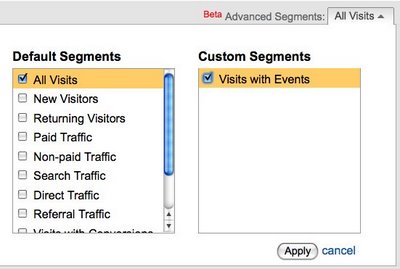
Image via Google Analytics blog
You can view as many segments as you are tracking for events.
Google created a handy video for setting up the advanced segment tracking for events. Check it out below: