Last year, Bing introduced friend tagging in search results. According to Bing, allowing you to tag friends – or yourself – in search results helped you tap into the resources and “wisdom of your social network” to get you the answers you were looking for.
The experiment worked. Bing continues to augment Social Sidebar and are now expanding Bing Tags.
Bing now allows you to make your tags public. In the past, search results pages you were tagged in were only seen by your friends. Starting this week, you can choose to select tags that you want marked as public.
When you tag your friends in a search result, a notice will be sent and your friend can then approve the tag to make it public. Or, you can still choose not to. Bing continues to stress that users have “full control” over what is publicly shown on Bing search result pages.
Tags will not become public unless the person tagged chooses to approve it to be public. If you have existing tags, nothing has been changed. Your tags are still only able to be seen by your friends. To make them public, you will have to approve them to be public.
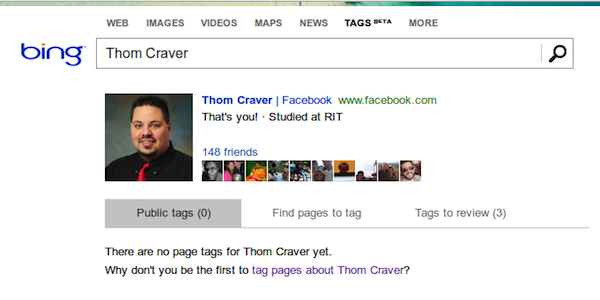
To check out your tags, go to Bing.com/tags and sign in with the link in the top-right corner.
Leave a Reply
You must be logged in to post a comment.