A Visual Tour Through the Updated LinkedIn iPhone App
LinkedIn updated their iPhone app this week. Here’s a visual tour of what to expect.
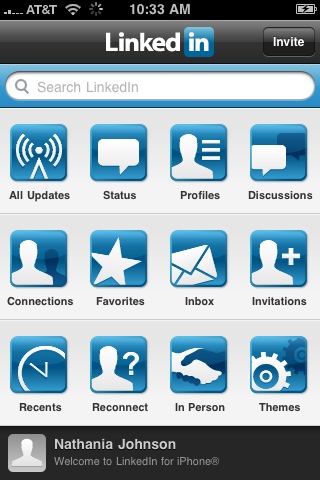
The homepage features icons that enable users to easily navigate the app:
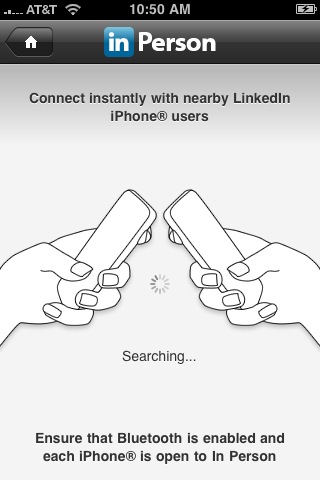
One of the coolest things you can do is find people near you on LinkedIn. Just make sure Bluetooth is enabled on your phone. When you’re out networking, this is an easy way to automatically add new people to your network.
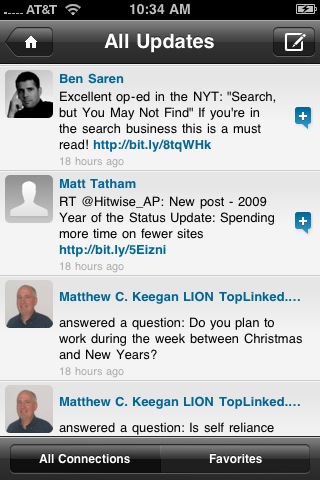
The app also lets you view items you’re more familiar with on LinkedIn.com, such as updates from your network:
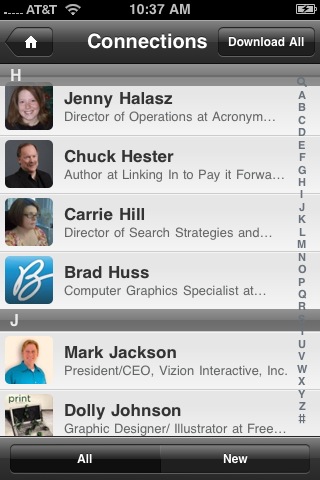
Find your contacts on the go…
Make sure your own profile is intact (click on your name at the bottom of the app)…
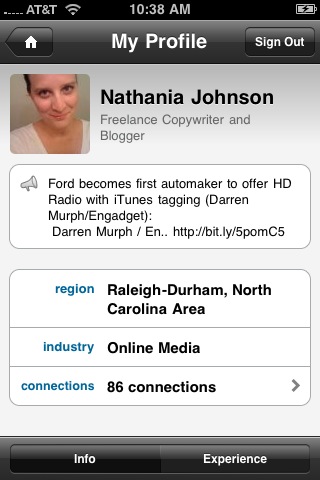
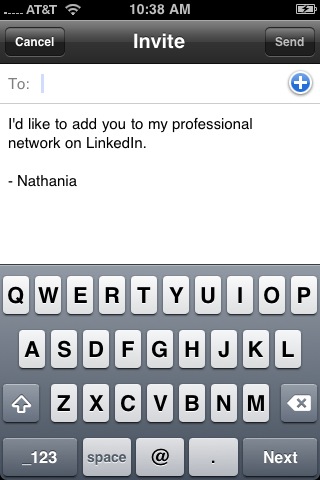
Use the invite button in the top right corner to invite contacts to LinkedIn directly from the app:
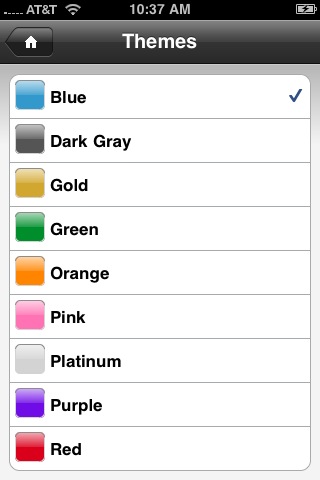
And choose a color theme….
Leave a Reply
You must be logged in to post a comment.