Twitter Expands Location Sharing Feature
It’s gonna be a great year for stalkers.
In August, Twitter unveiled a location-sharing feature. It was limited to the API, so that developers could incorporate location data without having to require profiles in their own apps.
Now, Twitter is allowing geotagged Tweets directly from its site. The update is being rolled out, so most of you don’t have it yet. Or you might just need to use the right browser.
Tweeting with location only works on Firefox 3.5 and Google Chrome on Windows. Sorry, Safari and IE users.
If you want to use the feature, you’ll need to make sure you opt-in to location sharing. You can do this in your account settings.
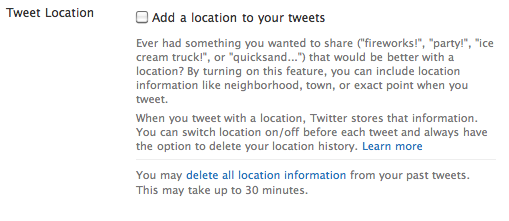
Once you get the update, you’ll see a crosshair icon under your update box. Click on it to set the location for your Tweet. You’ll be prompted to let the browser remember your location. Then, Twitter will attempt to find you.

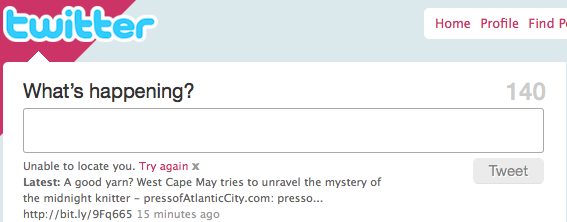
Ok, that didn’t work. Here’s what it looks like when it does:
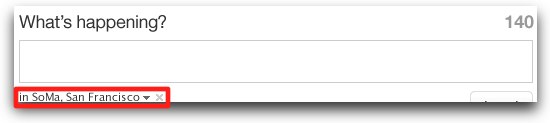
Image via the “How to Tweet with Your Location” document.
Have you gotten the geotag update yet? Do you like it? Share your first impressions by leaving a comment below.
Leave a Reply
You must be logged in to post a comment.